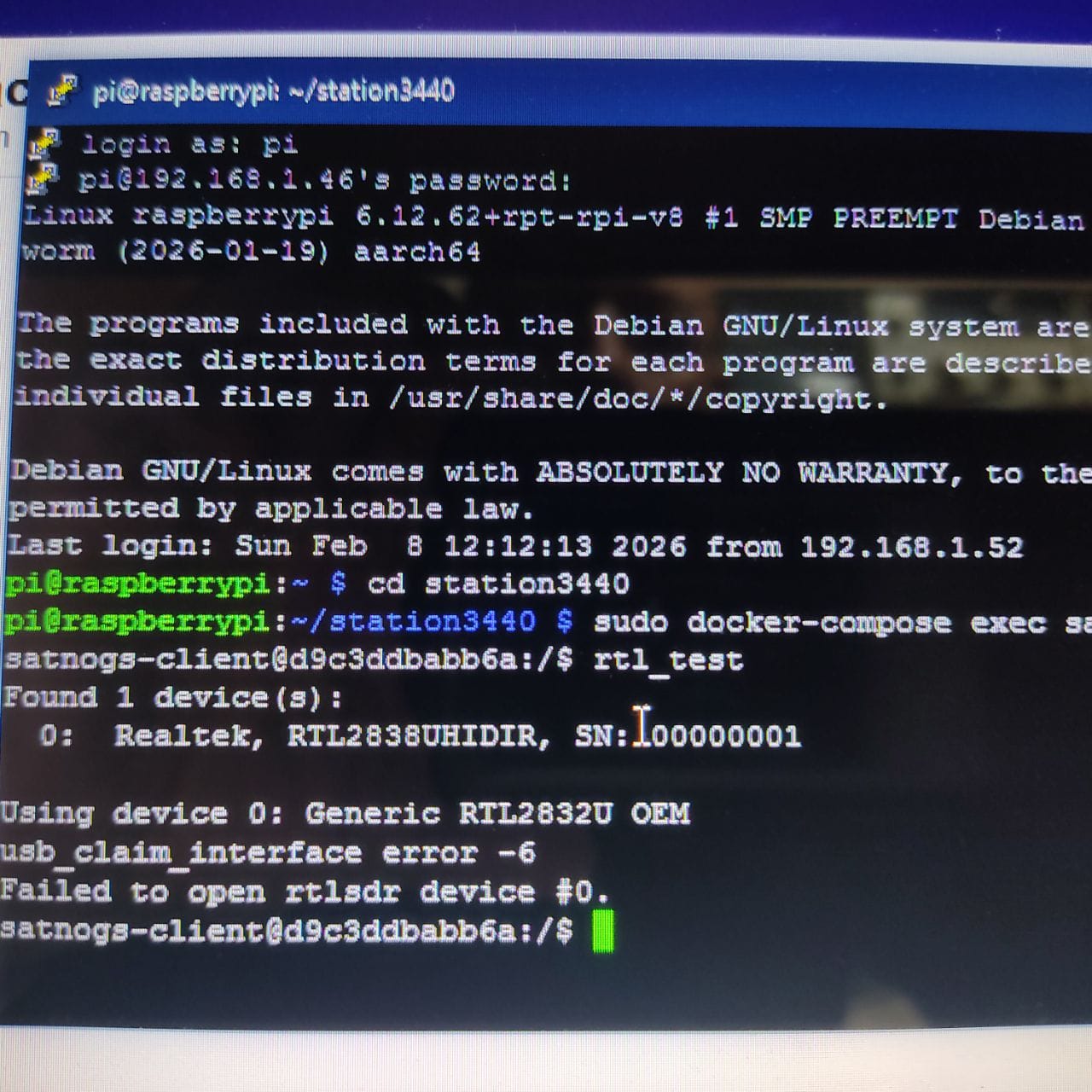
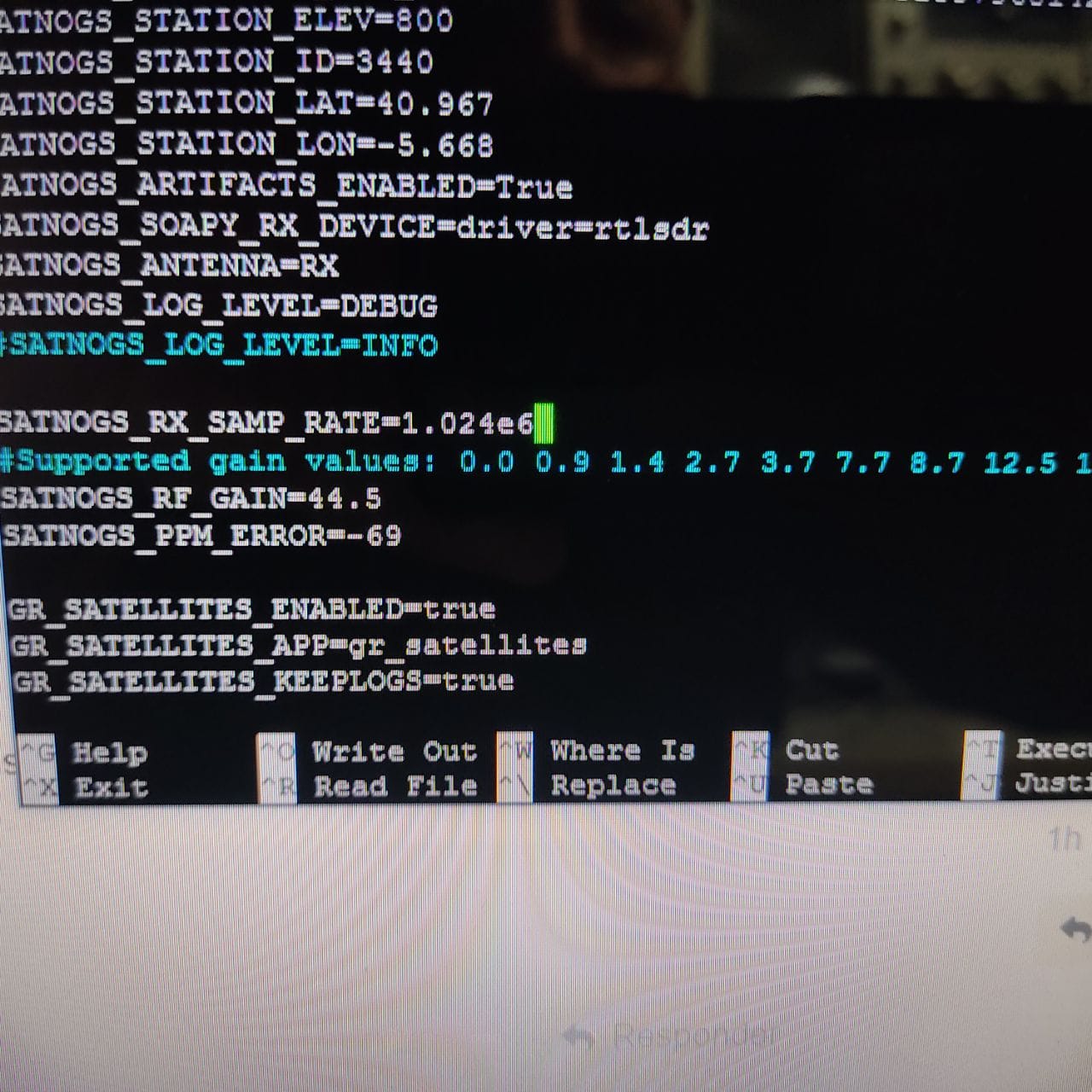
who need this tutorial? for those who are dizzy, confused, or desperate about how to install and run the latest version of SatNOGS ground station on a Raspberry Pi
minimum setup
- rtl-sdr
- raspberry pi 3/4.
- internet over lan cable
I recommend Raspberry Pi OS Lite (bookworm version), because trixie not supported yet by satnogs
extract and flash to memory card (cautious: change /dev/sdx with your sd card location. you can use sudo fdisk -l command for make sure)
sudo dd if=2025-05-13-raspios-bookworm-arm64-lite.img of=/dev/sdx bs=1M conv=fsync status=progress
or or for hassle free you can use raspberry pi imager
SDR setup
login to raspberry console
sudo nano /etc/modprobe.d/blacklist-sdr.conf
copy paste this
blacklist rtl2832_sdr
blacklist dvb_usb_rtl28xxu
blacklist rtl2832
blacklist airspy
blacklist hackrf
blacklist msi001
blacklist msi2500
save with ctrl+x
sudo nano /etc/udev/rules.d/rtl-sdr.rules
copy paste this
#
# Copyright 2012-2013 Osmocom rtl-sdr project
#
# This program is free software: you can redistribute it and/or modify
# it under the terms of the GNU General Public License as published by
# the Free Software Foundation, either version 3 of the License, or
# (at your option) any later version.
#
# This program is distributed in the hope that it will be useful,
# but WITHOUT ANY WARRANTY; without even the implied warranty of
# MERCHANTABILITY or FITNESS FOR A PARTICULAR PURPOSE.  See the
# GNU General Public License for more details.
#
# You should have received a copy of the GNU General Public License
# along with this program.  If not, see <http://www.gnu.org/licenses/>.
#

# original RTL2832U vid/pid (hama nano, for example)
SUBSYSTEMS=="usb", ATTRS{idVendor}=="0bda", ATTRS{idProduct}=="2832", ENV{ID_SOFTWARE_RADIO}="1", MODE="0660", GROUP="plugdev"

# RTL2832U OEM vid/pid, e.g. ezcap EzTV668 (E4000), Newsky TV28T (E4000/R820T) etc.
SUBSYSTEMS=="usb", ATTRS{idVendor}=="0bda", ATTRS{idProduct}=="2838", ENV{ID_SOFTWARE_RADIO}="1", MODE="0660", GROUP="plugdev"

# DigitalNow Quad DVB-T PCI-E card (4x FC0012?)
SUBSYSTEMS=="usb", ATTRS{idVendor}=="0413", ATTRS{idProduct}=="6680", ENV{ID_SOFTWARE_RADIO}="1", MODE="0660", GROUP="plugdev"

# Leadtek WinFast DTV Dongle mini D (FC0012)
SUBSYSTEMS=="usb", ATTRS{idVendor}=="0413", ATTRS{idProduct}=="6f0f", ENV{ID_SOFTWARE_RADIO}="1", MODE="0660", GROUP="plugdev"

# Genius TVGo DVB-T03 USB dongle (Ver. B)
SUBSYSTEMS=="usb", ATTRS{idVendor}=="0458", ATTRS{idProduct}=="707f", ENV{ID_SOFTWARE_RADIO}="1", MODE="0660", GROUP="plugdev"

# Terratec Cinergy T Stick Black (rev 1) (FC0012)
SUBSYSTEMS=="usb", ATTRS{idVendor}=="0ccd", ATTRS{idProduct}=="00a9", ENV{ID_SOFTWARE_RADIO}="1", MODE="0660", GROUP="plugdev"

# Terratec NOXON rev 1 (FC0013)
SUBSYSTEMS=="usb", ATTRS{idVendor}=="0ccd", ATTRS{idProduct}=="00b3", ENV{ID_SOFTWARE_RADIO}="1", MODE="0660", GROUP="plugdev"

# Terratec Deutschlandradio DAB Stick (FC0013)
SUBSYSTEMS=="usb", ATTRS{idVendor}=="0ccd", ATTRS{idProduct}=="00b4", ENV{ID_SOFTWARE_RADIO}="1", MODE="0660", GROUP="plugdev"

# Terratec NOXON DAB Stick - Radio Energy (FC0013)
SUBSYSTEMS=="usb", ATTRS{idVendor}=="0ccd", ATTRS{idProduct}=="00b5", ENV{ID_SOFTWARE_RADIO}="1", MODE="0660", GROUP="plugdev"

# Terratec Media Broadcast DAB Stick (FC0013)
SUBSYSTEMS=="usb", ATTRS{idVendor}=="0ccd", ATTRS{idProduct}=="00b7", ENV{ID_SOFTWARE_RADIO}="1", MODE="0660", GROUP="plugdev"

# Terratec BR DAB Stick (FC0013)
SUBSYSTEMS=="usb", ATTRS{idVendor}=="0ccd", ATTRS{idProduct}=="00b8", ENV{ID_SOFTWARE_RADIO}="1", MODE="0660", GROUP="plugdev"

# Terratec WDR DAB Stick (FC0013)
SUBSYSTEMS=="usb", ATTRS{idVendor}=="0ccd", ATTRS{idProduct}=="00b9", ENV{ID_SOFTWARE_RADIO}="1", MODE="0660", GROUP="plugdev"

# Terratec MuellerVerlag DAB Stick (FC0013)
SUBSYSTEMS=="usb", ATTRS{idVendor}=="0ccd", ATTRS{idProduct}=="00c0", ENV{ID_SOFTWARE_RADIO}="1", MODE="0660", GROUP="plugdev"

# Terratec Fraunhofer DAB Stick (FC0013)
SUBSYSTEMS=="usb", ATTRS{idVendor}=="0ccd", ATTRS{idProduct}=="00c6", ENV{ID_SOFTWARE_RADIO}="1", MODE="0660", GROUP="plugdev"

# Terratec Cinergy T Stick RC (Rev.3) (E4000)
SUBSYSTEMS=="usb", ATTRS{idVendor}=="0ccd", ATTRS{idProduct}=="00d3", ENV{ID_SOFTWARE_RADIO}="1", MODE="0660", GROUP="plugdev"

# Terratec T Stick PLUS (E4000)
SUBSYSTEMS=="usb", ATTRS{idVendor}=="0ccd", ATTRS{idProduct}=="00d7", ENV{ID_SOFTWARE_RADIO}="1", MODE="0660", GROUP="plugdev"

# Terratec NOXON rev 2 (E4000)
SUBSYSTEMS=="usb", ATTRS{idVendor}=="0ccd", ATTRS{idProduct}=="00e0", ENV{ID_SOFTWARE_RADIO}="1", MODE="0660", GROUP="plugdev"

# PixelView PV-DT235U(RN) (FC0012)
SUBSYSTEMS=="usb", ATTRS{idVendor}=="1554", ATTRS{idProduct}=="5020", ENV{ID_SOFTWARE_RADIO}="1", MODE="0660", GROUP="plugdev"

# Astrometa DVB-T/DVB-T2 (R828D)
SUBSYSTEMS=="usb", ATTRS{idVendor}=="15f4", ATTRS{idProduct}=="0131", ENV{ID_SOFTWARE_RADIO}="1", MODE="0660", GROUP="plugdev"

# HanfTek DAB+FM+DVB-T
SUBSYSTEMS=="usb", ATTRS{idVendor}=="15f4", ATTRS{idProduct}=="0133", ENV{ID_SOFTWARE_RADIO}="1", MODE="0660", GROUP="plugdev"

# Compro Videomate U620F (E4000)
SUBSYSTEMS=="usb", ATTRS{idVendor}=="185b", ATTRS{idProduct}=="0620", ENV{ID_SOFTWARE_RADIO}="1", MODE="0660", GROUP="plugdev"

# Compro Videomate U650F (E4000)
SUBSYSTEMS=="usb", ATTRS{idVendor}=="185b", ATTRS{idProduct}=="0650", ENV{ID_SOFTWARE_RADIO}="1", MODE="0660", GROUP="plugdev"

# Compro Videomate U680F (E4000)
SUBSYSTEMS=="usb", ATTRS{idVendor}=="185b", ATTRS{idProduct}=="0680", ENV{ID_SOFTWARE_RADIO}="1", MODE="0660", GROUP="plugdev"

# GIGABYTE GT-U7300 (FC0012)
SUBSYSTEMS=="usb", ATTRS{idVendor}=="1b80", ATTRS{idProduct}=="d393", ENV{ID_SOFTWARE_RADIO}="1", MODE="0660", GROUP="plugdev"

# DIKOM USB-DVBT HD
SUBSYSTEMS=="usb", ATTRS{idVendor}=="1b80", ATTRS{idProduct}=="d394", ENV{ID_SOFTWARE_RADIO}="1", MODE="0660", GROUP="plugdev"

# Peak 102569AGPK (FC0012)
SUBSYSTEMS=="usb", ATTRS{idVendor}=="1b80", ATTRS{idProduct}=="d395", ENV{ID_SOFTWARE_RADIO}="1", MODE="0660", GROUP="plugdev"

# KWorld KW-UB450-T USB DVB-T Pico TV (TUA9001)
SUBSYSTEMS=="usb", ATTRS{idVendor}=="1b80", ATTRS{idProduct}=="d397", ENV{ID_SOFTWARE_RADIO}="1", MODE="0660", GROUP="plugdev"

# Zaapa ZT-MINDVBZP (FC0012)
SUBSYSTEMS=="usb", ATTRS{idVendor}=="1b80", ATTRS{idProduct}=="d398", ENV{ID_SOFTWARE_RADIO}="1", MODE="0660", GROUP="plugdev"

# SVEON STV20 DVB-T USB & FM (FC0012)
SUBSYSTEMS=="usb", ATTRS{idVendor}=="1b80", ATTRS{idProduct}=="d39d", ENV{ID_SOFTWARE_RADIO}="1", MODE="0660", GROUP="plugdev"

# Twintech UT-40 (FC0013)
SUBSYSTEMS=="usb", ATTRS{idVendor}=="1b80", ATTRS{idProduct}=="d3a4", ENV{ID_SOFTWARE_RADIO}="1", MODE="0660", GROUP="plugdev"

# ASUS U3100MINI_PLUS_V2 (FC0013)
SUBSYSTEMS=="usb", ATTRS{idVendor}=="1b80", ATTRS{idProduct}=="d3a8", ENV{ID_SOFTWARE_RADIO}="1", MODE="0660", GROUP="plugdev"

# SVEON STV27 DVB-T USB & FM (FC0013)
SUBSYSTEMS=="usb", ATTRS{idVendor}=="1b80", ATTRS{idProduct}=="d3af", ENV{ID_SOFTWARE_RADIO}="1", MODE="0660", GROUP="plugdev"

# SVEON STV21 DVB-T USB & FM
SUBSYSTEMS=="usb", ATTRS{idVendor}=="1b80", ATTRS{idProduct}=="d3b0", ENV{ID_SOFTWARE_RADIO}="1", MODE="0660", GROUP="plugdev"

# Dexatek DK DVB-T Dongle (Logilink VG0002A) (FC2580)
SUBSYSTEMS=="usb", ATTRS{idVendor}=="1d19", ATTRS{idProduct}=="1101", ENV{ID_SOFTWARE_RADIO}="1", MODE="0660", GROUP="plugdev"

# Dexatek DK DVB-T Dongle (MSI DigiVox mini II V3.0)
SUBSYSTEMS=="usb", ATTRS{idVendor}=="1d19", ATTRS{idProduct}=="1102", ENV{ID_SOFTWARE_RADIO}="1", MODE="0660", GROUP="plugdev"

# Dexatek DK 5217 DVB-T Dongle (FC2580)
SUBSYSTEMS=="usb", ATTRS{idVendor}=="1d19", ATTRS{idProduct}=="1103", ENV{ID_SOFTWARE_RADIO}="1", MODE="0660", GROUP="plugdev"

# MSI DigiVox Micro HD (FC2580)
SUBSYSTEMS=="usb", ATTRS{idVendor}=="1d19", ATTRS{idProduct}=="1104", ENV{ID_SOFTWARE_RADIO}="1", MODE="0660", GROUP="plugdev"

# Sweex DVB-T USB (FC0012)
SUBSYSTEMS=="usb", ATTRS{idVendor}=="1f4d", ATTRS{idProduct}=="a803", ENV{ID_SOFTWARE_RADIO}="1", MODE="0660", GROUP="plugdev"

# GTek T803 (FC0012)
SUBSYSTEMS=="usb", ATTRS{idVendor}=="1f4d", ATTRS{idProduct}=="b803", ENV{ID_SOFTWARE_RADIO}="1", MODE="0660", GROUP="plugdev"

# Lifeview LV5TDeluxe (FC0012)
SUBSYSTEMS=="usb", ATTRS{idVendor}=="1f4d", ATTRS{idProduct}=="c803", ENV{ID_SOFTWARE_RADIO}="1", MODE="0660", GROUP="plugdev"

# MyGica TD312 (FC0012)
SUBSYSTEMS=="usb", ATTRS{idVendor}=="1f4d", ATTRS{idProduct}=="d286", ENV{ID_SOFTWARE_RADIO}="1", MODE="0660", GROUP="plugdev"

# PROlectrix DV107669 (FC0012)
SUBSYSTEMS=="usb", ATTRS{idVendor}=="1f4d", ATTRS{idProduct}=="d803", ENV{ID_SOFTWARE_RADIO}="1", MODE="0660", GROUP="plugdev"
save with ctrl+x
if you use other than rtl-sdr, look here rules for other device or just run lsusb to find current device idvendor and idproduct (look this link for howto)
restart raspberrypi
sudo reboot
Install docker
sudo apt update
sudo apt install docker-compose docker.io
create station directory.
adjust the directory name, according to your station name.
mkdir ~/station4365
cd ~/station4365
nano docker-compose.yml
copy paste this
version: '3.8'
services:

  rigctld:
    image: librespace/hamlib:latest
    user: '500'
    read_only: true
    environment:
      MODEL: '1'
      PORT: '4532'
    restart: 'unless-stopped'
    command: 'rigctld'

  satnogs_client:
    image: librespace/satnogs-client:master-unstable
    user: '500'
    read_only: true
    init: true
    env_file:
      - ./station.env
    environment:
      SATNOGS_RIG_IP: 'rigctld'
      SATNOGS_RIG_PORT: '4532'
    command: 'satnogs-client'
    device_cgroup_rules:
      - 'c 189:* rwm'
    devices:
      - '/dev/bus/usb'
    volumes:
      - type: 'tmpfs'
        target: '/tmp'
      - type: 'volume'
        source: 'satnogs-client-latest'
        target: '/var/lib/satnogs-client'
    restart: 'unless-stopped'
    stop_grace_period: 1s

volumes:
  satnogs-client-latest:
nano station.env
copy paste this
SATNOGS_API_TOKEN=xxx
SATNOGS_ARTIFACTS_API_TOKEN=xxx
SATNOGS_STATION_ELEV=0
SATNOGS_STATION_ID=xxx
SATNOGS_STATION_LAT=xxx
SATNOGS_STATION_LON=xxx
SATNOGS_ARTIFACTS_ENABLED=True
SATNOGS_SOAPY_RX_DEVICE=driver=rtlsdr
SATNOGS_ANTENNA=RX
#SATNOGS_LOG_LEVEL=DEBUG
SATNOGS_LOG_LEVEL=INFO

SATNOGS_RX_SAMP_RATE=2.048e6
#Supported gain values: 0.0 0.9 1.4 2.7 3.7 7.7 8.7 12.5 14.4 15.7 16.6 19.7 20.7 22.9 25.4 28.0 29.7 32.8 33.8 36.4 37.2 38.6 40.2 42.1 43.4 43.9 44.5 48.0 49.6
SATNOGS_RF_GAIN=15.7
SATNOGS_PPM_ERROR=0

GR_SATELLITES_ENABLED=true
GR_SATELLITES_APP=gr_satellites
GR_SATELLITES_KEEPLOGS=true

UDP_DUMP_HOST=0.0.0.0
please change xxx value with your satnogs account.
API_TOKEN get here (API KEY):
ARTIFACTS_API_TOKEN get here
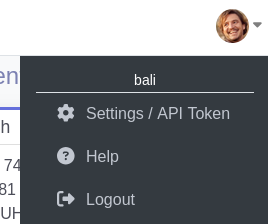
STATION_ID

you get after click and complete

run satnogs-client docker:
cd ~/station4365
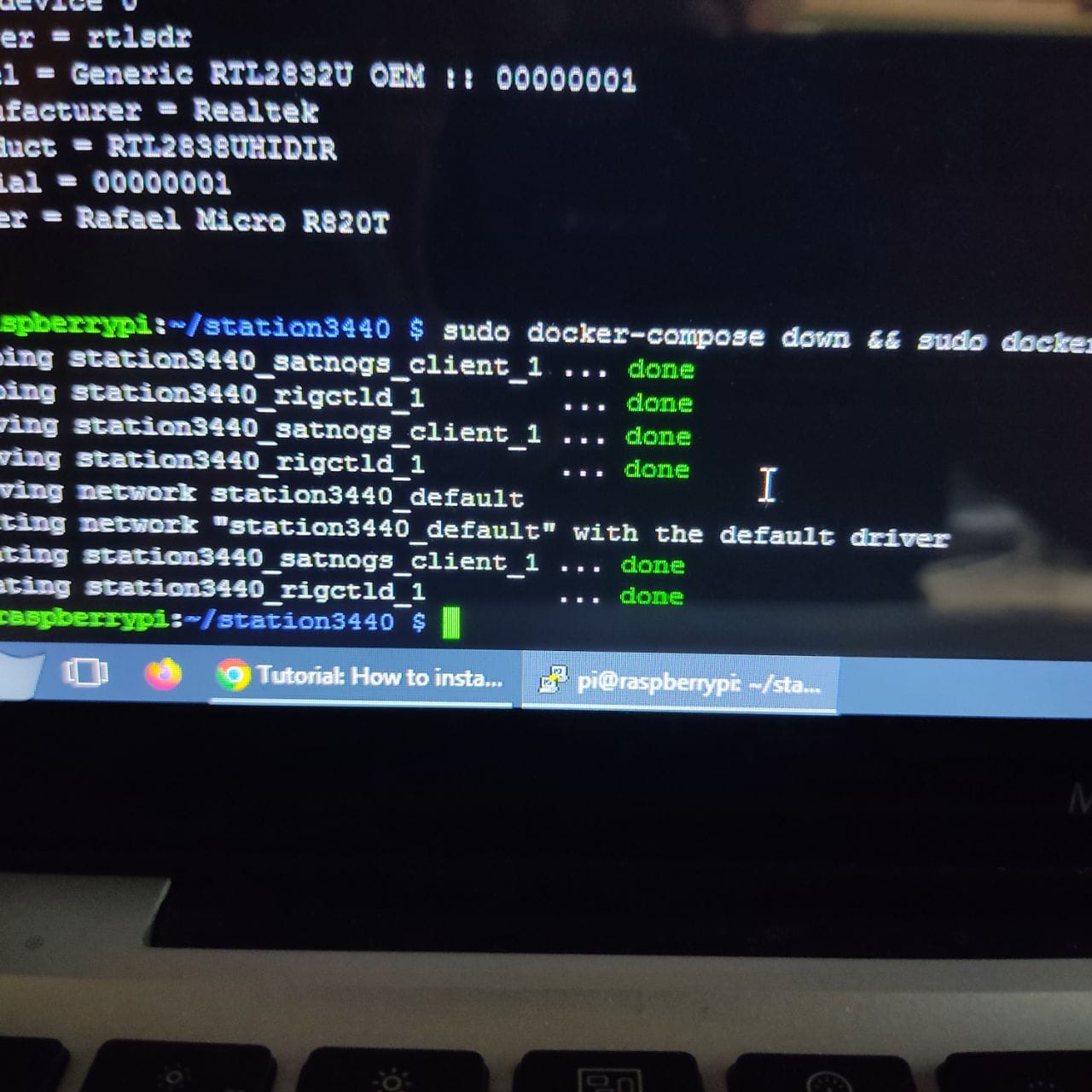
sudo docker-compose down && sudo docker-compose up -d
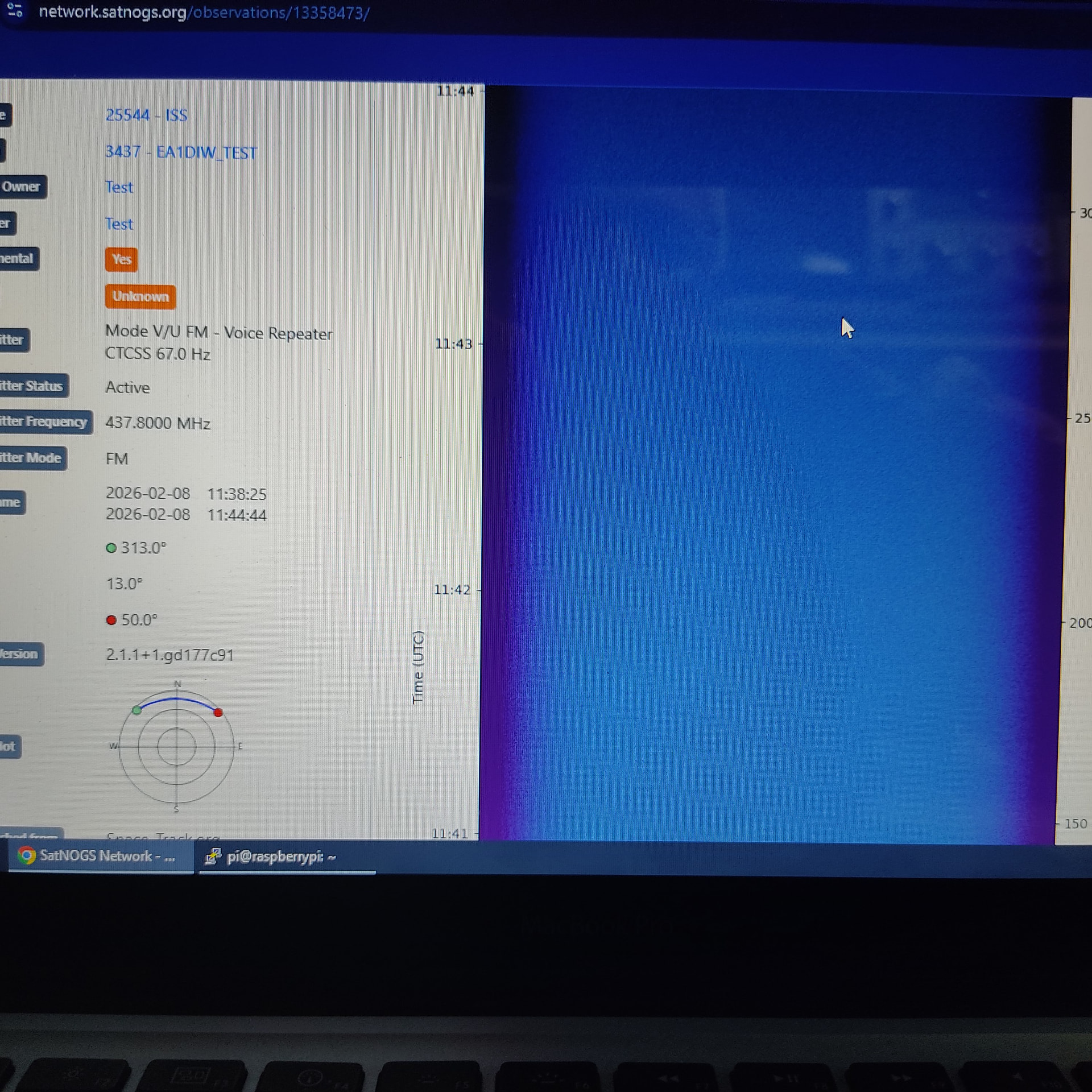
open your browser, and check your satnogs dashboard
it should be green or orange label (testing mode)

rotator:
if your station using rotator, add this additional line to your docker-compose.yml (put between rigctld: and satnogs_client: ), if no or static antenna, just ignore this.
nano docker-compose.yml
copy paste this
  rotctld:
    image: librespace/hamlib:latest
    user: '500'
    read_only: true
    ports:
      - '4533'
    devices:
      - /dev/ttyUSB0
    restart: 'unless-stopped'
    command: 'rotctld -m 601 -r /dev/ttyUSB0 -s 9600 -T 0.0.0.0'
change 601 with your rotator model. 601 is for Yaesu GS-232A
click here for full list supported
 Rot #  Mfg                    Model                   Version         Status        Macro
     1  Hamlib                 Dummy                   20220531.0      Stable        ROT_MODEL_DUMMY
     2  Hamlib                 NET rotctl              20221110.0      Stable        ROT_MODEL_NETROTCTL
   201  Hamlib                 EasycommI               20220109.0      Stable        ROT_MODEL_EASYCOMM1
   202  Hamlib                 EasycommII              20191206.0      Stable        ROT_MODEL_EASYCOMM2
   204  Hamlib                 EasycommIII             20201203.0      Stable        ROT_MODEL_EASYCOMM3
   301  XQ2FOD                 Fodtrack                20200107.0      Stable        ROT_MODEL_FODTRACK
   401  Idiom Press            Rotor-EZ                20220109.0      Stable        ROT_MODEL_ROTOREZ
   402  Idiom Press            RotorCard               20100214.0      Beta          ROT_MODEL_ROTORCARD
   403  Hy-Gain                DCU-1/DCU-1X            20100823.0      Stable        ROT_MODEL_DCU
   404  DF9GR                  ERC                     20100823.2      Stable        ROT_MODEL_ERC
   405  Green Heron            RT-21                   20220104.0      Stable        ROT_MODEL_RT21
   406  Hy-Gain                DCU2/DCU3/YRC-1         20100823.2      Stable        ROT_MODEL_YRC1
   501  SARtek                 SARtek-1                20061007.0      Beta          ROT_MODEL_SARTEK1
   601  Yaesu                  GS-232A                 20220109.0      Stable        ROT_MODEL_GS232A
   602  Various                GS-232 Generic          20220109.0      Stable        ROT_MODEL_GS232_GENERIC
   603  Yaesu                  GS-232B                 20220109.0      Stable        ROT_MODEL_GS232B
   604  F1TE                   GS232/F1TE Tracker      20220109.0      Stable        ROT_MODEL_F1TETRACKER
   605  Yaesu/Kenpro           GS-23                   20220109.0      Stable        ROT_MODEL_GS23
   606  Yaesu/Kenpro           GS-232                  20220109.0      Stable        ROT_MODEL_GS232
   607  AMSAT                  LVB Tracker             20220109.0      Stable        ROT_MODEL_LVB
   608  FoxDelta               GS232/ST2               20220109.0      Stable        ROT_MODEL_ST2
   609  Yaesu                  GS-232A azimuth         20220109.0      Stable        ROT_MODEL_GS232A_AZ
   610  Yaesu                  GS-232A elevation       20220109.0      Stable        ROT_MODEL_GS232A_EL
   611  Yaesu                  GS-232B azimuth         20220109.0      Stable        ROT_MODEL_GS232B_AZ
   612  Yaesu                  GS-232B elevation       20220109.0      Stable        ROT_MODEL_GS232B_EL
   701  WA6UFQ                 PcRotor                 20081013.0      Beta          ROT_MODEL_PCROTOR
   801  Heathkit               HD 1780 Intellirotor    20220109.0      Stable        ROT_MODEL_HD1780
   901  SPID                   Rot2Prog                20220109.0      Stable        ROT_MODEL_SPID_ROT2PROG
   902  SPID                   Rot1Prog                20220109.0      Stable        ROT_MODEL_SPID_ROT1PROG
   903  SPID                   MD-01/02 (ROT2 mode)    20220109.0      Stable        ROT_MODEL_SPID_MD01_ROT2PROG
  1001  M2                     RC2800                  20210129        Stable        ROT_MODEL_RC2800
  1002  M2                     RC2800_EARLY_AZ         20201130        Stable        ROT_MODEL_RC2800_EARLY_AZ
  1003  M2                     RC2800_EARLY_AZEL       20201130        Stable        ROT_MODEL_RC2800_EARLY_AZEL
  1101  EA4TX                  ARS RCI AZ&EL           20200112.0      Stable        ROT_MODEL_RCI_AZEL
  1102  EA4TX                  ARS RCI AZ              20200112.0      Stable        ROT_MODEL_RCI_AZ
  1201  AMSAT                  IF-100                  20110531.0      Beta          ROT_MODEL_IF100
  1301  LA7LKA                 ts7400                  20200113.0      Stable        ROT_MODEL_TS7400
  1401  Celestron              NexStar                 20220109.0      Beta          ROT_MODEL_NEXSTAR
  1501  DG9OAA                 Ether6 (via ethernet)   20220109.0      Stable        ROT_MODEL_ETHER6
  1601  CNCTRK                 CNCTRK                  20220109.0      Beta          ROT_MODEL_CNCTRK
  1701  Prosistel              D azimuth               20201215.0      Stable        ROT_MODEL_PROSISTEL_D_AZ
  1702  Prosistel              D elevation             20201215.0      Stable        ROT_MODEL_PROSISTEL_D_EL
  1703  Prosistel              Combi-Track az+el       20201215.0      Stable        ROT_MODEL_PROSISTEL_COMBI_TRACK_AZEL
  1704  Prosistel              D elevation CBOX az     20221215.0      Stable        ROT_MODEL_PROSISTEL_D_EL_CBOXAZ
  1801  Meade                  LX200/Autostar          20220109.0      Stable        ROT_MODEL_MEADE
  1901  iOptron                iOptron                 20220109.0      Stable        ROT_MODEL_IOPTRON
  2101  SatEL                  SatEL                   20210123.0      Stable        ROT_MODEL_SATEL
  2201  Radant                 AZ-1/AZV-1              20210508.0      Stable        ROT_MODEL_RADANT
  2401  BG5DIW                 GRBLTRK via Serial      20220515.0      Beta          ROT_MODEL_GRBLTRK_SER
  2402  BG5DIW                 GRBLTRK via Net         20220515.0      Beta          ROT_MODEL_GRBLTRK_NET
now edit your station.conf and add following line:
copy paste this
#ROTATOR
SATNOGS_ROT_ENABLED=true
SATNOGS_ROT_MODEL=ROT_MODEL_NETROTCTL
SATNOGS_ROT_PORT=rotctld:4533
SATNOGS_ROT_MIN_AZ=0
SATNOGS_ROT_MAX_AZ=360
SATNOGS_ROT_MIN_EL=0
SATNOGS_ROT_MAX_EL=90
SATNOGS_ROT_THRESHOLD=4
SATNOGS_ROT_THRESHOLD = Rotator movement threshold, in degrees. If set, the rotator will only be commanded when the target has moved more than degrees away from the current azimuth/elevation position. Default: 4 degrees
now restart your docker station. and if you see the logs like below, congratz your rotator is working!
working rotator log example
satnogs_client_1  | INFO     satnogsclient.observer.observer Begin observation 14123674 ...
satnogs_client_1  | rot_init called
satnogs_client_1  | initrots4_dummy: _init called
satnogs_client_1  | rot_register (1)
satnogs_client_1  | rot_register (2)
satnogs_client_1  | rot_open called
satnogs_client_1  | network_open: hoststr=rotctld, portstr=4533
satnogs_client_1  | network_open: client port=28351
satnogs_client_1  | netrotctl_open called
satnogs_client_1  | rig_flush: called for network device
satnogs_client_1  | network_flush called
satnogs_client_1  | write_block(): TX 12 bytes, method=2
satnogs_client_1  | 0000    5c 64 75 6d 70 5f 73 74 61 74 65 0a                 \dump_state.
satnogs_client_1  | read_string_generic called, rxmax=64 direct=1, expected_len=1
satnogs_client_1  | read_string_generic(): RX 2 characters, direct=1                                                                satnogs_client_1  | 0000    31 0a                                               1.
satnogs_client_1  | read_string_generic called, rxmax=64 direct=1, expected_len=1
satnogs_client_1  | read_string_generic(): RX 4 characters, direct=1                                                                satnogs_client_1  | 0000    36 30 31 0a                                         601.
satnogs_client_1  | read_string_generic called, rxmax=64 direct=1, expected_len=1
satnogs_client_1  | read_string_generic(): RX 19 characters, direct=1                                                               satnogs_client_1  | 0000    6d 69 6e 5f 61 7a 3d 2d 31 38 30 2e 30 30 30 30     min_az=-180.0000
satnogs_client_1  | 0010    30 30 0a                                            00.
satnogs_client_1  | read_string_generic called, rxmax=64 direct=1, expected_len=1
satnogs_client_1  | read_string_generic(): RX 18 characters, direct=1
satnogs_client_1  | 0000    6d 61 78 5f 61 7a 3d 34 35 30 2e 30 30 30 30 30     max_az=450.00000
satnogs_client_1  | 0010    30 0a                                               0.
satnogs_client_1  | read_string_generic called, rxmax=64 direct=1, expected_len=1
satnogs_client_1  | read_string_generic(): RX 16 characters, direct=1
satnogs_client_1  | 0000    6d 69 6e 5f 65 6c 3d 30 2e 30 30 30 30 30 30 0a     min_el=0.000000.
satnogs_client_1  | read_string_generic called, rxmax=64 direct=1, expected_len=1
satnogs_client_1  | read_string_generic(): RX 18 characters, direct=1
satnogs_client_1  | 0000    6d 61 78 5f 65 6c 3d 31 38 30 2e 30 30 30 30 30     max_el=180.00000
satnogs_client_1  | 0010    30 0a                                               0.
noob tips: if you dont have rotator, but you want trying it, just plug cheap usb to ttl adapter to usb port. and if it work, the led on usb ttl will blinking, indicate command received from satnogs
troubleshoot:
check the log:
cd ~/station4365
sudo docker-compose logs -f
analyze the log:
sudo docker-compose logs --help
sudo docker-compose logs -t --tail="all" | less
check the sdr:
cd ~/station4365
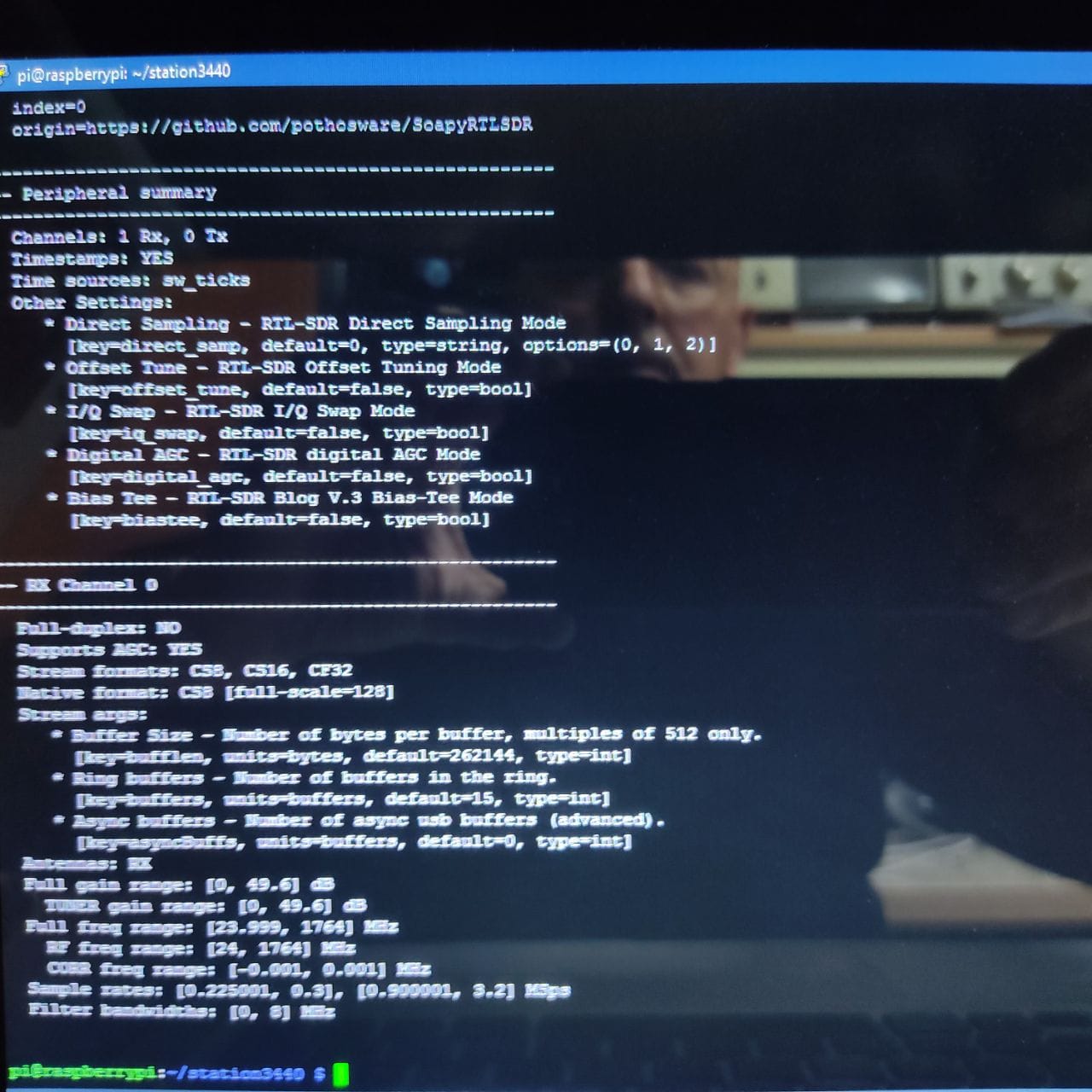
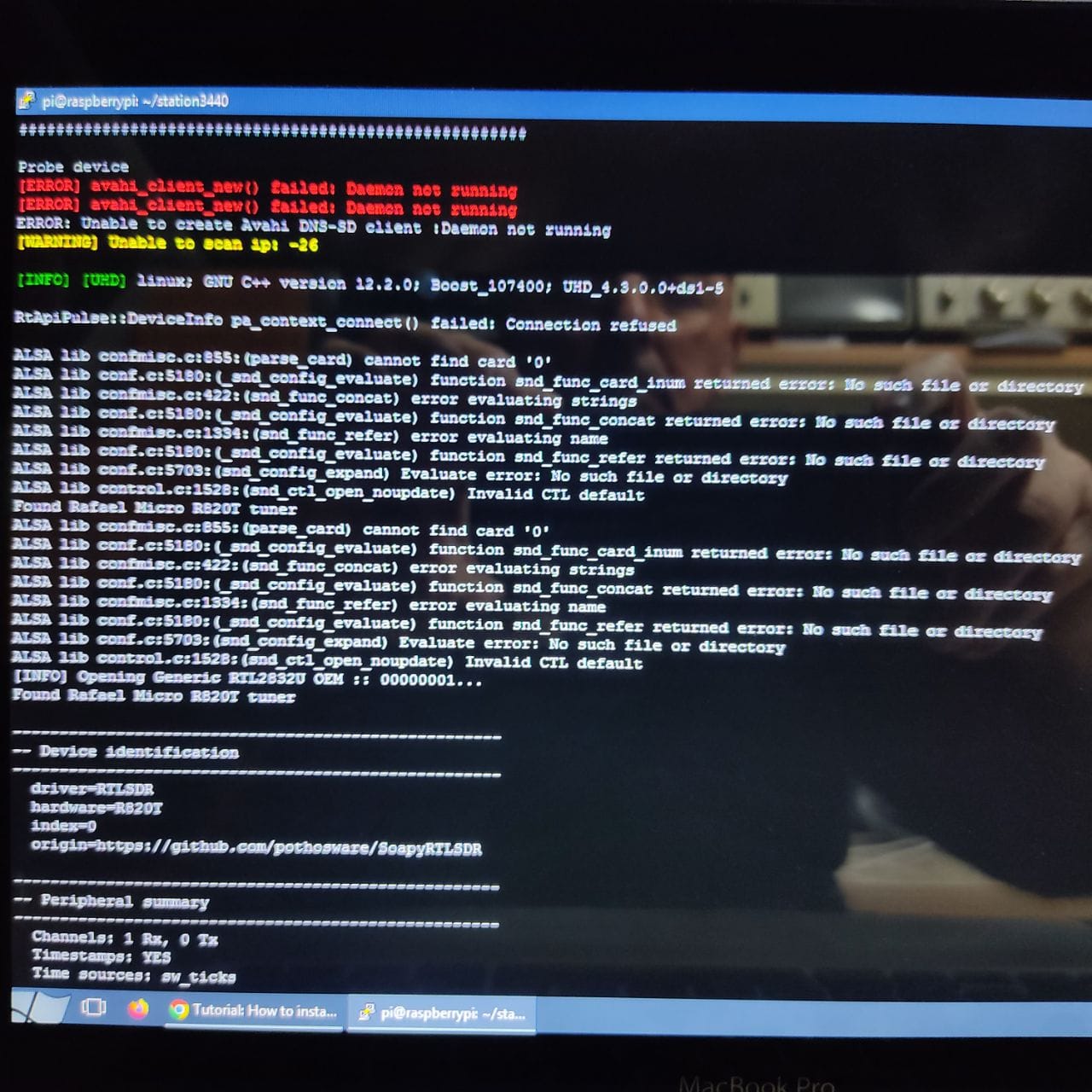
sudo docker-compose exec satnogs_client SoapySDRUtil --probe
you should see your SDR there, it will seen like this:
Found Rafael Micro R828D tuner
RTL-SDR Blog V4 Detected
Found Rafael Micro R820T tuner
login into docker shell:
cd ~/station4365
sudo docker-compose exec satnogs_client bash
please  if it work for you. thank you!
for additional addon to:
- decode satellite photo from meteor-m2-3/4 satellites, follow this link
- decode SSTV image (ISS SSTV, UmKA, Sonate, IO86, etc), follow this link
- HADES ICM addon, follow this link
- GR-SATELLITES DECODER addon, follow this link
- SECRET SAUCE to decode satellites telemetry, follow this link
rtl-sdr.rules.txt (7.5 KB)