SatNOGS Client v2.1 release

In the meantime I had a look at the setup and indeed it seems that "satnogs_rig_ip": "127.0.0.1", was changed and shouldn’t have this 127.0.0.1 value when using the containerized solution.

support output:

Generating support report. Please wait...
------------[ copy here ]------------
{
    "versions": {
        "satnogs-client": "unknown",
        "satnogs-ansible": "unknown",
        "satnogs-flowgraphs": "unknown",
        "gr-satnogs": "unknown",
        "gr-soapy": "unknown",
        "gnuradio": "unknown",
        "satnogs-config": "1.1"
    },
    "state": {
        "is-applied": false,
        "pending-tags": null
    },
    "system": {
        "date": "2025-12-07T10:02:32.380785+00:00",
        "platform": {
            "system": "Linux",
            "node": "satnogs-config",
            "release": "6.12.47+rpt-rpi-v8",
            "version": "#1 SMP PREEMPT Debian 1:6.12.47-1+rpt1~bookworm (2025-09-16)",
            "machine": "aarch64",
            "processor": ""
        },
        "memory": {
            "total": 1935421440,
            "available": 1522917376,
            "percent": 21.3,
            "used": 289304576,
            "free": 419397632,
            "active": 654266368,
            "inactive": 624427008,
            "buffers": 60502016,
            "cached": 1166217216,
            "shared": 18268160,
            "slab": 173449216
        },
        "disk": {
            "total": 14878285824,
            "used": 7516573696,
            "free": 6585774080,
            "percent": 53.3
        }
    },
    "configuration": {
        "satnogs_antenna": "RX",
        "satnogs_api_token": "[redacted]",
        "satnogs_post_observation_script": "satnogs-post {{ID}} {{FREQ}} {{TLE}} {{TIMESTAMP}} {{BAUD}} {{SCRIPT_NAME}}",
        "satnogs_ppm_error": "0",
        "satnogs_pre_observation_script": "satnogs-pre {{ID}} {{FREQ}} {{TLE}} {{TIMESTAMP}} {{BAUD}} {{SCRIPT_NAME}}",
        "satnogs_rf_gain": "40.2",
        "satnogs_rig_ip": "127.0.0.1",
        "satnogs_rx_samp_rate": "2.048e6",
        "satnogs_soapy_rx_device": "driver=rtlsdr",
        "satnogs_station_elev": "50",
        "satnogs_station_id": "342",
        "satnogs_station_lat": "39.104",
        "satnogs_station_lon": "-0.458"
    }
}
------------[ copy end ]-------------

Checking the running containers:

sudo docker container list

CONTAINER ID   IMAGE                           COMMAND                  CREATED          STATUS          PORTS     NAMES
ec4419641c10   librespace/satnogs-client:2.1   "satnogs-client"         21 minutes ago   Up 21 minutes             satnogs_satnogs-client
d57481eb3d33   librespace/hamlib:4.5.4         "/docker-entrypoint.…"   21 minutes ago   Up 21 minutes             satnogs_rigctld

The rigctl container is called satnogs_rigctld and this should be used as "satnogs_rig_ip": value.

After correcting this value we have a good observation SatNOGS Network - Observation 12892826

Jan | PE0SAT
2 Likes

Many thanks Jan….

It was my fault during the initial setup

Now it’s working

73 de EA5WA

1 Like

Just to be clear, you manually changed the "satnogs_rig_ip": value?

No blaming just so others will also learn when moving towards the container solution.

Jan | PE0SAT

1 Like

Yes, exactly, it was my fault, because is confusing when looking for information not updated on internet.

Many thanks

1 Like

Thank you SatNOGS developer team,

We now have the first SatNOGS-client 2.1 docker based HydraSDR RFOne SDR observation.

The integration needs some polishing to make it to 2.1 stable, but the first steps are set.

Jan | PE0SAT

3 Likes

SatNOGS Client 2.1 docker container updated with gr-satellites 5.8 and RFOne SDR support.

Jan | PE0SAT

5 Likes

Good evening,

There where some important SatNOGS client updates and I ran the update this evening.
This to keep the system on the latest and greatest :wink:

Jan | PE0SAT

2 Likes

me too. my station setup base on this tutorial. and update is fast just run:
sudo docker-compose pull

and to free up space
sudo docker image prune
(read first this trick from @PE0SAT)

I run prune command above, and reclaimed space: 8.832GB.
WARNING! This will remove all dangling images.

How can I update the client?

73 de EA5WA Juan Carlos

depending on how your station when firstly setup.

if your station setup with official setup: sudo satnogs-setup then follow this step:

or if you install with alternative setup, just run this command:
sudo docker-compose pull

1 Like

Thanks

Too much “conditionals”…. I think I will remain in 2.1, I dont have good experience with updates

73 de EA5WA Juan Carlos

2 Likes

I would suggest in the directory where the compose file is located.

sudo docker-compose down && sudo docker-compose pull && sudo docker-compose up -d

Jan | PE0SAT

1 Like

I am a bit confused here. I use a Raspbery Pi 4. Should i wait?

dpkg --print-architecture

gives me back arm64

1 Like

no. it same. my station also raspbery 4

My docker station 3442 fails after the pull of client v 2.1

satnogs_client_1 | [INFO] Opening PlutoSDR #0 192.168.2.1…
satnogs_client_1 | WARNING: Unknown parameter ‘0’ in
satnogs_client_1 | WARNING: Unknown parameter ‘25’ in
satnogs_client_1 | WARNING: Unknown parameter ‘v0.25’ in
satnogs_client_1 | [INFO] Using format CF32.
satnogs_client_1 | [INFO] Auto setting Buffer Size: 131072
satnogs_client_1 | [INFO] Set MTU Size: 131072
satnogs_client_1 | [INFO] Has direct RX copy: 1
satnogs_client_1 | netrigctl_close: done status=Command completed successfully
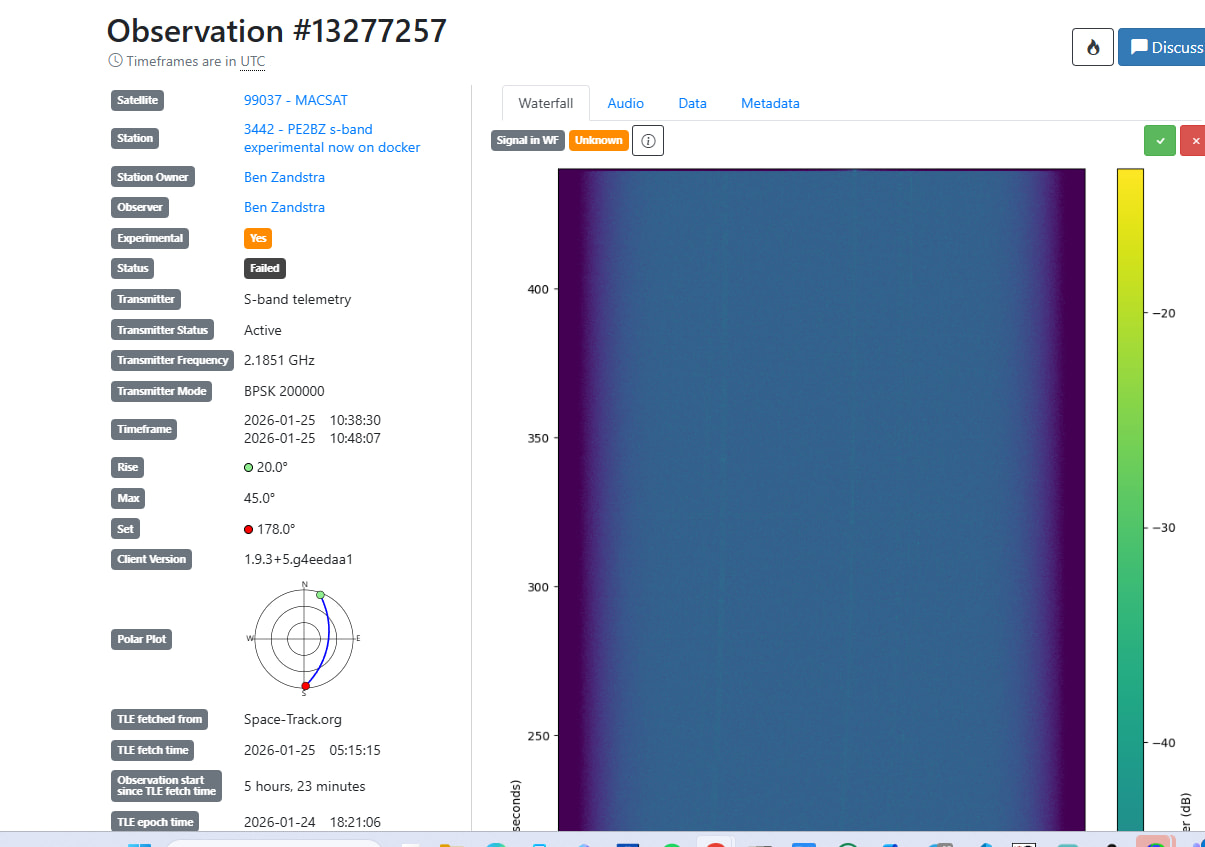
satnogs_client_1 | ERROR satnogsclient.scheduler.tasks Upload of waterfall_13277255_2026-01-25T10-13-44.png for observation 13277255 is forbidden, “Watefall has already been uploaded”
satnogs_client_1 | URL: SatNOGS Network API
satnogs_client_1 | ERROR satnogsclient.scheduler.tasks Upload of satnogs_13277255_2026-01-25T10-13-44.ogg for observation 13277255 is forbidden, “Audio has already been uploaded”
satnogs_client_1 | URL: SatNOGS Network API
satnogs_client_1 | grsat - WARNING - UDP_DUMP_HOST not set, no data will be sent to the demod
satnogs_client_1 | network_open: hoststr=192.168.0.186, portstr=4533
satnogs_client_1 | connect to 192.168.0.186:4533 failed, (trying next interface): Network error 110: Connection timed out
satnogs_client_1 | network_open: failed to connect to 192.168.0.186:4533
satnogs_client_1 | rig_init: rig does not have rx_range!!

I am forbidden to upload because it allready had been uploaded ?

SATNOGS_PRE_OBSERVATION_SCRIPT=“satnogs-pre {{ID}} {{FREQ}} {{TLE}} {{TIMESTAMP}} {{BAUD}} {{SCRIPT_NAME}}”
SATNOGS_STATION_ID=“3442”
SATNOGS_STATION_LAT=“52”
SATNOGS_STATION_LON=“4.2”
SATNOGS_STATION_ELEV=“13”
SATNOGS_ROT_ENABLED=“True”
SATNOGS_ROT_BAUD=“0”
SATNOGS_ROT_PORT=“192.168.0.186:4533”
SATNOGS_SOAPY_RX_DEVICE=“driver=plutosdr,hostname=192.168.2.1”
SATNOGS_RX_SAMP_RATE=“4e6”
SATNOGS_RX_BANDWIDTH=“3e6”
SATNOGS_LO_OFFSET=“0”
SATNOGS_PPM_ERROR=“0”
SATNOGS_RF_GAIN=“69”
SATNOGS_ANTENNA=“A_BALANCED”
SATNOGS_BB_FREQ=“0”
ENABLE_IQ_DUMP=“TRUE”
IQ_DUMP_FILENAME=“/data/iq3442.raw”

Any clues ?

Thanks,

Ben

How was the client installed ?

Did you use the new satnogs docker satnogs-setup method or you own created docker compose file ?

We need some details.

Jan | PE0SAT

1 Like

if installed with satnog-setup
sudo docker exec -ti satnogs_satnogs-client bash

if installed with manual docker setup

cd your_station_dir
sudo docker-compose exec satnogs_client bash

inside station shell:

cd /tmp/.satnogs/data
ls

remove suspected waterfall (.png) or audio (.ogg) with rm command

My station 3442 is now up and running again.
Long story short: Before you update confirm your station being operational to prevent blaming others for your mistakes, also, don’t start the docker station from a windows PC by ssh to the linux PC AND start the docker station from that linux PC , 2 instances and one pluto, it makes sense one of them says “allready uploaded” and it makes sense 2 instances accessing the pluto leads to corrupt contents.

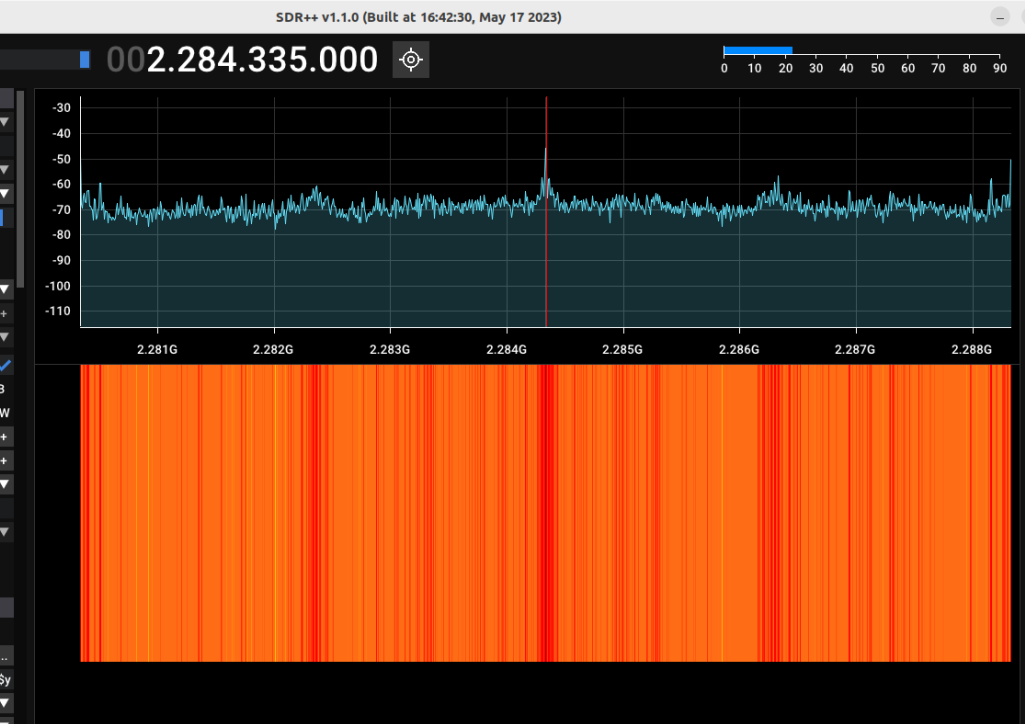
Finally, after cleaning up my own mess, and replugging the PlutoSDR, I noticed even sdrpp showed the device and allowed to start it but no waterfall output. So I went to dfu mode, flashed 0.35 firmware and now I am up and running again.

:sweat_smile:

1 Like

I did become happy to fast. After one successfull observation the next one did this:

satnogs_client_1 | [INFO] Opening PlutoSDR #0 192.168.2.1…
satnogs_client_1 | ERROR: READ LINE: -32
satnogs_client_1 | [ERROR] Unable to set BB rate.
satnogs_client_1 | ERROR: READ LINE: -32
satnogs_client_1 | [INFO] Using format CF32.
satnogs_client_1 | [INFO] Auto setting Buffer Size: 1
satnogs_client_1 | [INFO] Set MTU Size: 1
satnogs_client_1 | [INFO] Has direct RX copy: 1
satnogs_client_1 | netrigctl_close: done
satnogs_client_1 | ERROR satnogsclient.observer.observer Waterfall data array is invalid
satnogs_client_1 | rig_check_rig_caps: p1=0x71e56d834c40, p2=0x71e56d83b1c0, rig_model=0x71e56d834c40, macro_name=0x71e56d83b1c0
satnogs_client_1 | initrigs4_dummy: _init called
satnogs_client_1 | rig_init: rig_model=Hamlib NET rigctl
satnogs_client_1 | rig_init: rx_range_list1 is empty, using rx_range_list2
satnogs_client_1 | rig_init: rig does not have tx_range!!
satnogs_client_1 | netrigctl_init version 20230106.0
satnogs_client_1 | ERROR: Unable to create Avahi DNS-SD client :Daemon not running
satnogs_client_1 | [WARNING] Unable to scan ip: -26

and all next observations

satnogs_client_1 | [INFO] Opening PlutoSDR #0 192.168.2.1…
satnogs_client_1 | [INFO] Using format CF32.
satnogs_client_1 | [INFO] Auto setting Buffer Size: 131072
satnogs_client_1 | [INFO] Set MTU Size: 131072
satnogs_client_1 | [INFO] Has direct RX copy: 1
satnogs_client_1 | netrigctl_close: done
satnogs_client_1 | ERROR satnogsclient.observer.observer Waterfall data array is empty

Now let me restart the pluto and attach a separate USB power cable to it.


Pluto is in a “state of crash”

1 Like