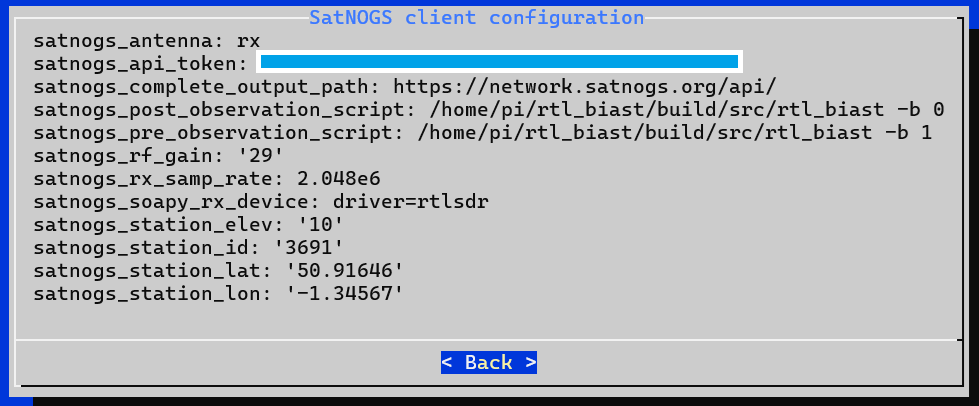
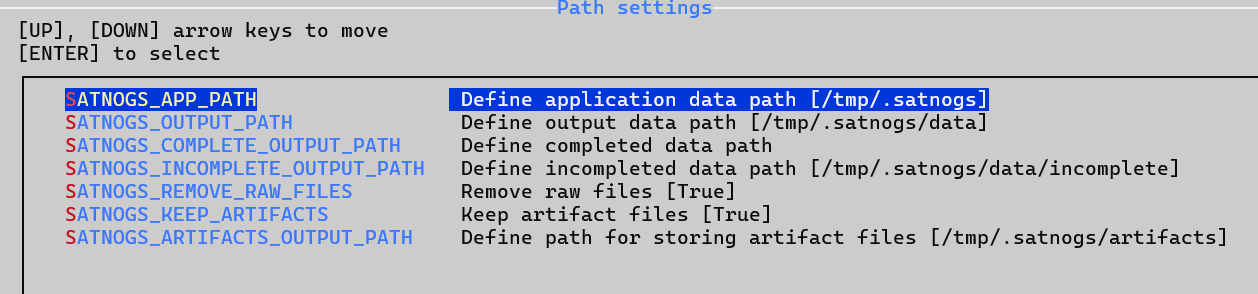
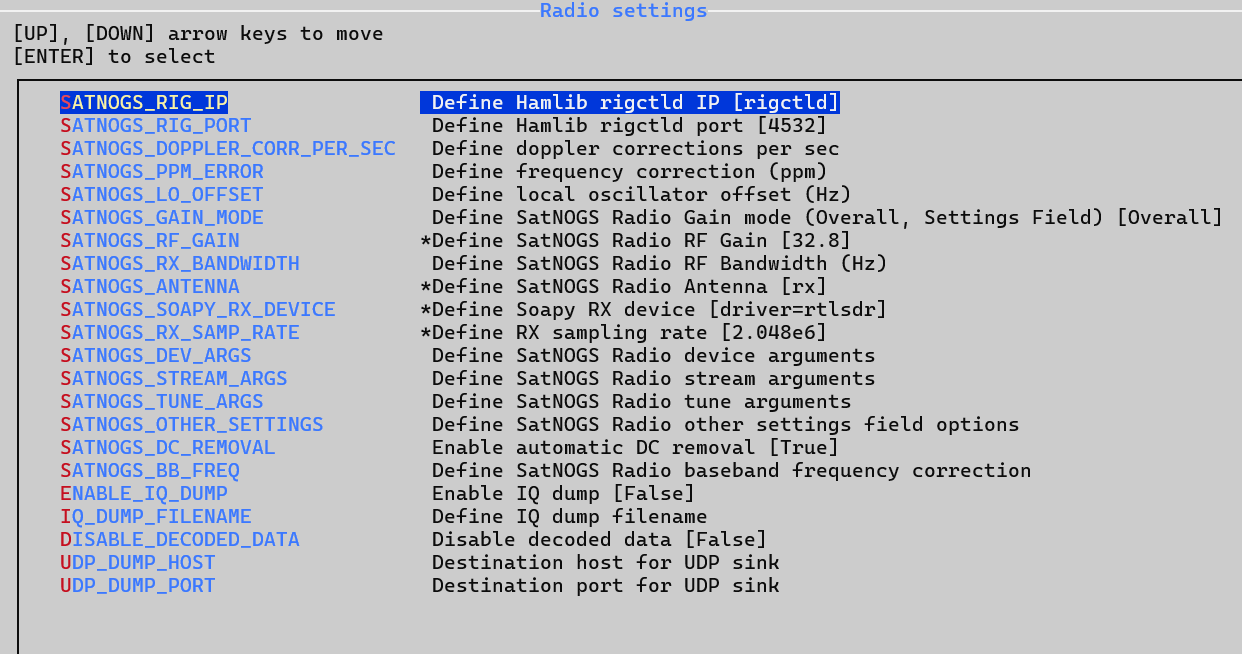
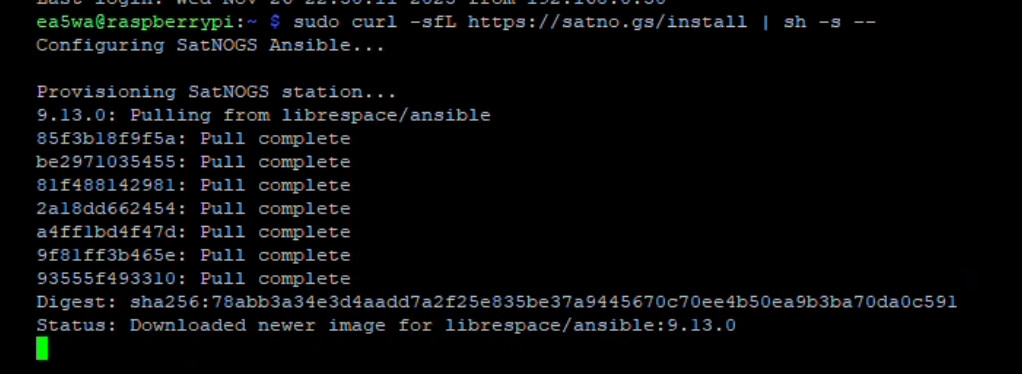
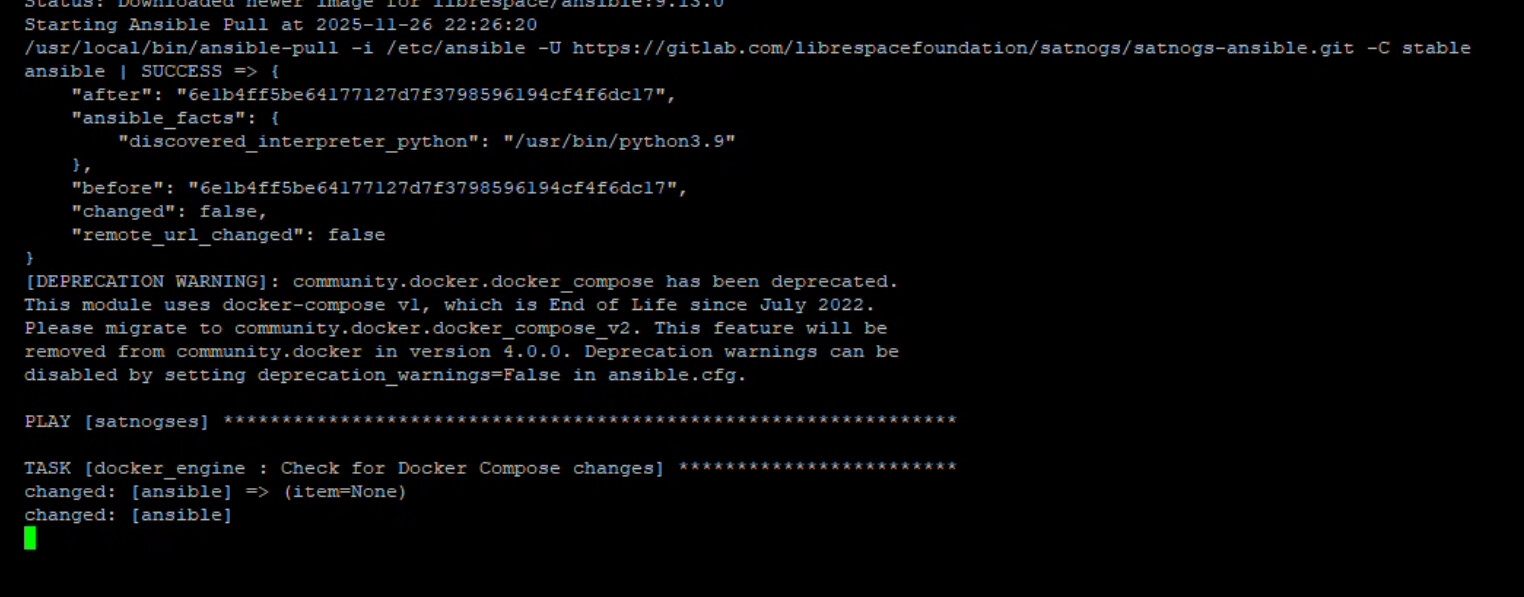
Many thanks I think I will start from new as multiple errors, this is just some of the issues.
ImportError: Error importing numpy: you should not try to import numpy from
its source directory; please exit the numpy source tree, and relaunch
your python interpreter from there.
Traceback (most recent call last):
File “/usr/local/lib/python3.11/dist-packages/numpy/core/**init**.py”, line 24, in
from . import multiarray
File “/usr/local/lib/python3.11/dist-packages/numpy/core/multiarray.py”, line 10, in
from . import overrides
File “/usr/local/lib/python3.11/dist-packages/numpy/core/overrides.py”, line 8, in
from numpy.core.\_multiarray_umath import (
ImportError: libopenblas.so.0: cannot open shared object file: No such file or directory
During handling of the above exception, another exception occurred:
Traceback (most recent call last):
File “/usr/local/lib/python3.11/dist-packages/numpy/**init**.py”, line 130, in
from numpy.**config** import show as show_config
File “/usr/local/lib/python3.11/dist-packages/numpy/**config**.py”, line 4, in
from numpy.core.\_multiarray_umath import (
File “/usr/local/lib/python3.11/dist-packages/numpy/core/**init**.py”, line 50, in
raise ImportError(msg)
ImportError:
IMPORTANT: PLEASE READ THIS FOR ADVICE ON HOW TO SOLVE THIS ISSUE!
Importing the numpy C-extensions failed. This error can happen for
many reasons, often due to issues with your setup or how NumPy was
installed.
We have compiled some common reasons and troubleshooting tips at:

https://numpy.org/devdocs/user/troubleshooting-importerror.html

Please note and check the following:

* The Python version is: Python3.11 from “/usr/bin/python3”
* The NumPy version is: “1.26.4”
  and make sure that they are the versions you expect.
  Please carefully study the documentation linked above for further help.
  Original error was: libopenblas.so.0: cannot open shared object file: No such file or directory
  The above exception was the direct cause of the following exception:
  Traceback (most recent call last):
  File “/usr/local/bin/satnogs-client”, line 5, in
  from satnogsclient import main
  File “/usr/local/lib/python3.11/dist-packages/satnogsclient/**init**.py”, line 11, in
  from satnogsclient.scheduler.tasks import status_listener
  File “/usr/local/lib/python3.11/dist-packages/satnogsclient/scheduler/tasks.py”, line 15, in
  from satnogsclient.observer.observer import Observer
  File “/usr/local/lib/python3.11/dist-packages/satnogsclient/observer/observer.py”, line 17, in
  from satnogsclient.artifacts import Artifacts
  File “/usr/local/lib/python3.11/dist-packages/satnogsclient/artifacts.py”, line 5, in
  import h5py
  File “/usr/local/lib/python3.11/dist-packages/h5py/**init**.py”, line 33, in
  from . import version
  File “/usr/local/lib/python3.11/dist-packages/h5py/version.py”, line 17, in
  import numpy
  File “/usr/local/lib/python3.11/dist-packages/numpy/**init**.py”, line 135, in
  raise ImportError(msg) from e
  ImportError: Error importing numpy: you should not try to import numpy from
  its source directory; please exit the numpy source tree, and relaunch
  your python interpreter from there.
  Traceback (most recent call last):
  File “/usr/local/lib/python3.11/dist-packages/numpy/core/**init**.py”, line 24, in
  from . import multiarray
  File “/usr/local/lib/python3.11/dist-packages/numpy/core/multiarray.py”, line 10, in
  from . import overrides
  File “/usr/local/lib/python3.11/dist-packages/numpy/core/overrides.py”, line 8, in
  from numpy.core.\_multiarray_umath import (
  ImportError: libopenblas.so.0: cannot open shared object file: No such file or directory
  During handling of the above exception, another exception occurred:
  Traceback (most recent call last):
  File “/usr/local/lib/python3.11/dist-packages/numpy/**init**.py”, line 130, in
  from numpy.**config** import show as show_config
  File “/usr/local/lib/python3.11/dist-packages/numpy/**config**.py”, line 4, in
  from numpy.core.\_multiarray_umath import (
  File “/usr/local/lib/python3.11/dist-packages/numpy/core/**init**.py”, line 50, in
  raise ImportError(msg)
  ImportError:
  IMPORTANT: PLEASE READ THIS FOR ADVICE ON HOW TO SOLVE THIS ISSUE!
  Importing the numpy C-extensions failed. This error can happen for
  many reasons, often due to issues with your setup or how NumPy was
  installed.
  We have compiled some common reasons and troubleshooting tips at:
  https://numpy.org/devdocs/user/troubleshooting-importerror.html
  Please note and check the following:
* The Python version is: Python3.11 from “/usr/bin/python3”
* The NumPy version is: “1.26.4”
  and make sure that they are the versions you expect.
  Please carefully study the documentation linked above for further help.
  Original error was: libopenblas.so.0: cannot open shared object file: No such file or directory
  The above exception was the direct cause of the following exception:
  Traceback (most recent call last):
  File “/usr/local/bin/satnogs-client”, line 5, in
  from satnogsclient import main
  File “/usr/local/lib/python3.11/dist-packages/satnogsclient/**init**.py”, line 11, in
  from satnogsclient.scheduler.tasks import status_listener
  File “/usr/local/lib/python3.11/dist-packages/satnogsclient/scheduler/tasks.py”, line 15, in
  from satnogsclient.observer.observer import Observer
  File “/usr/local/lib/python3.11/dist-packages/satnogsclient/observer/observer.py”, line 17, in
  from satnogsclient.artifacts import Artifacts
  File “/usr/local/lib/python3.11/dist-packages/satnogsclient/artifacts.py”, line 5, in
  import h5py
  File “/usr/local/lib/python3.11/dist-packages/h5py/**init**.py”, line 33, in
  from . import version
  File “/usr/local/lib/python3.11/dist-packages/h5py/version.py”, line 17, in
  import numpy
  File “/usr/local/lib/python3.11/dist-packages/numpy/**init**.py”, line 135, in
  raise ImportError(msg) from e
  ImportError: Error importing numpy: you should not try to import numpy from
  its source directory; please exit the numpy source tree, and relaunch
  your python interpreter from there.
  Traceback (most recent call last):
  File “/usr/local/lib/python3.11/dist-packages/numpy/core/**init**.py”, line 24, in
  from . import multiarray
  File “/usr/local/lib/python3.11/dist-packages/numpy/core/multiarray.py”, line 10, in
  from . import overrides
  File “/usr/local/lib/python3.11/dist-packages/numpy/core/overrides.py”, line 8, in
  from numpy.core.\_multiarray_umath import (
  ImportError: libopenblas.so.0: cannot open shared object file: No such file or directory
  During handling of the above exception, another exception occurred:
  Traceback (most recent call last):
  File “/usr/local/lib/python3.11/dist-packages/numpy/**init**.py”, line 130, in
  from numpy.**config** import show as show_config
  File “/usr/local/lib/python3.11/dist-packages/numpy/**config**.py”, line 4, in
  from numpy.core.\_multiarray_umath import (
  File “/usr/local/lib/python3.11/dist-packages/numpy/core/**init**.py”, line 50, in
  raise ImportError(msg)
  ImportError:
  IMPORTANT: PLEASE READ THIS FOR ADVICE ON HOW TO SOLVE THIS ISSUE!
  Importing the numpy C-extensions failed. This error can happen for
  many reasons, often due to issues with your setup or how NumPy was
  installed.
  We have compiled some common reasons and troubleshooting tips at:
  https://numpy.org/devdocs/user/troubleshooting-importerror.html
  Please note and check the following:
* The Python version is: Python3.11 from “/usr/bin/python3”
* The NumPy version is: “1.26.4”
  and make sure that they are the versions you expect.
  Please carefully study the documentation linked above for further help.
  Original error was: libopenblas.so.0: cannot open shared object file: No such file or directory
  The above exception was the direct cause of the following exception:
  Traceback (most recent call last):
  File “/usr/local/bin/satnogs-client”, line 5, in
  from satnogsclient import main
  File “/usr/local/lib/python3.11/dist-packages/satnogsclient/**init**.py”, line 11, in
  from satnogsclient.scheduler.tasks import status_listener
  File “/usr/local/lib/python3.11/dist-packages/satnogsclient/scheduler/tasks.py”, line 15, in
  from satnogsclient.observer.observer import Observer
  File “/usr/local/lib/python3.11/dist-packages/satnogsclient/observer/observer.py”, line 17, in
  from satnogsclient.artifacts import Artifacts
  File “/usr/local/lib/python3.11/dist-packages/satnogsclient/artifacts.py”, line 5, in
  import h5py
  File “/usr/local/lib/python3.11/dist-packages/h5py/**init**.py”, line 33, in
  from . import version
  File “/usr/local/lib/python3.11/dist-packages/h5py/version.py”, line 17, in
  import numpy
  File “/usr/local/lib/python3.11/dist-packages/numpy/**init**.py”, line 135, in
  raise ImportError(msg) from e
  ImportError: Error importing numpy: you should not try to import numpy from
  its source directory; please exit the numpy source tree, and relaunch
  your python interpreter from there.
  Traceback (most recent call last):
  File “/usr/local/lib/python3.11/dist-packages/numpy/core/**init**.py”, line 24, in
  from . import multiarray
  File “/usr/local/lib/python3.11/dist-packages/numpy/core/multiarray.py”, line 10, in
  from . import overrides
  File “/usr/local/lib/python3.11/dist-packages/numpy/core/overrides.py”, line 8, in
  from numpy.core.\_multiarray_umath import (
  ImportError: libopenblas.so.0: cannot open shared object file: No such file or directory
  During handling of the above exception, another exception occurred:
  Traceback (most recent call last):
  File “/usr/local/lib/python3.11/dist-packages/numpy/**init**.py”, line 130, in
  from numpy.**config** import show as show_config
  File “/usr/local/lib/python3.11/dist-packages/numpy/**config**.py”, line 4, in
  from numpy.core.\_multiarray_umath import (
  File “/usr/local/lib/python3.11/dist-packages/numpy/core/**init**.py”, line 50, in
  raise ImportError(msg)