You see a CW beacon falling down on your SDR’s waterfall and want to get it decoded (for uploading)?
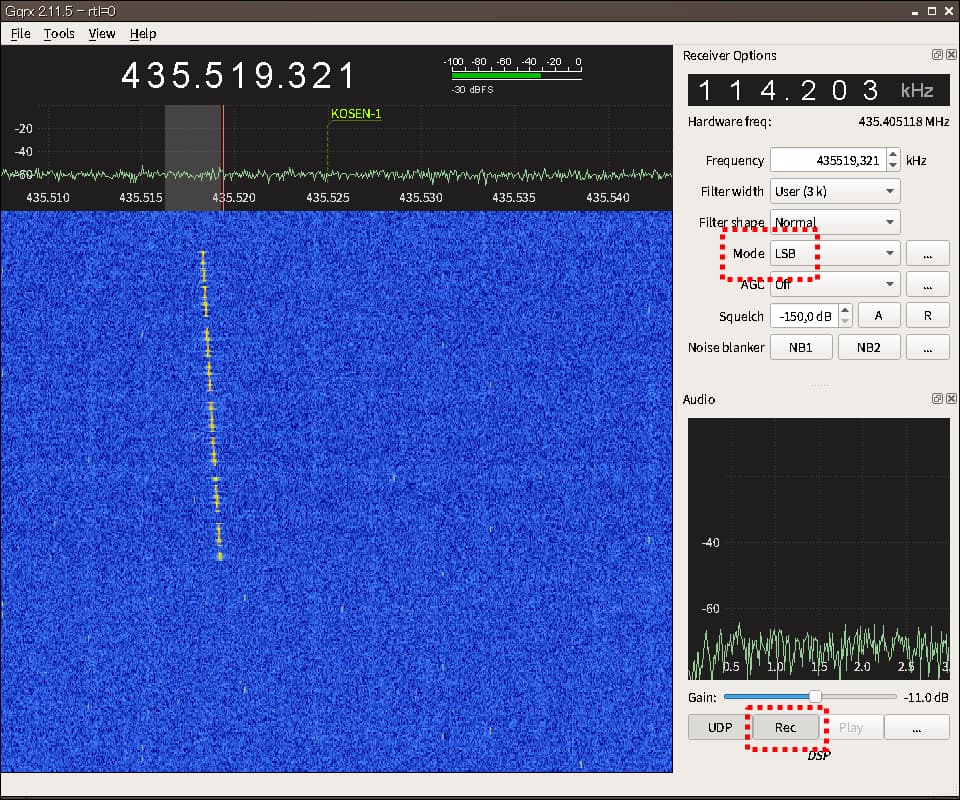
 Record the pass in SSB (LSB or USB)
 Use the spectrogram view of an audio editor (e. g. ocenaudio)
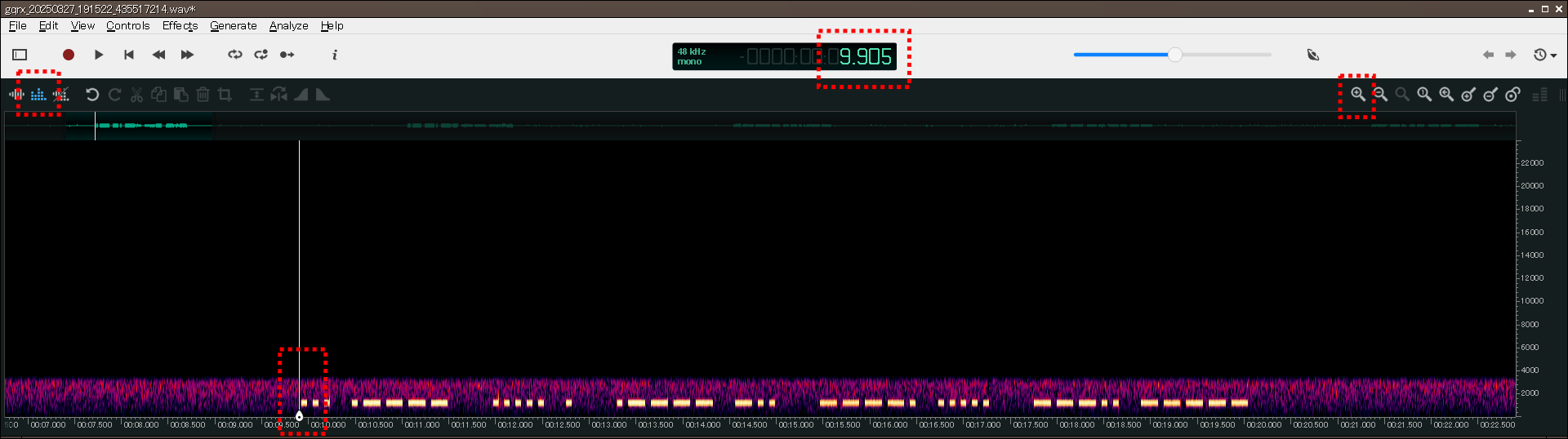
 Mark the beginning of the beacon and add the displayed time to the one of the filename (usually the beginning of the record in UTC) to get the timestamp.
 Decode the beacon by looking at the spectrogram.
s   ...
1   .----
5   .....
e   .
1   .----
d   -..
9   ----.
5   .....
8   ---..
0   -----
s15e1d9580
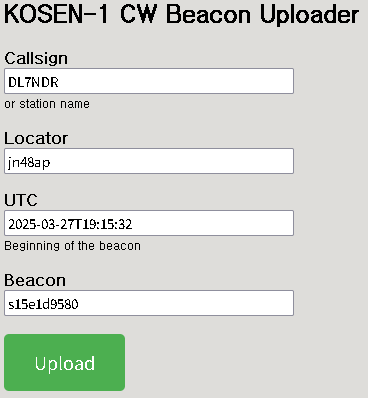
 Choose the related CW upload form to upload the beacon
- AISat, Upload Form, Dashboard, QSL cards
- CO-57, Upload Form, Dashboard, no QSL cards left
- CO-58, Upload Form, Dashboard, no QSL cards left
- CO-65, Upload Form, Dashboard
- CO-66, Upload Form, Dashboard, no QSL cards left
- FO-29, Upload Form, Dashboard, QSL cards
- KOSEN-1, Upload Form, Dashboard, QSL cards
- LASARsat, Upload Form, Dashboard, QSL cards
- TeikyoSat-4, Upload Form, Dashboard
- STARS, Upload Form, Dashboard
- BOTAN, Upload Form, Dashboard, QSL cards
- ARICA-2, Upload Form, Dashboard, QSL cards
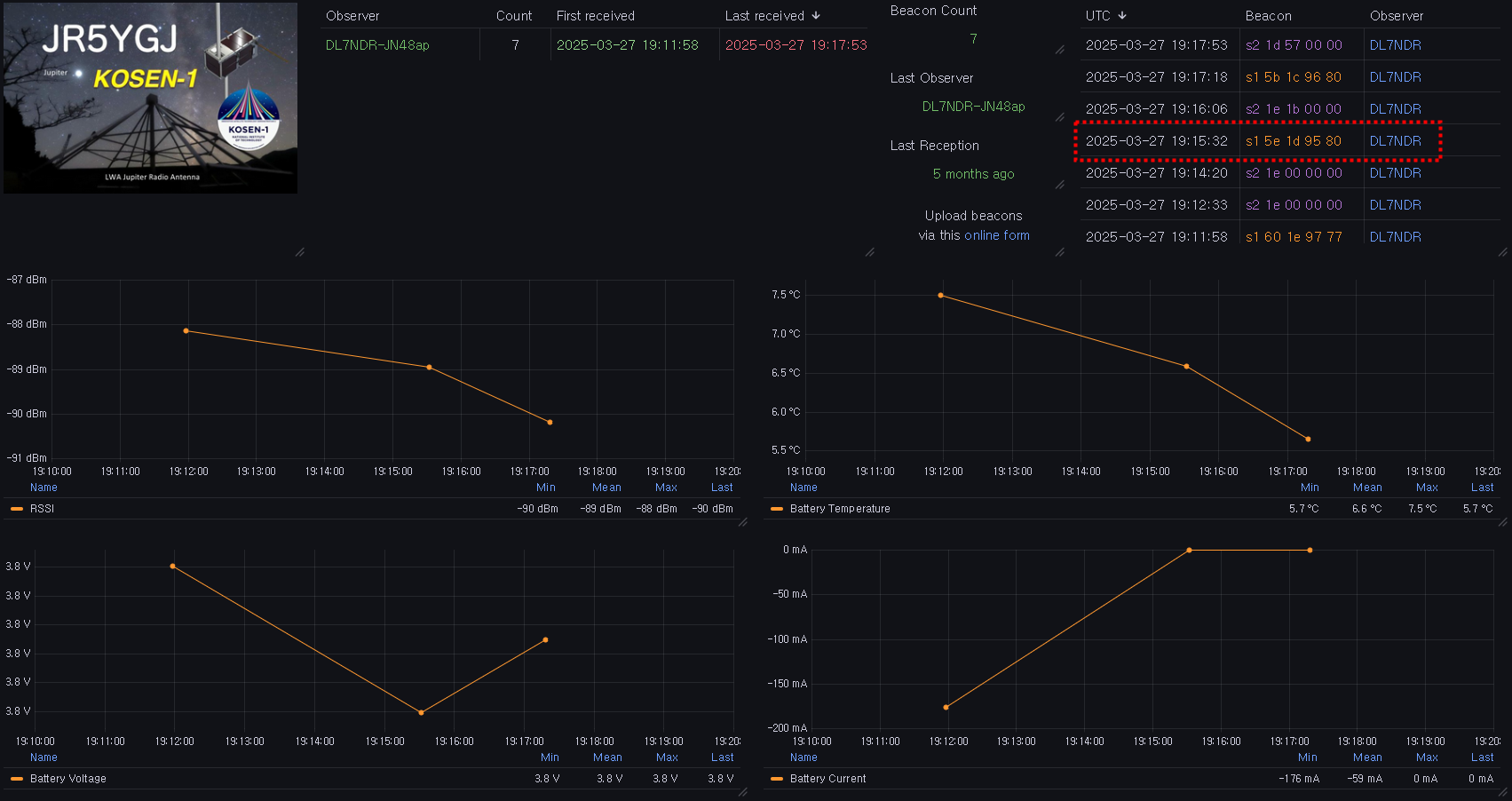
 Enjoy the visualization of the extracted values on the satellite’s dashboard
Have fun with CW beacons
Daniel, dl7ndr