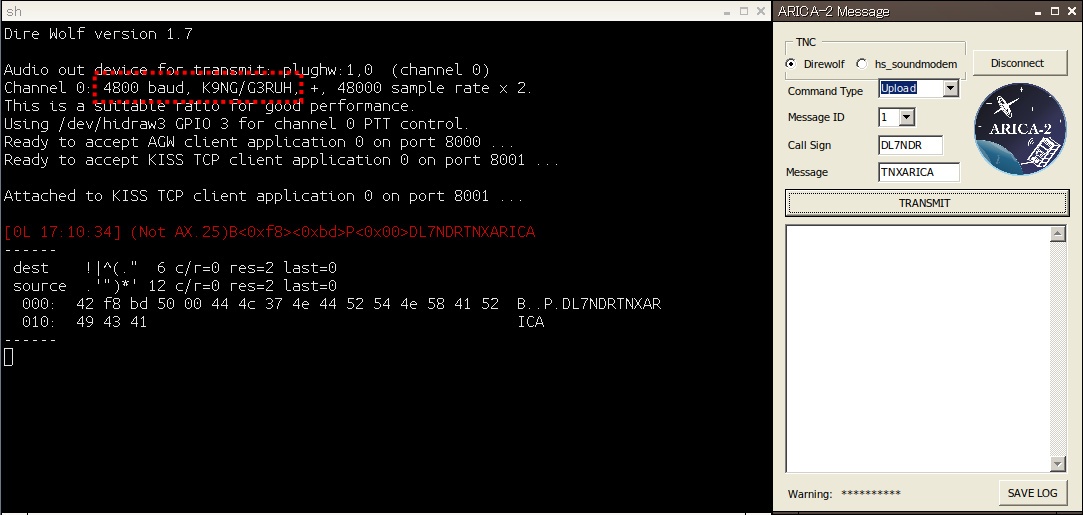
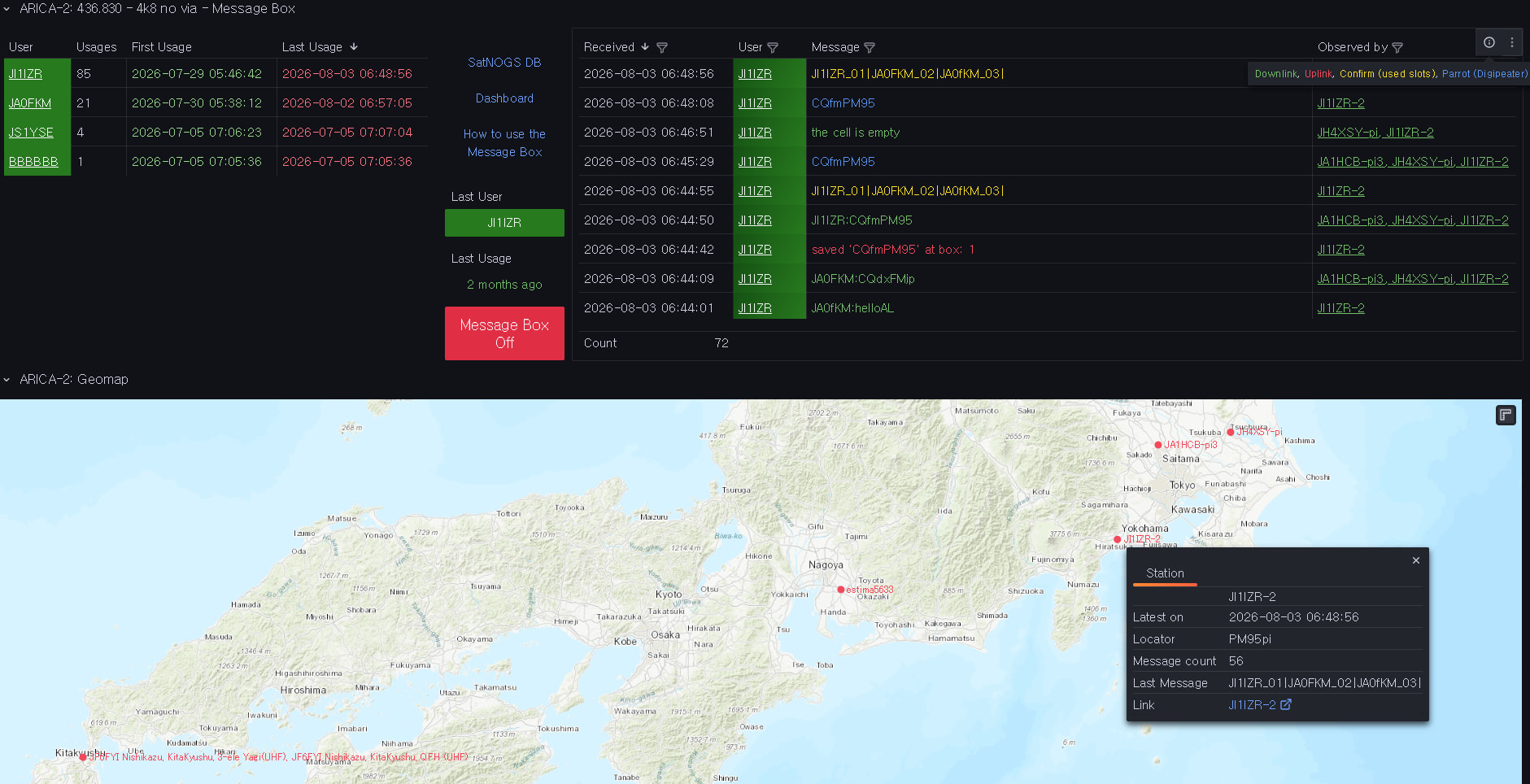
With Upload you overwrite (if already in use) the selected slot.
With Download you can only downlink the selected slot, there is no ‘give me all slots’.
Do you know
if there is a response to an uplink
what Confirm and Parrot exactly do
which of the packets from your linked trial operation belong to which command?
Thank you very much for your detailed reply, 岩本さん。
So, Confirm means 'send me an overview of the currently used slots along with the callsigns but not the messages itself’?
If so, it’s presumable to check for a free slot.
@N6RFM’s version greys the field Message ID out for this command. @JI1IZR’s version does it not, but generates the same hex string.
It’s only the online uplink command generator who generates different strings for different Message IDs.
From this vantage point and looking at the disassembled original app: Conclusion - Upload, Confirm, and Parrot all use fixed command bytes with no slot ID encoded anywhere in the frame — only Download computes a byte pair from the Message ID. So there’s no way to target a specific slot on Upload; the satellite must assign it, and any “message renewed at [slot ID]” response is presumably how it reports that assignment back to you, not something you can request in advance.
Thanks Bob! That totally matches the Japanese manual - it says “ARICA-2 automatically assigns 1 slot per callsign”, so no need to select a slot manually.
Hello all, just a reminder to update your satyaml’s with the new norad ID (68796) - the old one is still in gr_satellites.
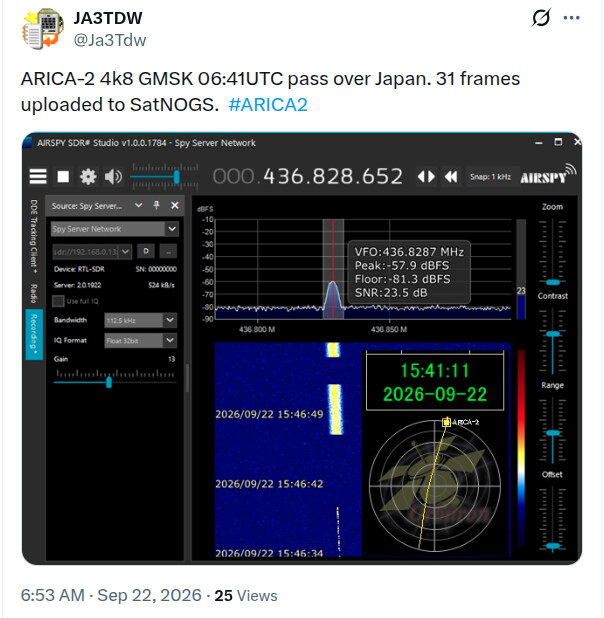
What’s the strategy here with decoding both CW and the 4800 GMSK? I guess I’ll take advantage of SatNOGS’ CW decoder in conjunction with gr_satellites GMSK. Not really sure how to try out the satnogs flowgraphs on test recordings like how you can just call gr_satellites from the terminal. I want to work out the optimal deviation etc so I can submit a pull request to update the satyaml.