what is this? this is script for send and receive image (support jpg, png, etc) from satellite using handheld radio FM / FM transceiver / SDR. (take advantage of IL2P + Reed Solomon + SSDV + Dire Wolf + SoX)
With this script you can create IL2P modulated WAV (baudrate 1200-9600) automaticaly from a picture/image file to be transmitted via a handheld FM radio, and vice versa. Example: send and receive SSDV JPEG image over analog IL2P 1200 modulation on terestrial or VR satellites
in this version i also add config.ini for everyone that want test it on windows. i never test it. but it should be work too. (update April 16: now available for windows)
Great software! As for Windows, I doubt it works well, as I couldn’t get SSDV decoding to work correctly there. Linux is the better platform for this software.
73,
Stefan
Well actually it works really well on Windows with no issues at all, its based on Python and the ssdv encoding software already available for Windows anyway. But I agree that its better to run on Linux.
I’m in progress to make an all in one zip file to be as a beginner friendly as possible, so you can download and extract the folder and it all ready to go without needing to installing anything. Including the Direwolf, Sox and embeddable Python.
What do you think could the issue be, which causes my SSDV decoder on WINDOWS producing images, which cannot be opened by any viewer? Decoding from the same data on linux was no problem at all.
EDIT: maybe the reason is, that I am using fsphil/ssdv, not danistevez/ssdv …
Dor you use this ssdv.exe Windows prebuilt of the ssdv by fsphil?
But if you can run it on Linux no problem you may run it there anyway as it’s the native OS. The windows version of the tx.py do need a bit of tweaking of the python code for it to run but I don’t remember changing anything for the rx.py
Yes, of course, the Satnogs-audios as well. Basically the audio signal contains the same (but FM-demodulated) information as extracted from I/Q - in different representation, but it is important to ensure to have enough bandwidth. A ham-rig doesnt work, you need a sdr - as an exception ic9700 if-recording works very well, but this is not audio, but rf-baseband. 73, stefan / oe6isp
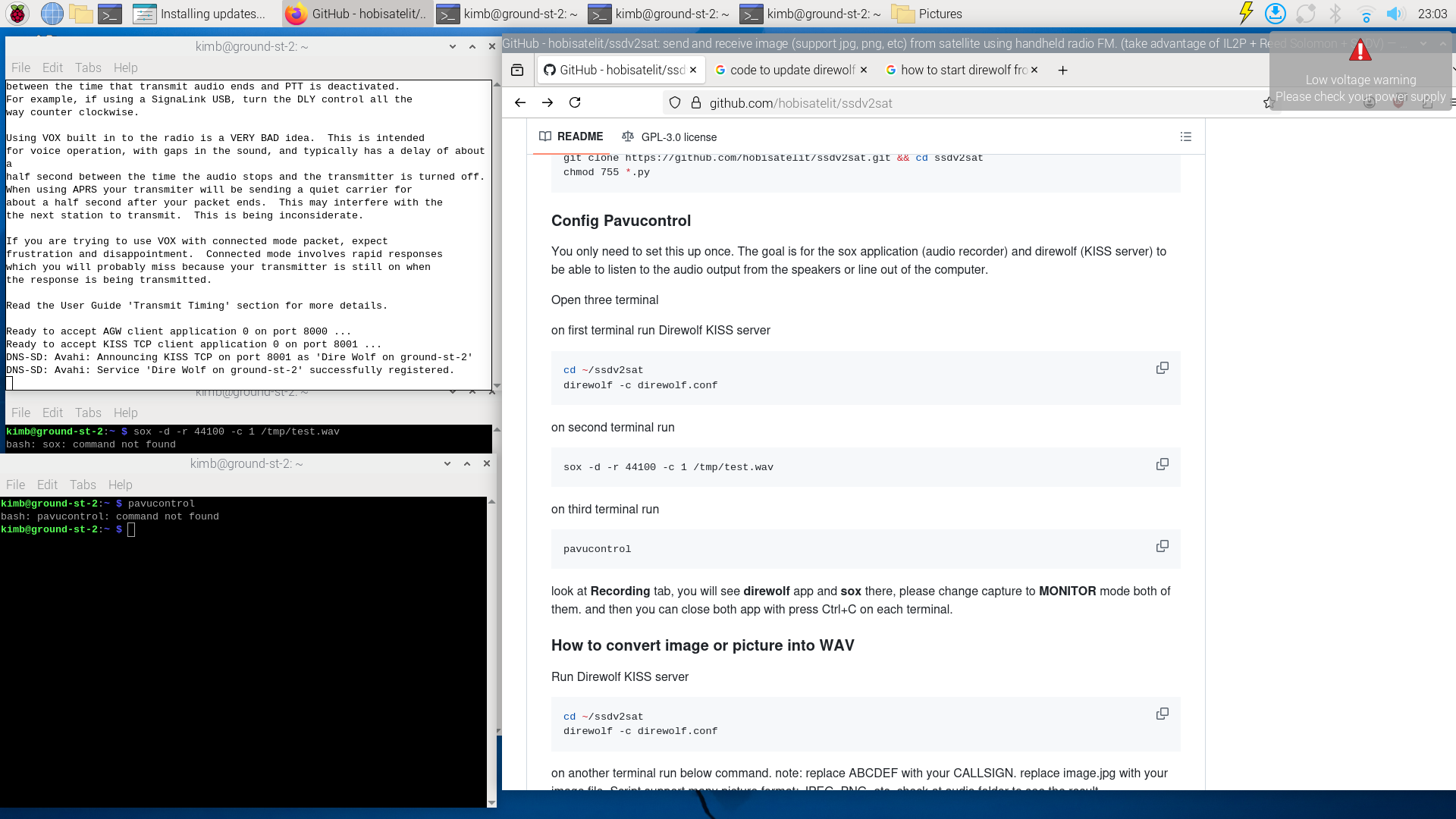
OK I have tried setting this up but im getting stuck at this config part see image. Do I need to download this test.wav from somewhere for this to work?
@alpha_adhito new silversat listener here! any progress on your “beginner friendly” zip file? I am certainly a beginner, but did get an IQ file saved the other evening from a pass! would love to try and demod it.
Sorry for the late reply. I tried to make it as easy as possible but I think I reached my limit . Initially I want to have a ready to go zip folder with embedded Windows Python, but I kept running into issues running with the .bat file (works fine with Command Prompt Terminal) so I gave up for now and run using installed Python. But still, you only need to install latest Python + pip pillow and download the zip from this GitHub that’s forked from @bali and finger cross it should good to go.
You only need to drag your image of choice to the .bat file and it should run everything automatically. I haven’t tested it on a computer that has no Python installed but feel free to ask if you are running into trouble.


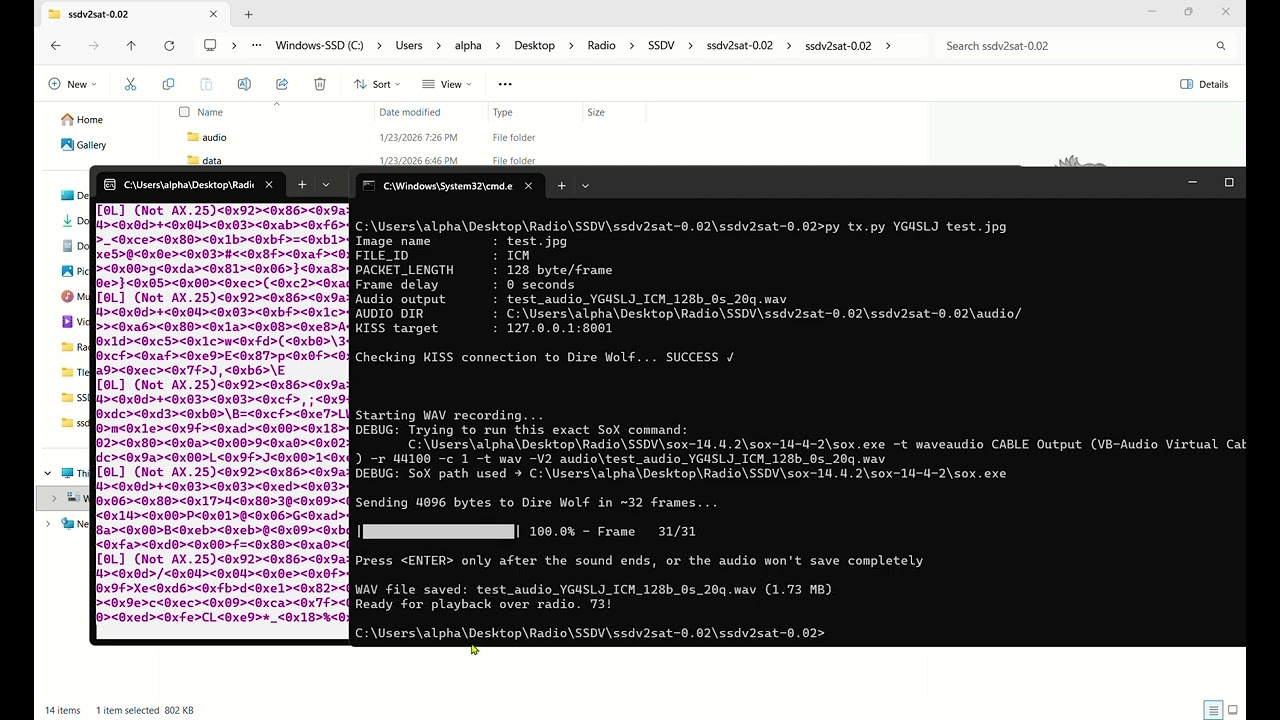
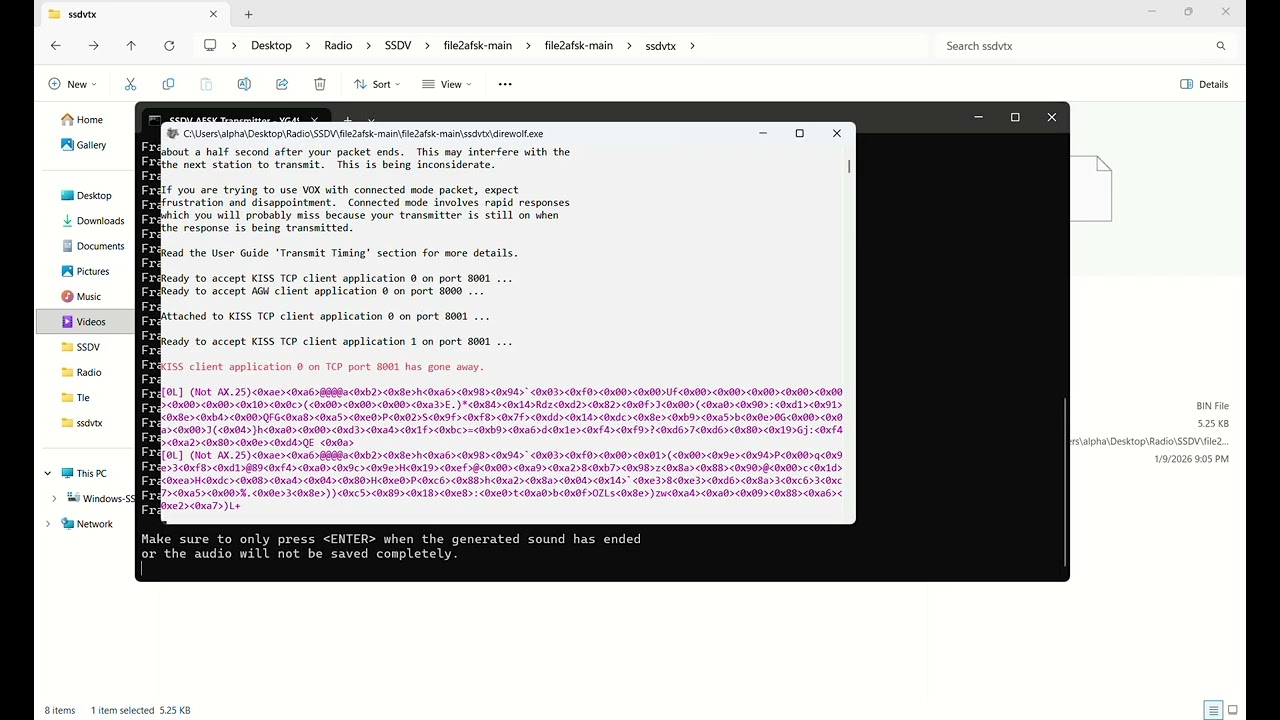

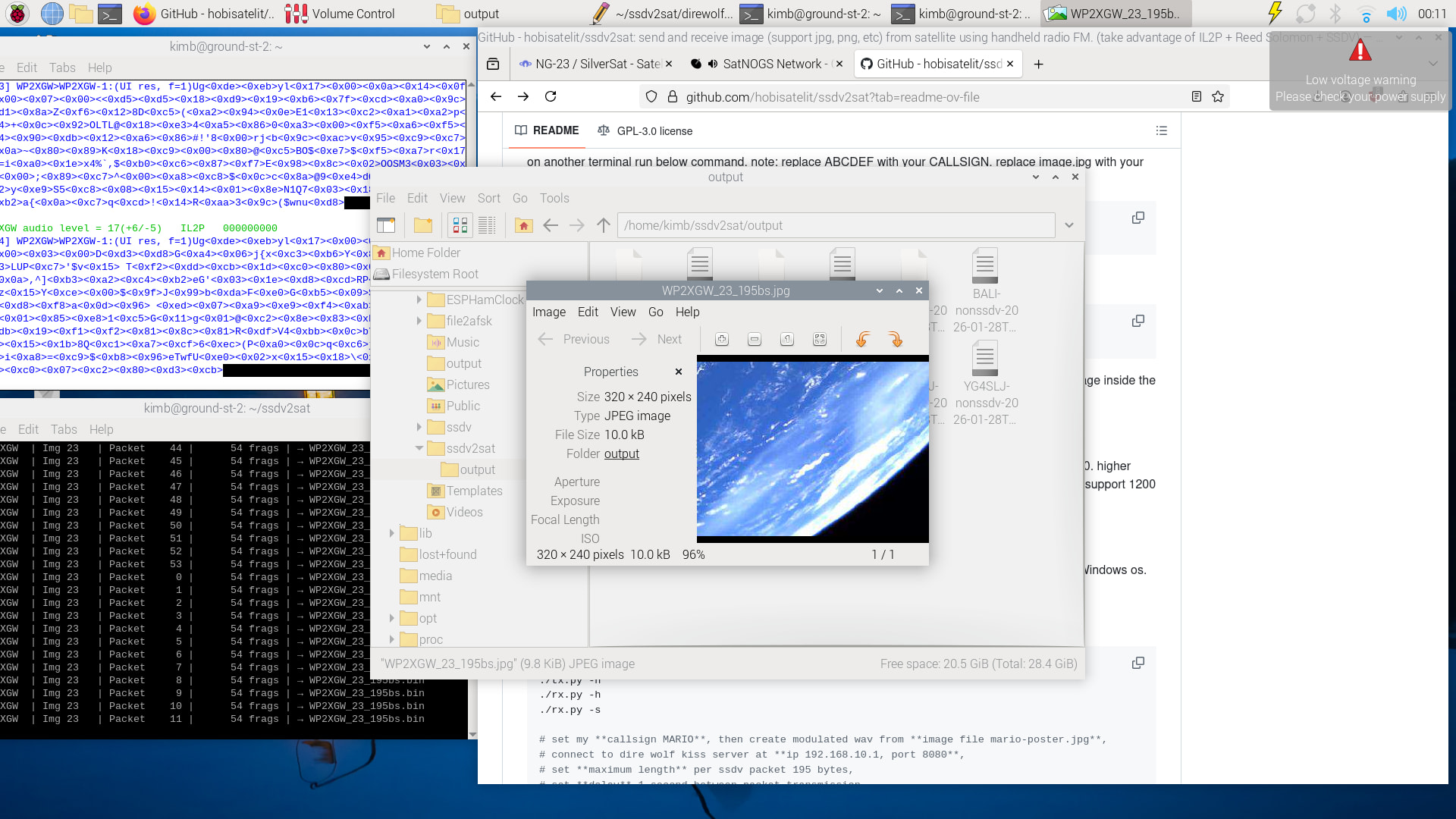
 . Initially I want to have a ready to go zip folder with embedded Windows Python, but I kept running into issues running with the .bat file (works fine with Command Prompt Terminal) so I gave up for now and run using installed Python. But still, you only need to install latest Python + pip pillow and download the zip from this GitHub that’s forked from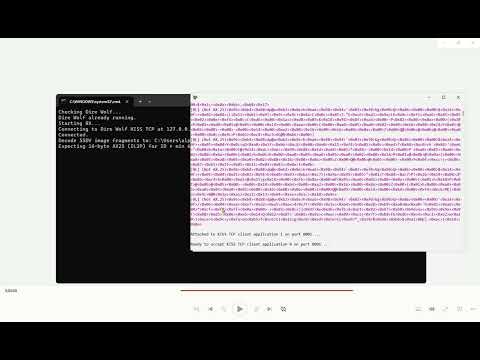
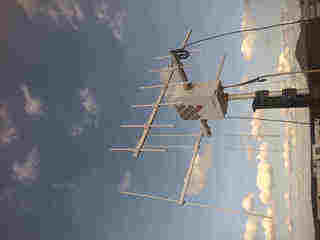
 nice antenna