Who needs this? Those who want to send and receive SSDV through their FM transceiver.
ps. if you have better approach, please share and comment here. thank you
UPDATE APRIL 7, 2026 - FOR BETTER APPROACH AND UPDATE, PLEASE USE SSDV2SAT.
LOOK HERE
Usually, SSDV is sent using BPSK modulation with special equipment that cannot be transmitted through frequency modulation like handheld FM. This time, I will share a tutorial on how to send SSDV images using just a computer and a regular handheld FM.
The keyword is SSDV. SSDV is a robust version of the JPEG image format, for transmission over an unreliable medium. so this is just an image format. not more, not less.
Install dependencies
sudo apt update
sudo apt install python3 direwolf sox git pavucontrol
Install SSDV app
cd ~
git clone https://github.com/daniestevez/ssdv
cd ssdv
make
sudo make install
Install file2afsk script (main app)
cd ~
git clone https://github.com/hobisatelit/file2afsk.git && cd file2afsk
chmod 755 tx.py rx.py
change your callsigner:
nano tx.py
press ctr+x to save
change SRC_CALL = “ABC” with your actual callsigner
Config Pavucontrol
You only need to set this up once. The goal is for the sox application (audio recorder) and direwolf (KISS server) to be able to listen to the audio output from the speakers or line out of the computer.
Open three terminal
on first terminal run Direwolf KISS server
cd ~/file2afsk
direwolf -c direwolf.conf
on second terminal run
sox -d -r 44100 -c 1 /tmp/test.wav
on third terminal run
pavucontrol
look at Recording tab, you will see direwolf app and sox there, please change capture to MONITOR mode both of them. and then you can close both app with press Ctrl+C on each terminal.
Optimizing JPEG picure compression
- Open your jpeg file with GIMP
- Change the width and height of the image to multiples of 16 pixels! For example, 160x160, or 320x160, or 352x352, etc
- Click File > Export as .., fill with image name, press Export
- Copy as shown in this screenshot, until you achieve the smallest file size with the appearance that meets your expectations.

Convert JPEG to SSDV format:
cd ~/file2afsk
ssdv -e -q 1 image.jpg image.bin
How to Convert SSDV image into WAV audio and transmit it?
Open two terminal
at first terminal:
Run Direwolf KISS server
cd ~/file2afsk
direwolf -c direwolf.conf
on another terminal run
cd ~/file2afsk
./tx.py image.bin
you will hear annoying sound , just lets its play until finished, after that you can press ENTER to save the WAV file. you can get at folder audio in same directory
with this WAV file, you can conect your FM transmitter and play the recorded sound. for better quality you can also connect computer and fm transmitter over aux / mic cable.
How to decode signal?
connect your FM transceiver over aux audio into your computer mic/line in.
cd ~/file2afsk
./rx.py
Or if you have the WAV recording file, you can play it back. The script above will automatically decode it.
the decoded file automatically saved in “received” folder at same directory
ADVANCED MODE
For further exploration, you can try various tune-ups. Run -h for help
cd ~/file2afsk
./tx.py -h
./rx.py -h
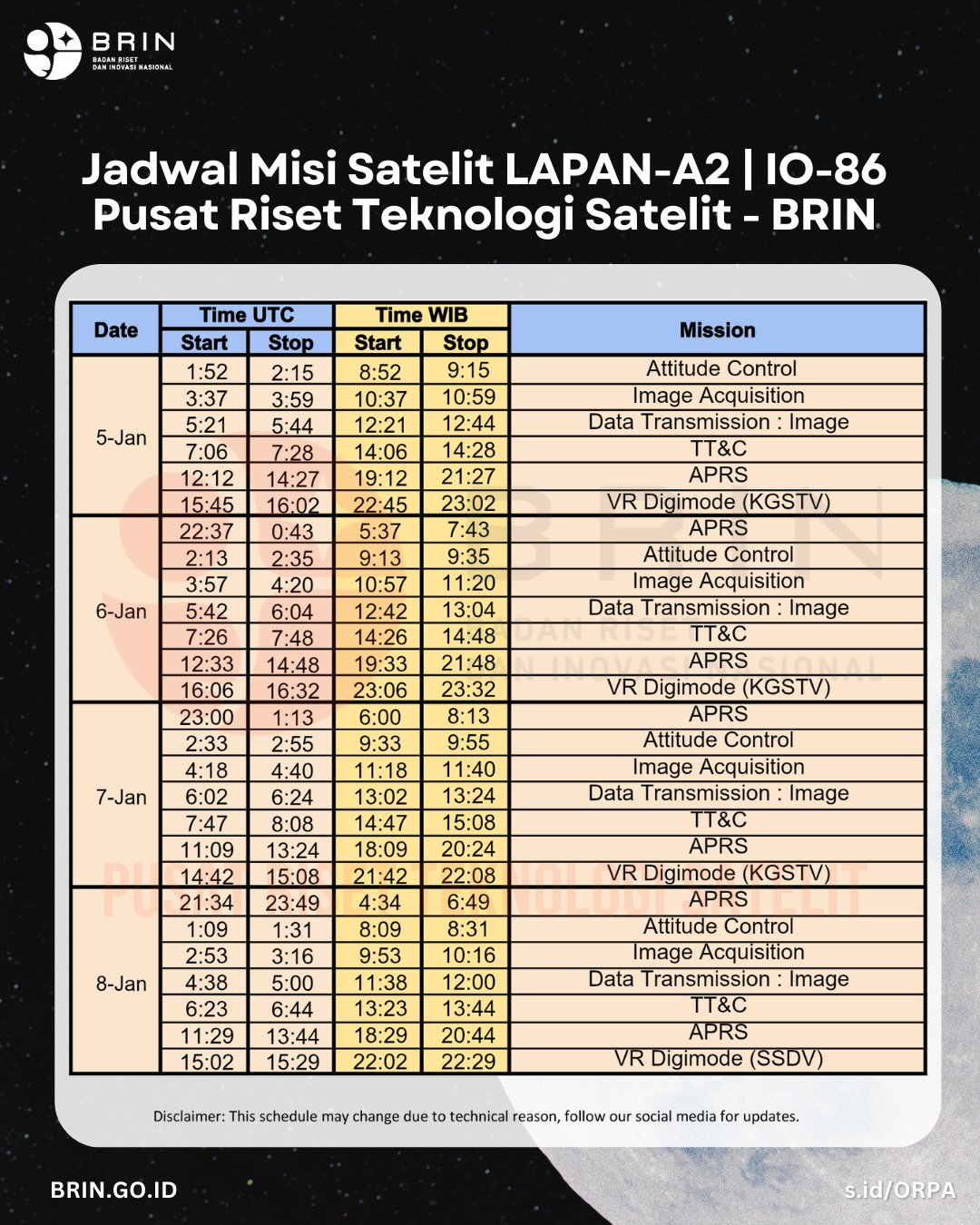
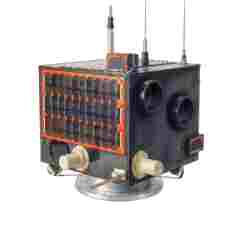
Tested on LAPAN-A2/IO86 satellite, here the proof observation on satnogs
recorded audio file using handheld fm transceiver from io86 sat
live decoding:
 ). And also thanks to