I am running satnogs-client via Podman on Debian 13 (LMDE 7 environment) using a single RTL-SDR Blog V4 for reception. I do not use any physical radio rig or antenna rotator.
However, whenever an observation schedule is triggered, the client attempts to connect to 127.0.0.1:4532 (Hamlib NET rigctl), resulting in a connection refusal and an eventual observation failure.
Here is a snippet of the container logs during an observation run:
Plaintext
Exception in thread Thread-2 (_communicate_tracking_info):
Traceback (most recent call last):
  ...
  File "/opt/pipx/venvs/satnogs-client/lib/python3.11/site-packages/satnogsclient/rotator.py", line 23, in __init__
    self.rot_name = getattr(Hamlib, model)
AttributeError: module 'Hamlib' has no attribute '1'

network_open: failed to connect to 127.0.0.1:4532
Rig exception: rig_init: rx_range_list1 is empty, using rx_range_list2
...
rig_open: using network address 127.0.0.1:4532
connect to 127.0.0.1:4532 failed, (trying next interface): Network error 111: Connection refused
network_open: failed to connect to 127.0.0.1:4532
rig_open: rs->comm_state==0?=0
1:rig.c(1023):rig_open returning(-6) IO error

IO error
ERROR    satnogsclient.observer.observer Waterfall data array is invalid
Thank you for the advice! I have reverted my docker-compose.yml back to the official original template as you suggested.
However, as soon as an observation schedule runs, the client still attempts to connect to 127.0.0.1:4532 (Net rigctl) and fails with an IO error (Waterfall data array is invalid), even without any extra custom variables.
Since I am running an RTL-SDR-only setup with no physical rig or rotator, is there a specific configuration or model number I should use to completely bypass or disable the Hamlib netrigctl requirement?
Thank you for the clarification! I have switched to Docker and kept the configuration clean, but the client still tries to connect to 127.0.0.1:4532 (Net rigctl) during observations, resulting in an IO error (Waterfall data array is invalid).
Since I am running an RTL-SDR-only setup with no physical rig or rotator, is there a specific way or variable required to prevent it from looking for port 4532?
Following your advice, I switched to the clean Docker setup with station.env and docker-compose.yml. However, as soon as an observation starts, the client still attempts to initialize Hamlib NET rigctl and connect to 127.0.0.1:4532, resulting in an IO error:
Plaintext
satnogs-client  | rig_init: rig_model=Hamlib NET rigctl
satnogs-client  | network_open: failed to connect to 127.0.0.1:4532
satnogs-client  | IO error
satnogs-client  | ERROR    satnogsclient.observer.observer Waterfall data array is invalid
Even though SATNOGS_RIG_MODEL=0 is set in my environment variables, it forces a connection to port 4532. Is there an additional variable or setting required to completely disable rigctl in an RTL-SDR-only setup?
I want to sincerely thank both of you for your tremendous help!
Thanks to @bali’s initial advice and @PE0SAT’s brilliant suggestion to add the rigctld sidecar container along with SATNOGS_RIG_IP=satnogs-rigctld, all the port 4532 connection errors and IO errors have completely disappeared. After updating the API token, the client is now running cleanly and smoothly in my RTL-SDR-only setup.
Everything is working perfectly now. I really appreciate your time and expertise!
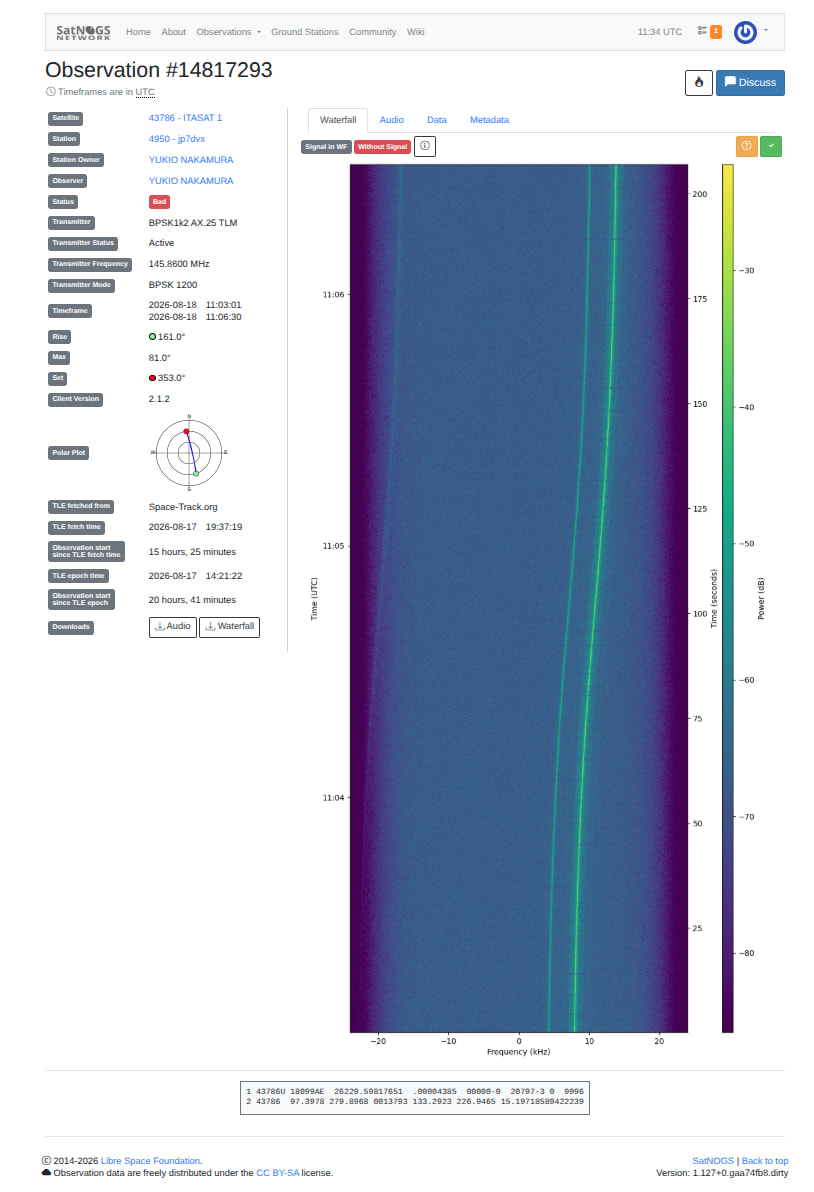
I have a quick question regarding RF gain adjustment. Looking at my recent observations (like ITASAT 1), the background noise floor seems a bit high, sitting around -70 dB.
Currently, I’m using SATNOGS_RF_GAIN=38.0 with an RTL-SDR Blog V4 and a omnidirectional GP antenna. For those of you running a similar setup without a physical rig, what gain value or strategy do you usually recommend to get a cleaner noise floor?
Its possible your environment is just noisy, but what i do to counter this is put 1-2 maybe more ferrite beads at the antenna feed point and also if your using a usb extension for your sdr you can add a usb ferrite as close to your sdr as you can. This is just in my experience though and it didnt lower the noise floor a lot for me but it did help..
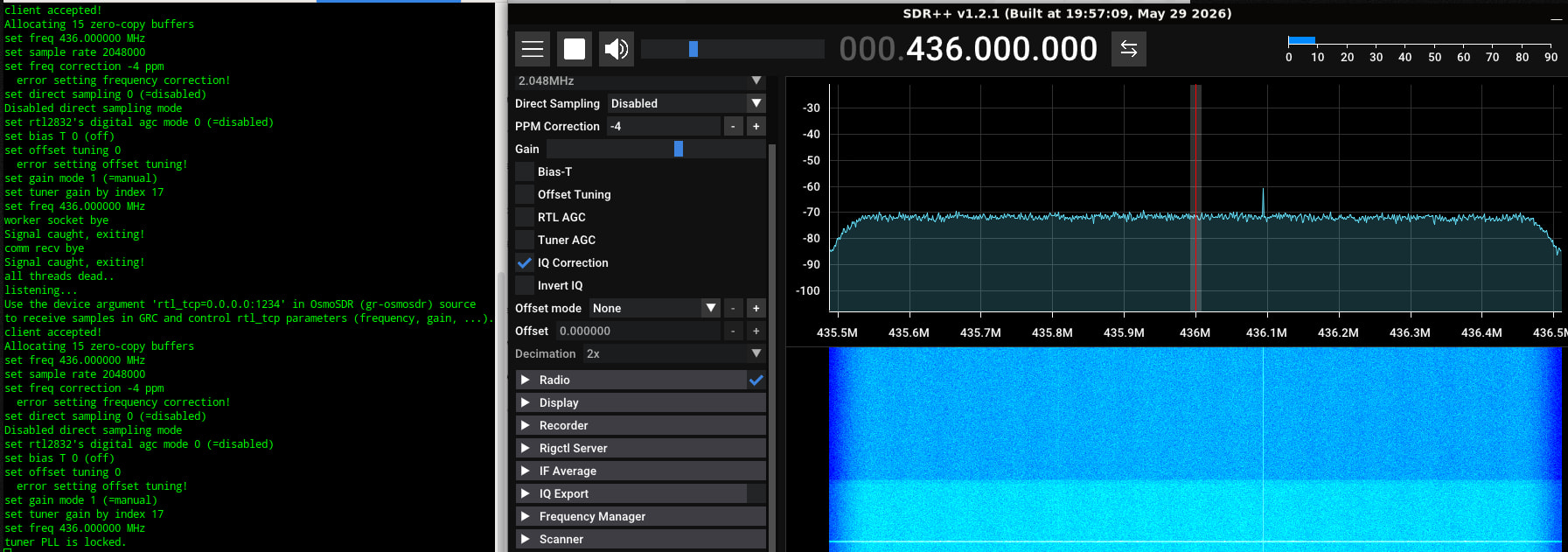
Use a SDR program and scan the bands you want to receive to find the ideal gain value.
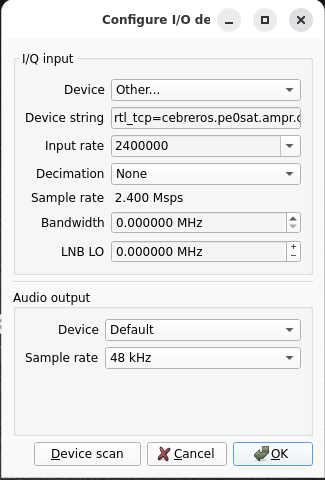
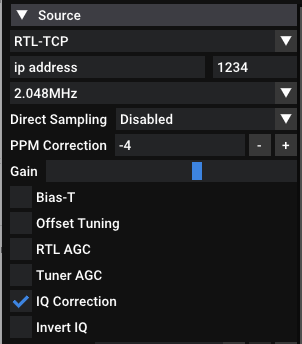
You can also use rtl_tcp -a 0.0.0.0 and connect to the system remotely. There are multiple SDR programs that give you the option to connect remotely. SDR++, SDR#, GQRX etc.
Thank you very much for sharing your practical experience with ferrite beads!
To give you a bit more context, my RTL-SDR dongle is actually connected directly to the antenna feed point. However, I have already put 3 ferrite beads on the USB cable running between the dongle and the PC to block common-mode noise.
Your advice on noise mitigation is greatly appreciated, and it’s good to know I’m on the right track with the ferrites!
Thank you so much for the detailed and insightful guide!
Since my mini PC is running headless without a local monitor, using rtl_tcp to connect remotely from my desktop PC using software like SDR++ or GQRX is a brilliant solution. It will be a fantastic way to inspect the spectrum visually and dial in the ideal gain value.
I am going to set this up right away and give it a try. Thanks again for pointing me in the right direction!
Turns out it wasn’t Podman’s fault after all—it was just my configuration inside the container! Thanks to the great advice here, adding the rigctld sidecar solved everything.
My station has been running smoothly and stably ever since—still entirely on my Podman setup. (And today, even tested out a neat terminal monitor to watch it in action!)
Thanks again to everyone who helped figure it out.