Is this version still compatible with legacy Pre/post scripts..?

yes
yes
I made executable scrip at two level but seem not view the file..(?) ve2dsk
/home/pi/preob.sh
/home/pi/station1461/preob.sh
satnogs_client_1 | INFO satnogsclient.observer.observer Executing pre-observation script.
satnogs_client_1 | ERROR satnogsclient.observer.observer pre-observation script: [Errno 2] No such file or directory: ‘preob.sh’
satnogs_client_1 | INFO satnogsclient.observer.observer Executing pre-observation script.
satnogs_client_1 | ERROR satnogsclient.observer.observer pre-observation script: [Errno 2] No such file or directory: ‘./preob.sh’
satnogs_client_1 | INFO satnogsclient.observer.observer Executing pre-observation script.
satnogs_client_1 | ERROR satnogsclient.observer.observer pre-observation script: [Errno 2] No such file or directory: ‘/home/pi/station1461/preob.sh’
the idea is make a directory on host that contain app, that can be execute from inside docker
cd ~/station1461
mkdir app
mv preob.sh app/
edit docker-compose.yml
nano docker-compose.yml
Look at the line that contains:
    volumes:
      - type: 'tmpfs'
        target: '/tmp'
Then copy and paste the following text right below it:
      - type: 'bind'
        source: './app'
        target: '/app'
edit station.env:
nano station.env
find the following variable and change its value to: (if it doesn’t exist yet, add it)
SATNOGS_PRE_OBSERVATION_SCRIPT=/app/preob.sh {{ID}} {{FREQ}} {{TLE}} {{TIMESTAMP}} {{BAUD}} {{SCRIPT_NAME}}
restart the docker:
sudo docker-compose down && sudo docker-compose up -d && sudo docker-compose logs -f
you can test your script by login inside running docker:
cd ~/station1461
sudo docker-compose exec satnogs_client bash
your prompt will change to like these:
satnogs-client@5c5a35d98db5:/$
now inside your docker shell, just run this:
cd /app
./preob.sh
Just a quick question. The installation part works fine. But the station configuration are not registered and not applied to the station. Its pending for hours .. any suggestions?
1 Like
can you inform your station id, or any screenshot of logs
station ID 4915. its uptime more than 1 hour but configuration are still pending.
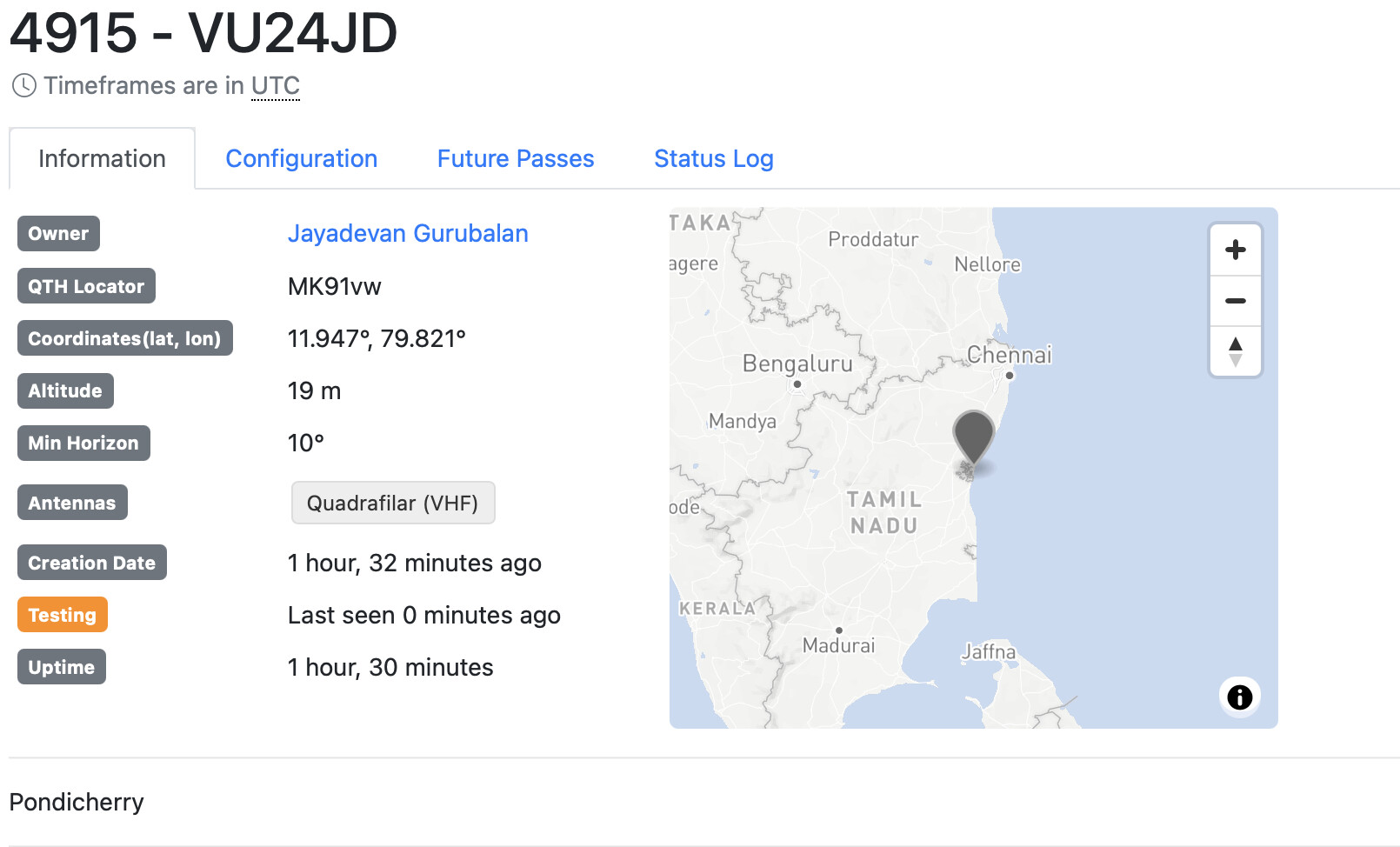
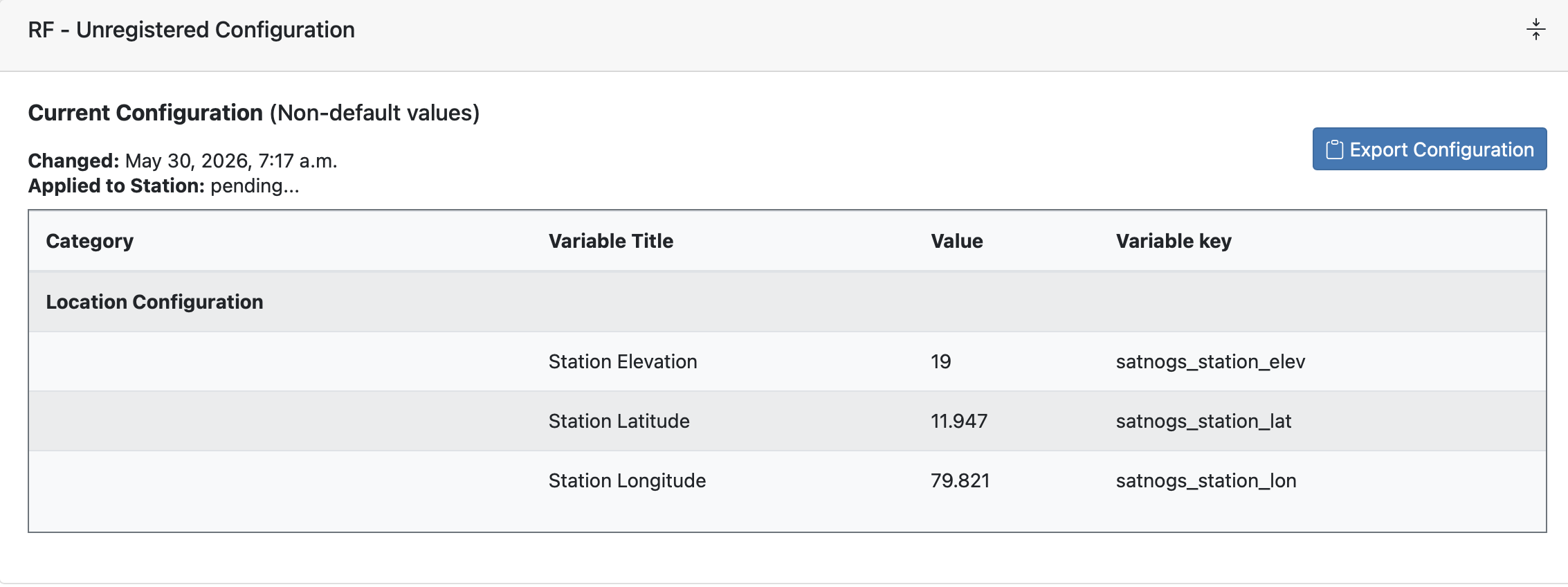
Welcome,
Can you select future passes and add an observation, it is currently in testing to see all works correct?
Jan | PE0SAT

I have no idea what you are trying to tell with this screenshot …
Jan | PE0SAT
Sorry about that. Satnog client is installed in the Raspberry Pi and connects. The ground station becomes live in the satnogs network dashboard (green). But the configuration always says “Applied to station pending” and my Satnog client in my pi is not pulling jobs from the network.
Thanks for clarifying.
At the moment the station is Offline so it won’t interact with the network.
Previous it was in testing and that is a very good start, but that also implies that no obs will be created on the system in that mode.
You need to create observations yourself and that is why I suggested in an earlier reply to go to SatNOGS Network - Ground Station VU24JD select Future Passes and add some obs manually.
Then after some obs have run you can check if all is working correct or needs some adjustments before removing the testing setting.
Jan | PE0SAT