update 2026-09-29: for the final result, and update of this post, dont forget to go here
inspired from scott manley post on x, i’m try creating the orbital using sattools..
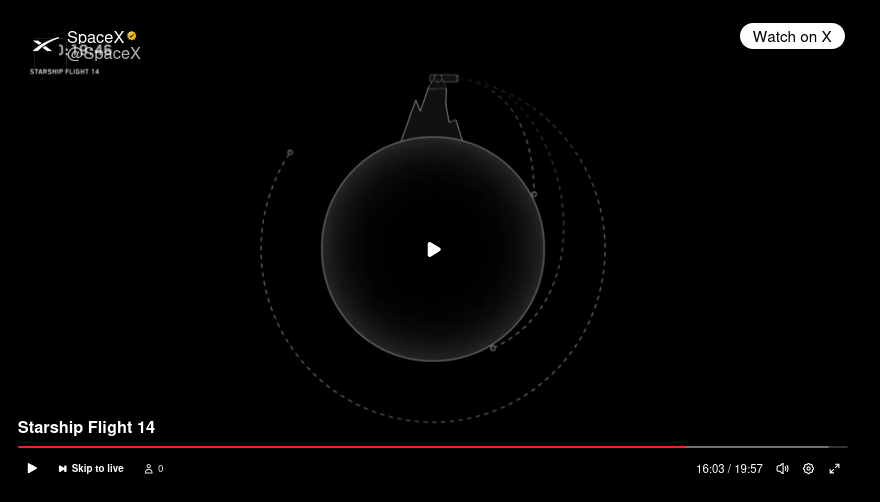
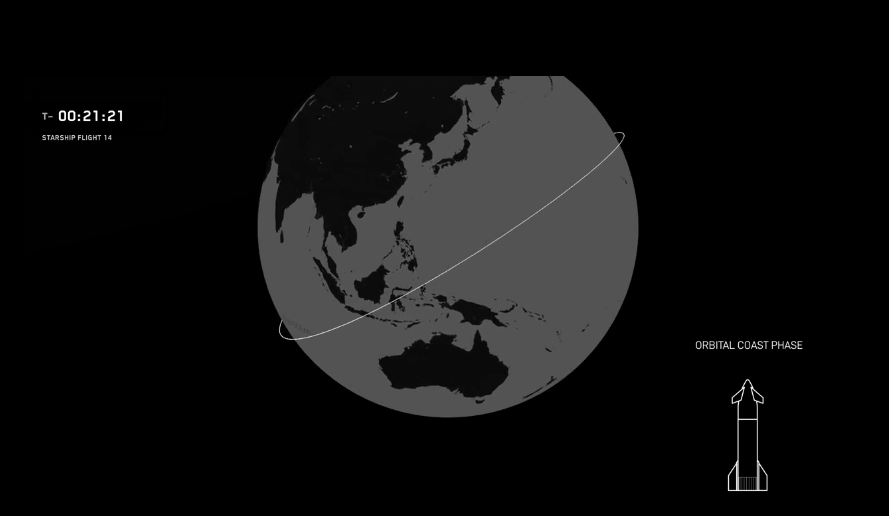
scott manley version:
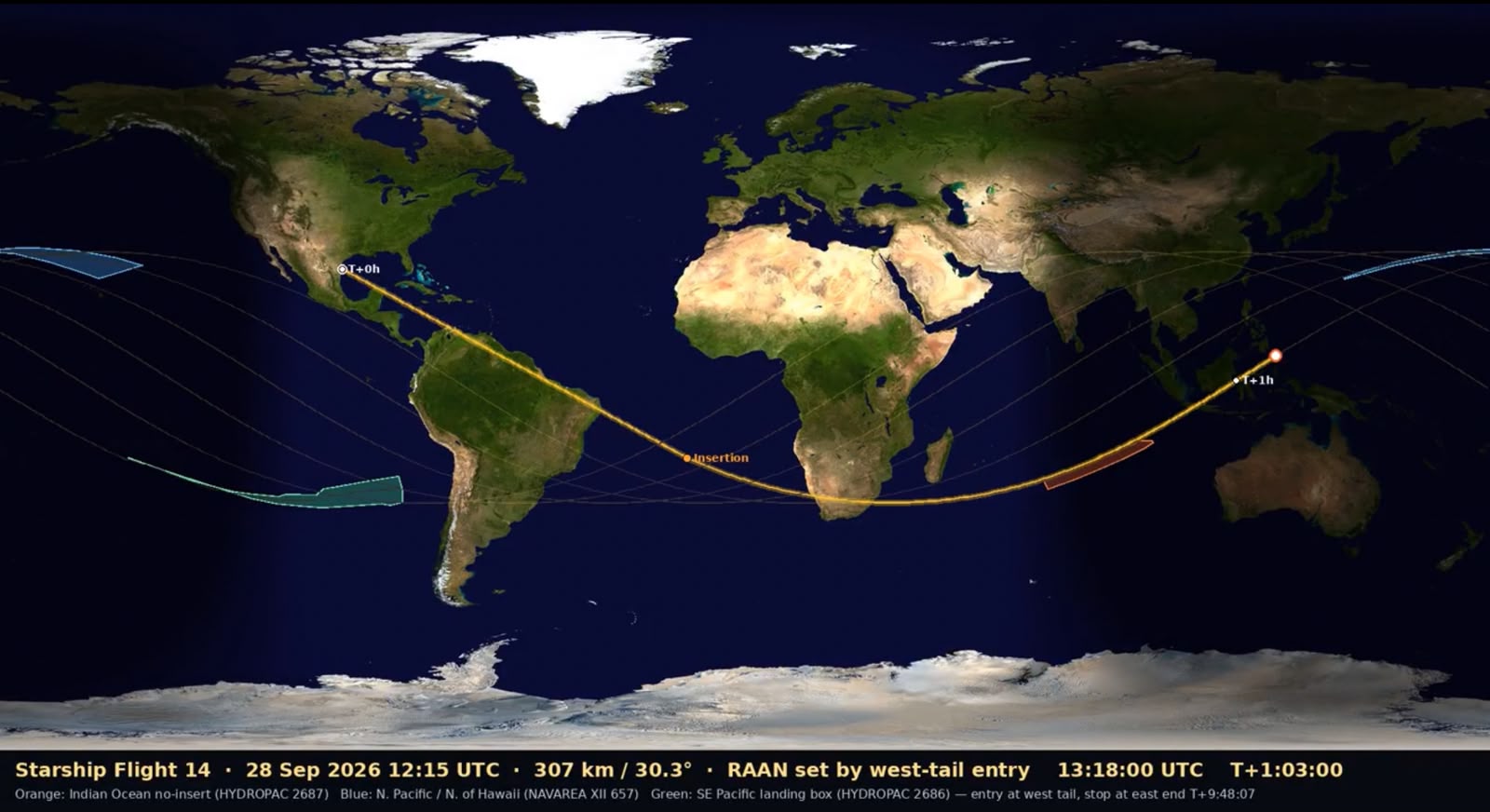
what we know:
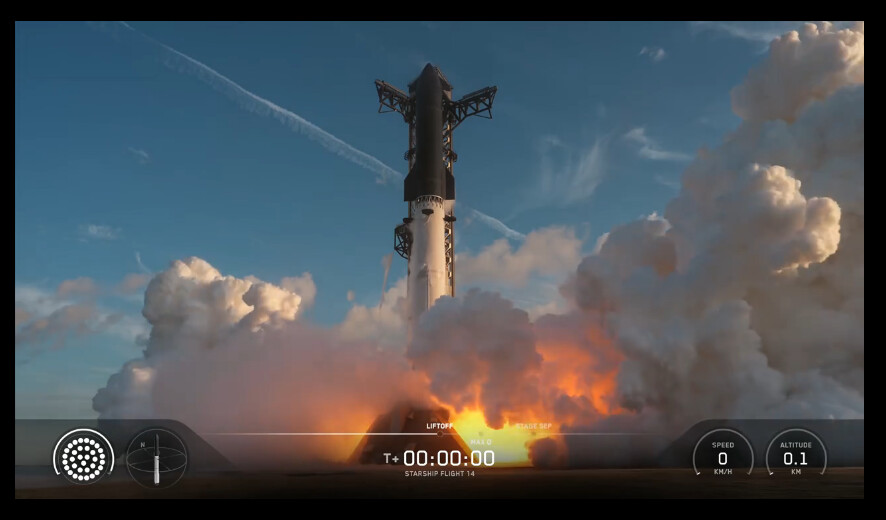
launchtime: 2026-09-28T12:15:00 UTC (from spacex website)
rocket :
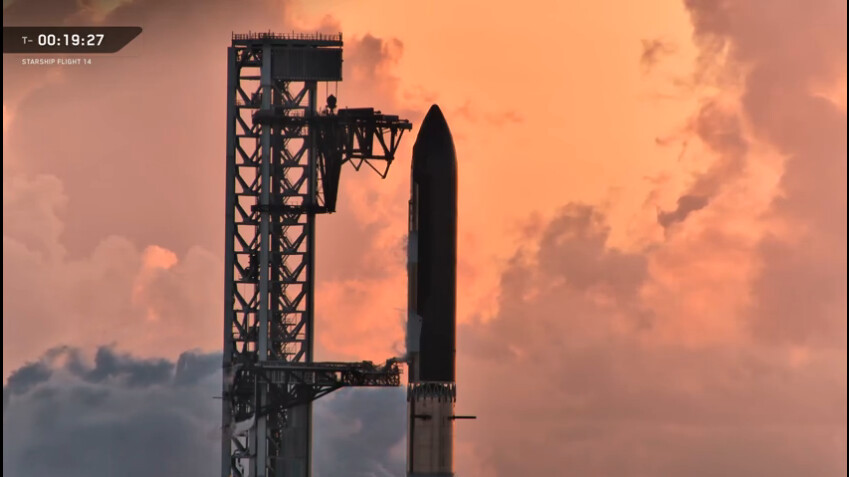
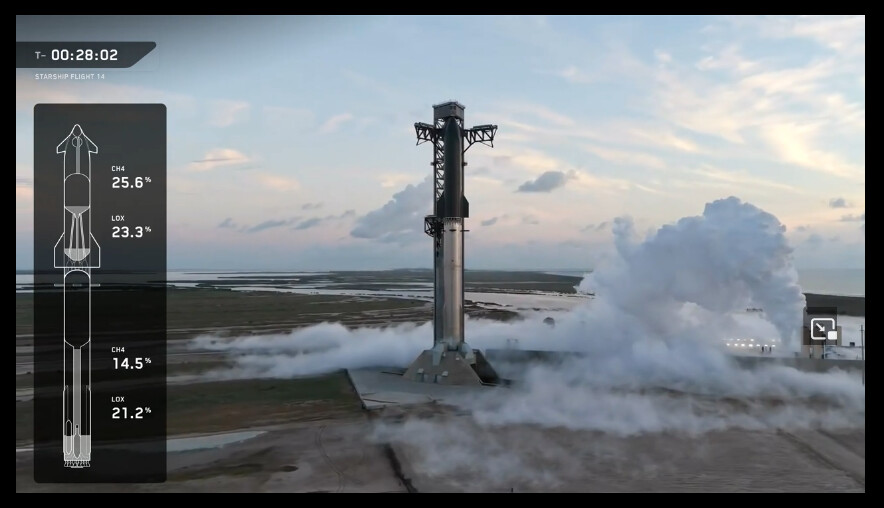
starship-14
inclination (from x scott)
30.3 degree
altitude (from x scott)
307 KM
Launchpad:
starbase, orbital launch pad 2, texas
Latitude, Longitude: 25.997, -97.157
orbital insertion: T+00:25:19 = 1519 s = 2026-09-28T12:40:19 (from nextspaceflight, update on spacex website the insertion is T+00:25:17. just leave it 00:25:19  )
)
how to
- follow the instalation instruction as you can read at the github link above
- create export.sh file, fill with this:
#!/bin/bash
export ST_DATADIR="$HOME/sattools"
export ST_TLEDIR="$HOME/tle"
export ST_COSPAR="4451"
export ST_OBSDIR="$HOME/satobs"
export ST_LOGIN="identity=your_space-track.org_email_account&password=your_password"
the ST_COSPAR value (in above example 4451) , you can edit and add with your real location. the file name is sites.txt located at ST_DATADIR (folder data)
- make it executable:
chmod 755 export.sh - run it
. ./export.sh
and finally run this command:
command:
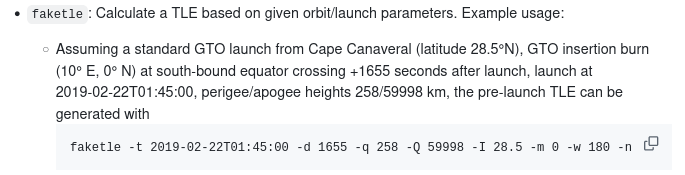
faketle -n 331.9 -m 218.1 -q 306 -Q 308 -I 30.3 -t 2026-09-28T12:15:00 -d 1519 -i 99998U > fake-starship.txt && satorbit -c fake-starship.txt -q -t 2026-09-28T12:40:19 -B 25.997 -L -97.157
-n = raan ascending node (longitude)
-m = mean anomaly (latitude)if your target orbital altitude is 307 km, put it between -q and -Q, so become -q 306 -Q 308
the first -t = launch time in utc
-d = this is orbital insertion in second since the launch time.
orbital insertion is when the upper stage of rocket fires its engine to reach the required orbital velocity and altitude. For a low Earth orbit, that velocity is roughly 7.8 km/s. this will become the epoch time of TLE-i = you set the norad id here. you can freely change it with any number
the second -t = orbital insertion in UTC
-B -L = latitude, longitude of the launchpadyou will playing much with -n and -m. use the < and > on keyboard to move the time. use [ and ] , { and } to rotate the globe. press l to adjust the time delay.
for the best result adjust the -m and -n value, then move the time with < to the launch time, so the position of rocket is exactly on launchpad location.
good luck! 73
result:
STARSHIP-14
1 99998U          26271.52799769  .00000000  00000-0  50000-4 0    08
2 99998  30.3000 331.9000 0001496   0.0000 218.1000 15.88318959    07
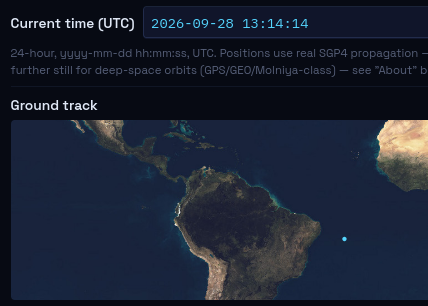
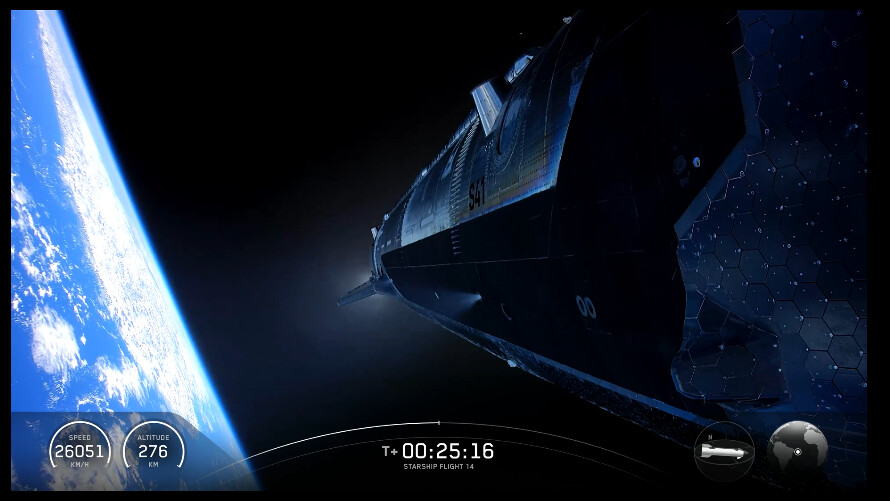
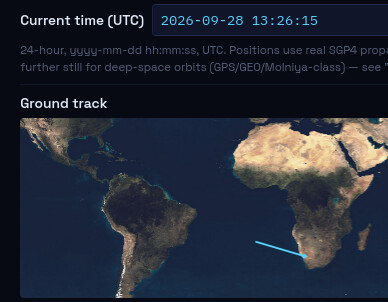
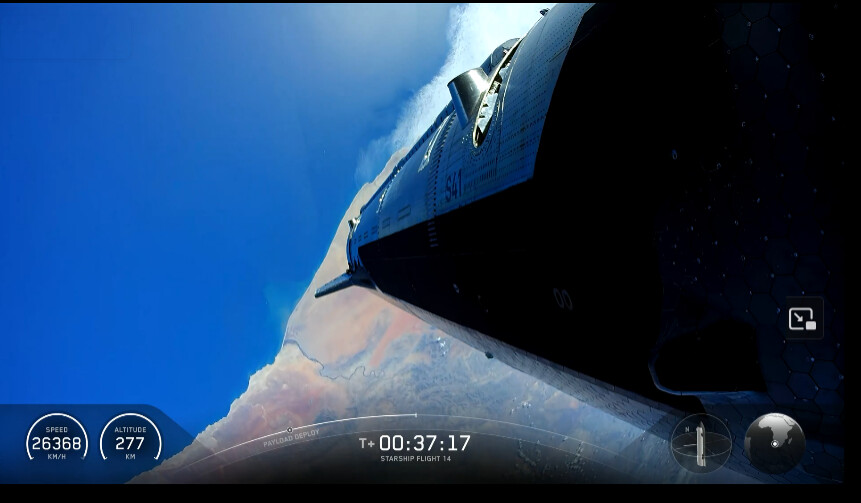
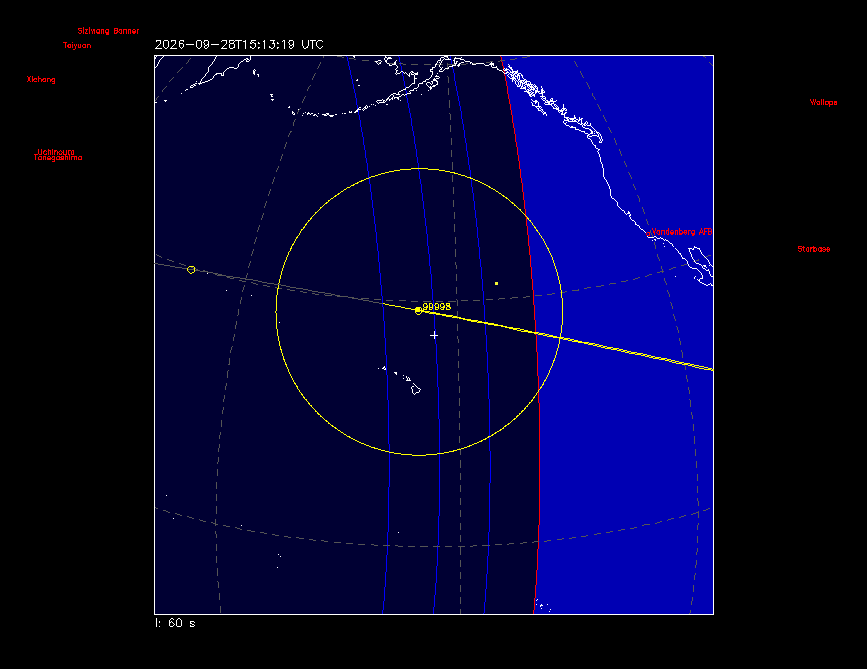
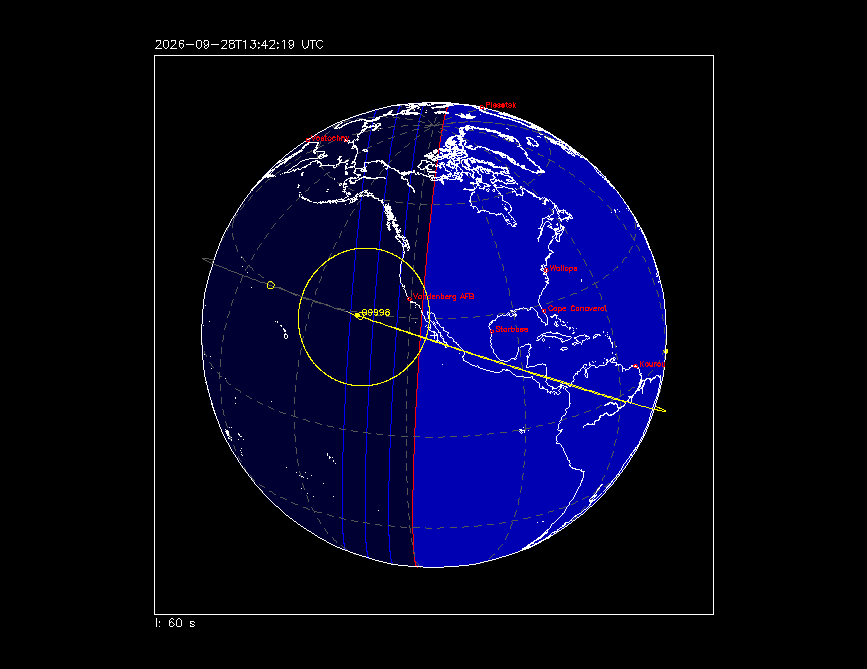
start and orbital insertion:
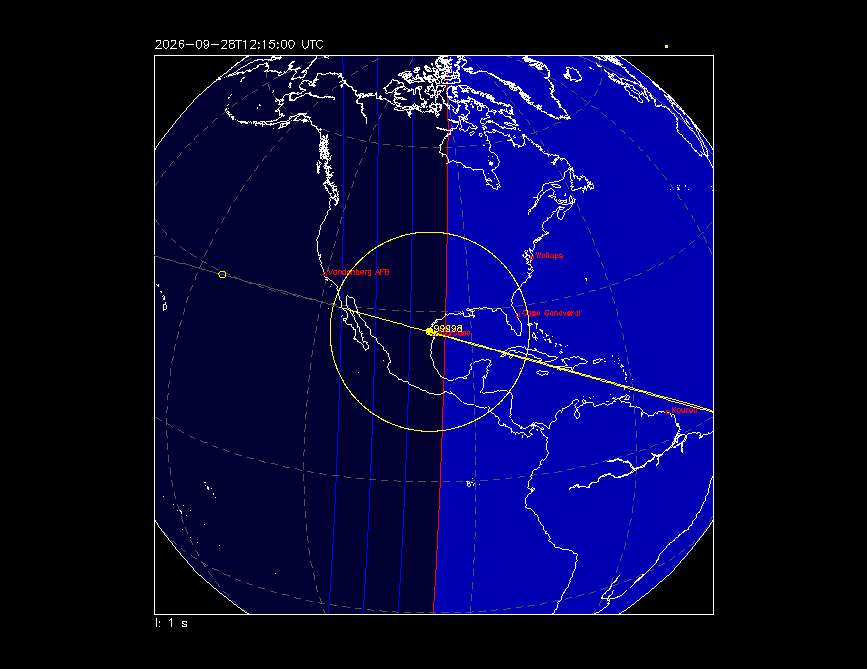
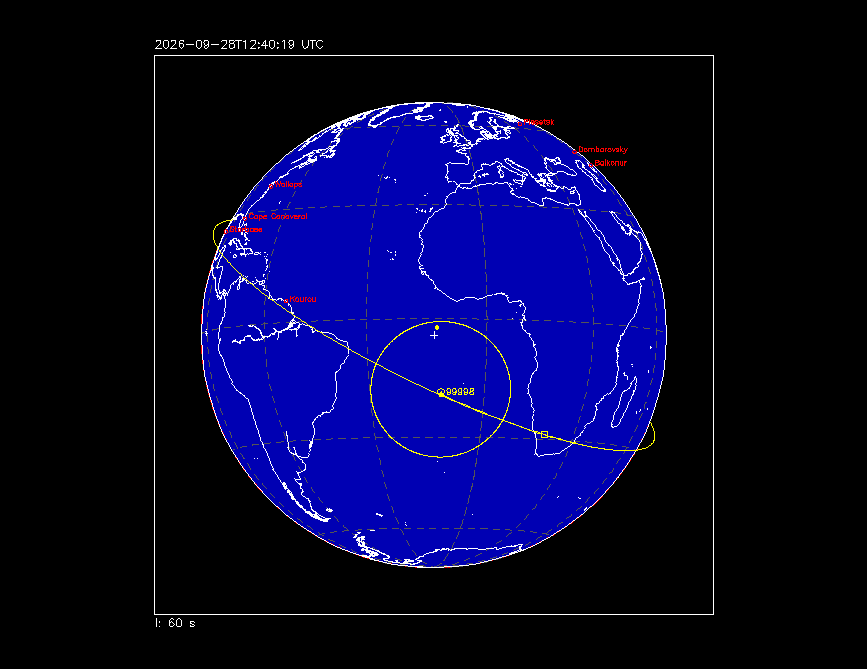
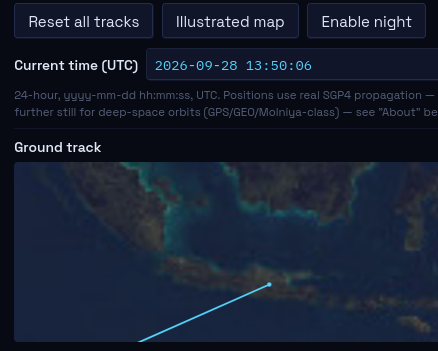
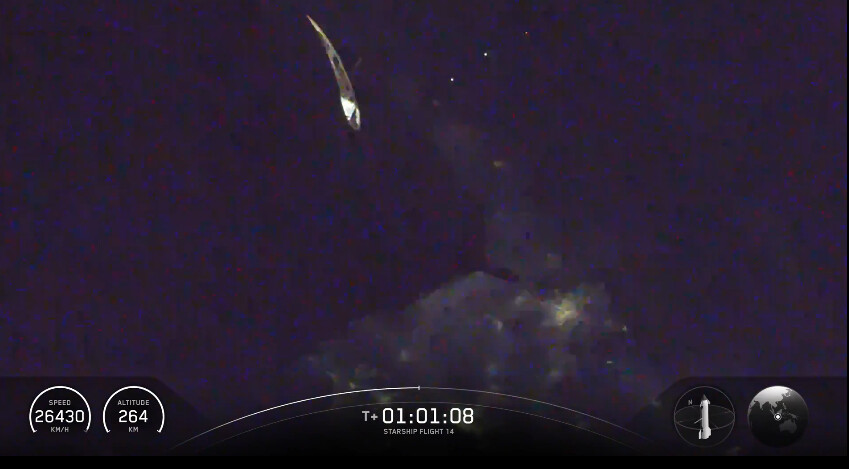
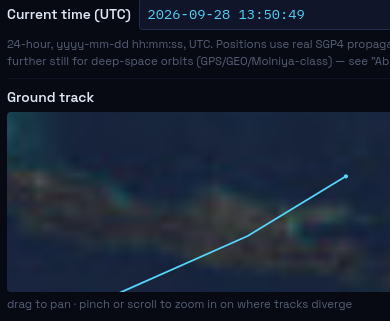
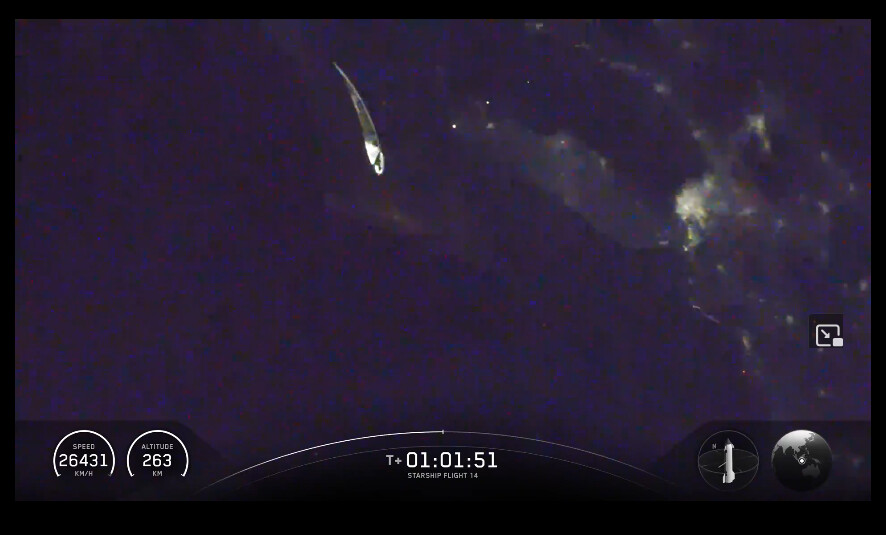
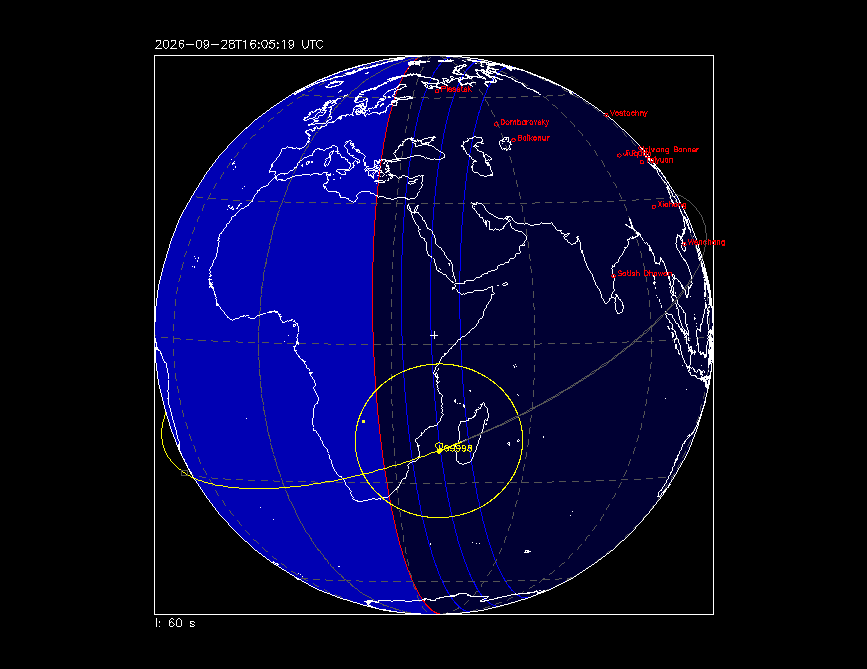
no sunlit when enter southeast asia
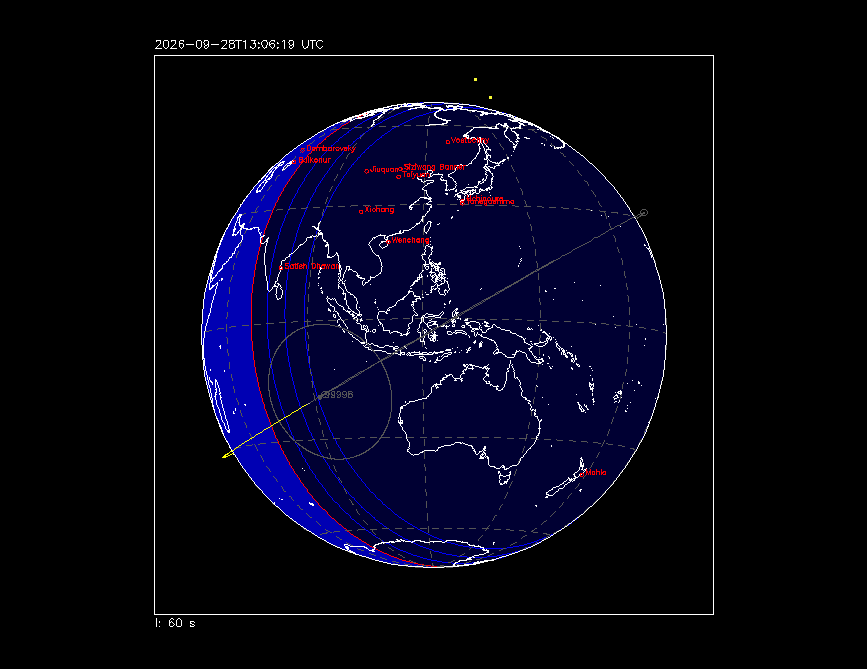
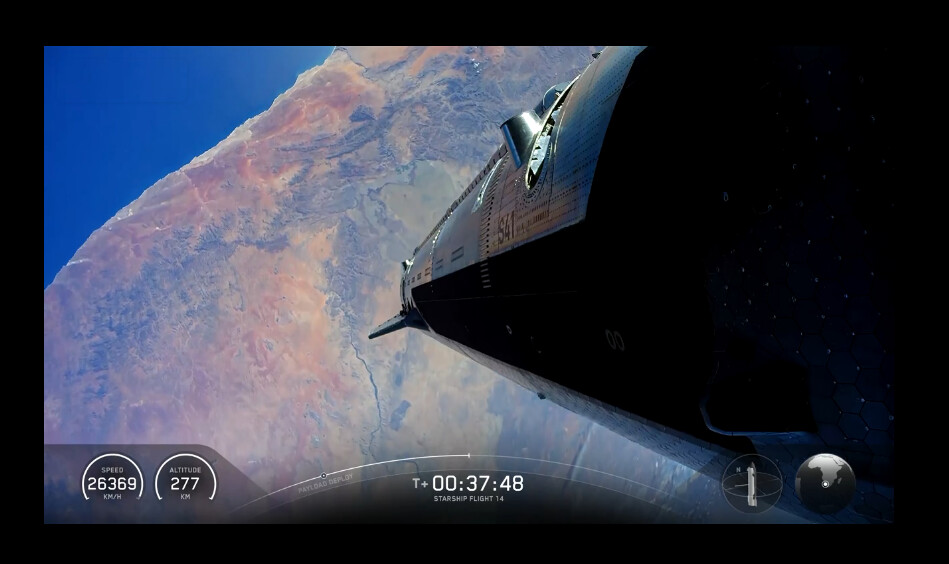
usa west coast, hawai, and africa. The rocket gets sunlite
starship14.txt (152 Bytes)
launchsites.txt (583 Bytes)