Ah ok , had a look , it’s been done already , what a great community and support this is
cheers
Max
Ah ok , had a look , it’s been done already , what a great community and support this is
cheers
Max
I’ve just updated to 0.3.1-pre and it seems to be working just fine. Great work @wose!
wow. i notice this post yesterday. and wow. this is cool project. seriously
spectrum and waterfall in ascii are awesome!
im streaming my station, you can see now live here:
Just wanted to share that it works nicely with Podman on my Debian system too!
Thank you for the great tool.
i recommend you pull again from github the latest update that fix the satellite job status = none

and run cargo clean, to deletes compiled build files before
cargo clean && cargo run --release -- -s station_number
Hi, bali!
Thank you so much for the great advice! I pulled the latest update and ran a clean build with cargo clean, and now the monitor is working perfectly without any issues.
Thanks again for your help!
73, Yukio (4950 - jp7dvx)
Hi everyone!
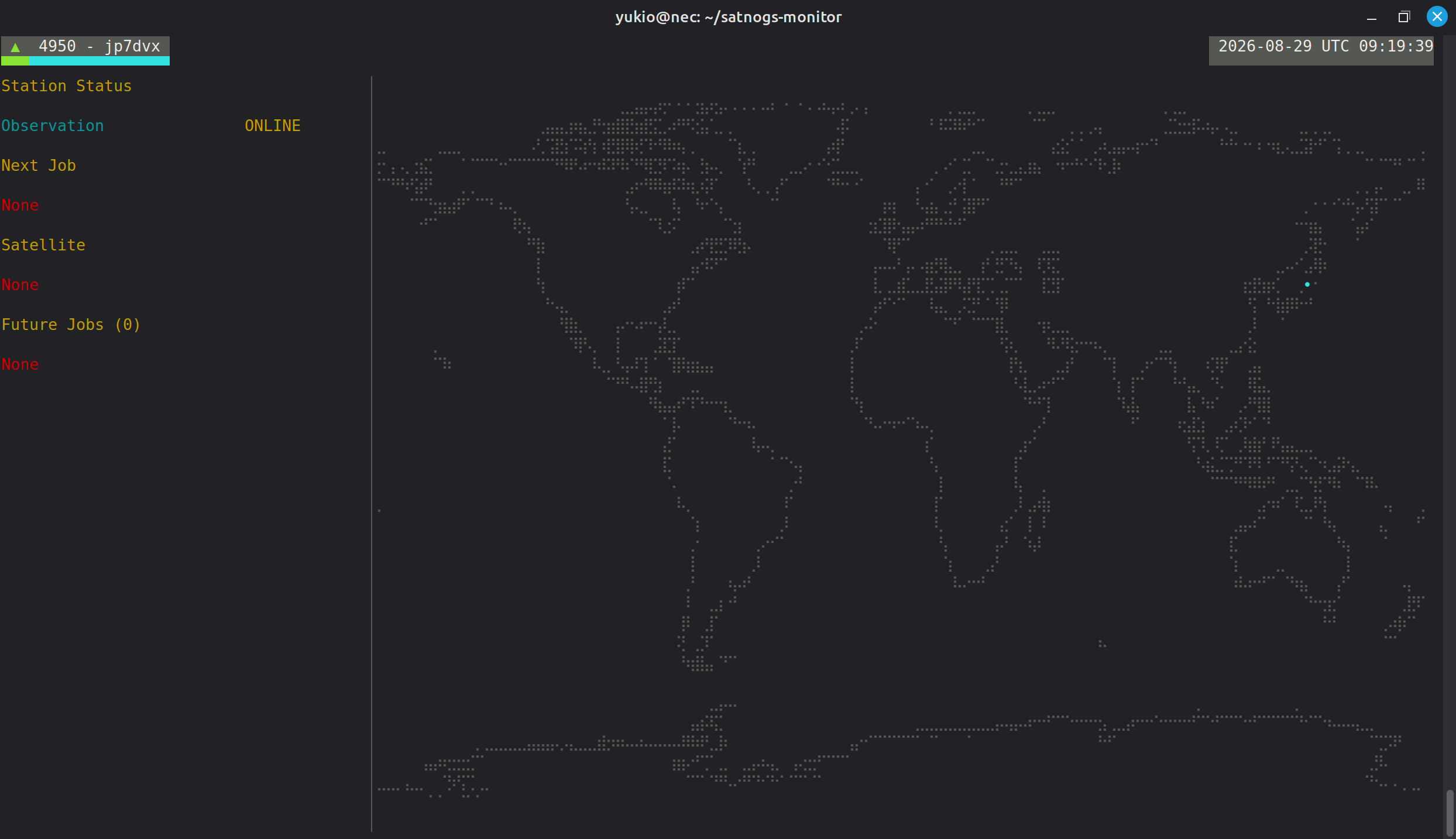
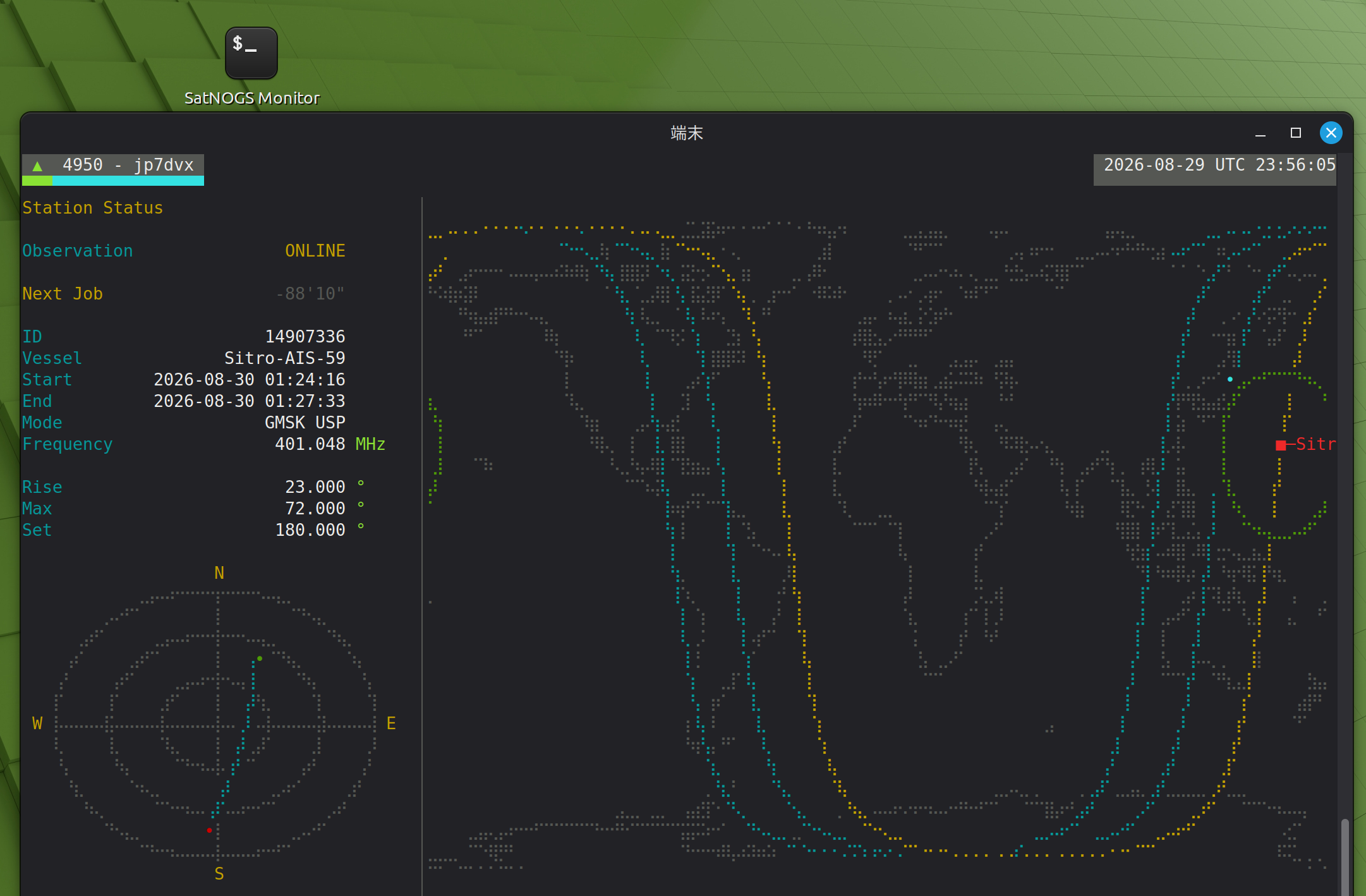
Thanks to bali’s advice, I successfully cleaned up the build and got the SatNOGS monitor running smoothly. To make things even better, I set up a desktop launcher on my MINI PC so I can boot up the monitor on my NEC host via SSH with just a single click.
Here is a snapshot of my desktop icon and the live ASCII world map in action. It’s working wonderfully!
73, Yukio (4950 - jp7dvx)
Hi again!
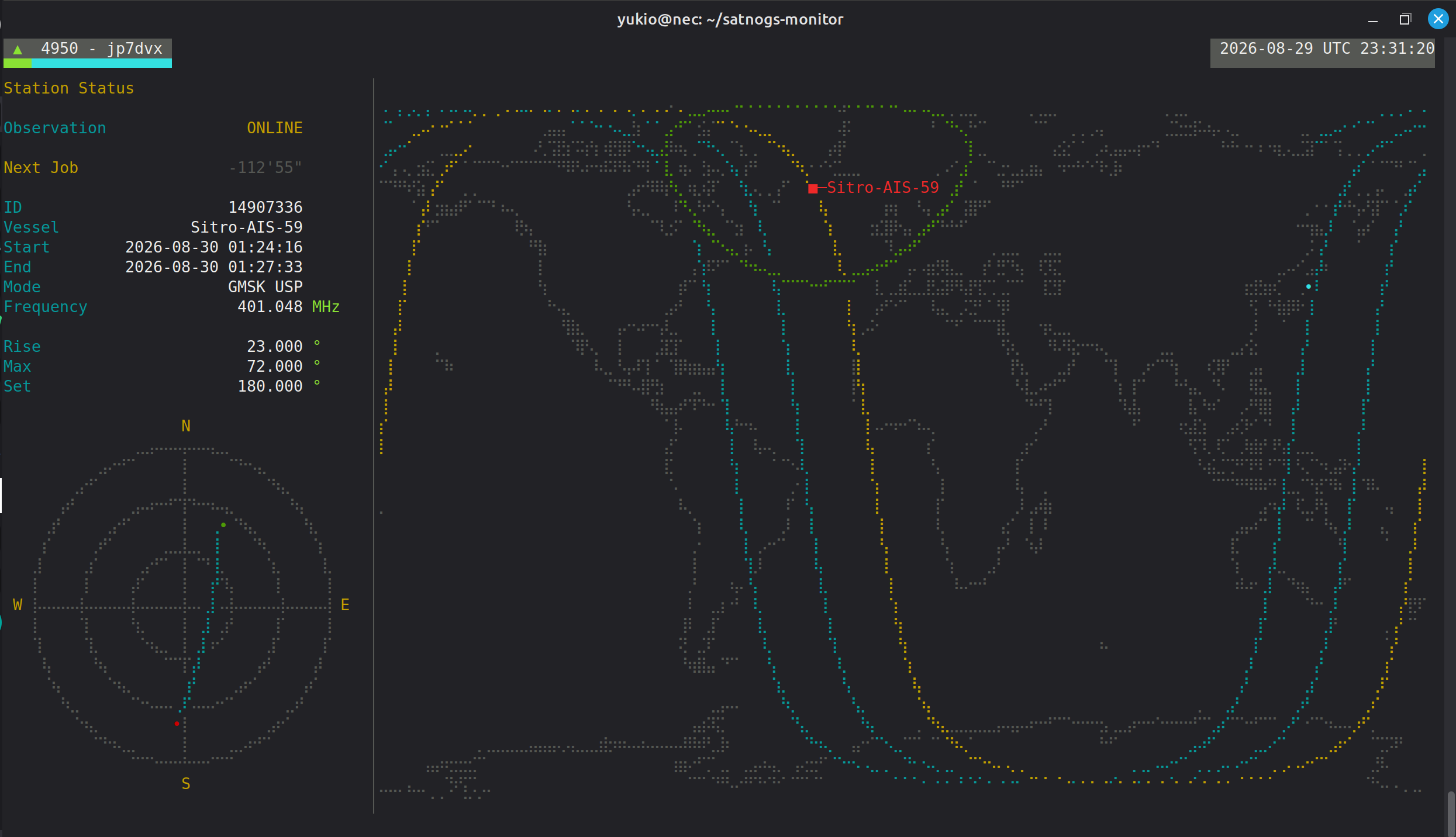
I wanted to share a quick update on how it’s running in action.
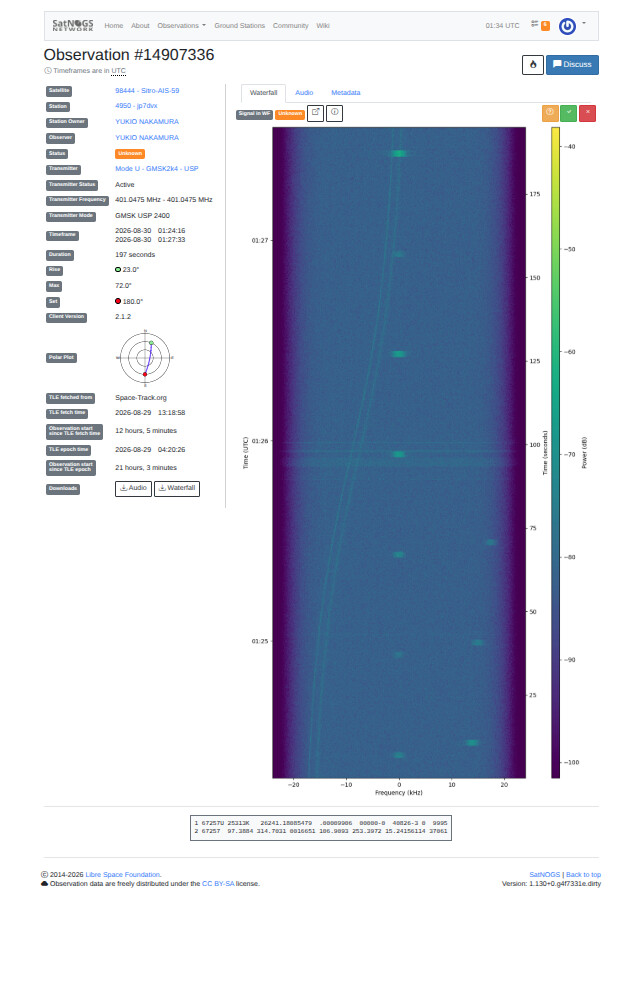
Watching the ASCII world map and polar plot update in real-time as a satellite passes overhead is so much fun. And looking at the waterfall afterwards, it’s fascinating to see how the frequency correction keeps the target signal straight in the center while the background noise curves like a Doppler shift!
Everything is running smoothly and I’m really enjoying this monitor… though it’s a bit of a pity that the packet wasn’t decoded this time! 
73, Yukio (4950 - jp7dvx)
i share my config. maybe you will be interest. especially watching realtime waterfall and spectrum when satellite pass
cat ~/.config/satnogs-monitor/config.toml
# satnogs-monitor example config
#api_endpoint = "https://network.satnogs.org"
# log level 0 -> WARN, 1 -> INFO, 2 -> DEBUG, 3 -> TRACE
#log_level = 1

# If satnogs-monitor runs on the same machine as the satnogs-client, you can
# set data_path to the satnogs-client data path and get some observation data
# as it happens
#data_path = "/tmp/.satnogs/data"
data_path = "/home/linux/station-4451/satnogs/data"
# If you have a rotator setup you can specify your rotctld address here to
# display the rotators position next to the vessels azimuth and elevation
#rotctld_address = "127.0.0.1:4533"

# Change the rotctld_interval to adjust the polling interval for the rotator
# position. Increase this value if your rotator position stops updating after
# the observation has been started. (min: 1s, default: 5s)
#rotctld_interval = 5

# The job data is updated every 600 seconds. Since you can't schedule new jobs
# sooner than now + 10 minutes this guarantees that we don't miss any
# observations.
job_update_interval = 3600

[[stations]]
# Your stations SatNOGS id
satnogs_id = 4451

# Set this to true if the monitor runs on the same machine as the SetNOGS
# ground station to get system infos (CPU temperature, Mem usage, ...).
local = true

[ui]
# dB range of the spectrum and waterfall plot
db_min = -55.0
db_max = -10.0

# Number of orbits plotted on the map.
ground_track_num = 2

# If you enabled the rotator monitoring you can override the warning (yellow)
# and error level here.
#rotator_warn = 5.0
#rotator_error = 15.0

# draw the satellite footprint on the map"
sat_footprint = true

# the spectrum_plot and waterfall widgets are only available if satnogs-monitor
# is run on the same machine as your SatNOGS station and the data_path is set to
# the satnogs-client data path
#
# enable spectrum plot
spectrum_plot = true
#
# enable waterfall (you'll need a true color terminal)
waterfall = true
waterfall_zoom = 2.0
and to enable the satnogs-monitor access data from satnogs-client docker, i add this on docker-compose.yml
    volumes:
      - type: 'bind'
        source: './satnogs'
        target: '/tmp/.satnogs'
dont forget to create new folder satnogs same directory with docker-compose.yml
73!
Hi bali,
Thank you so much for sharing your configuration and docker-compose settings! It’s very helpful.
Since my setup is running on Podman rather than Docker, I might need to make a few tweaks for the volume bindings, but I’ll definitely check it out.
Thanks again for your great support!
73, Yukio (4950 - jp7dvx)
Hi everyone,
Thank you for sharing such a wonderful monitor setup!
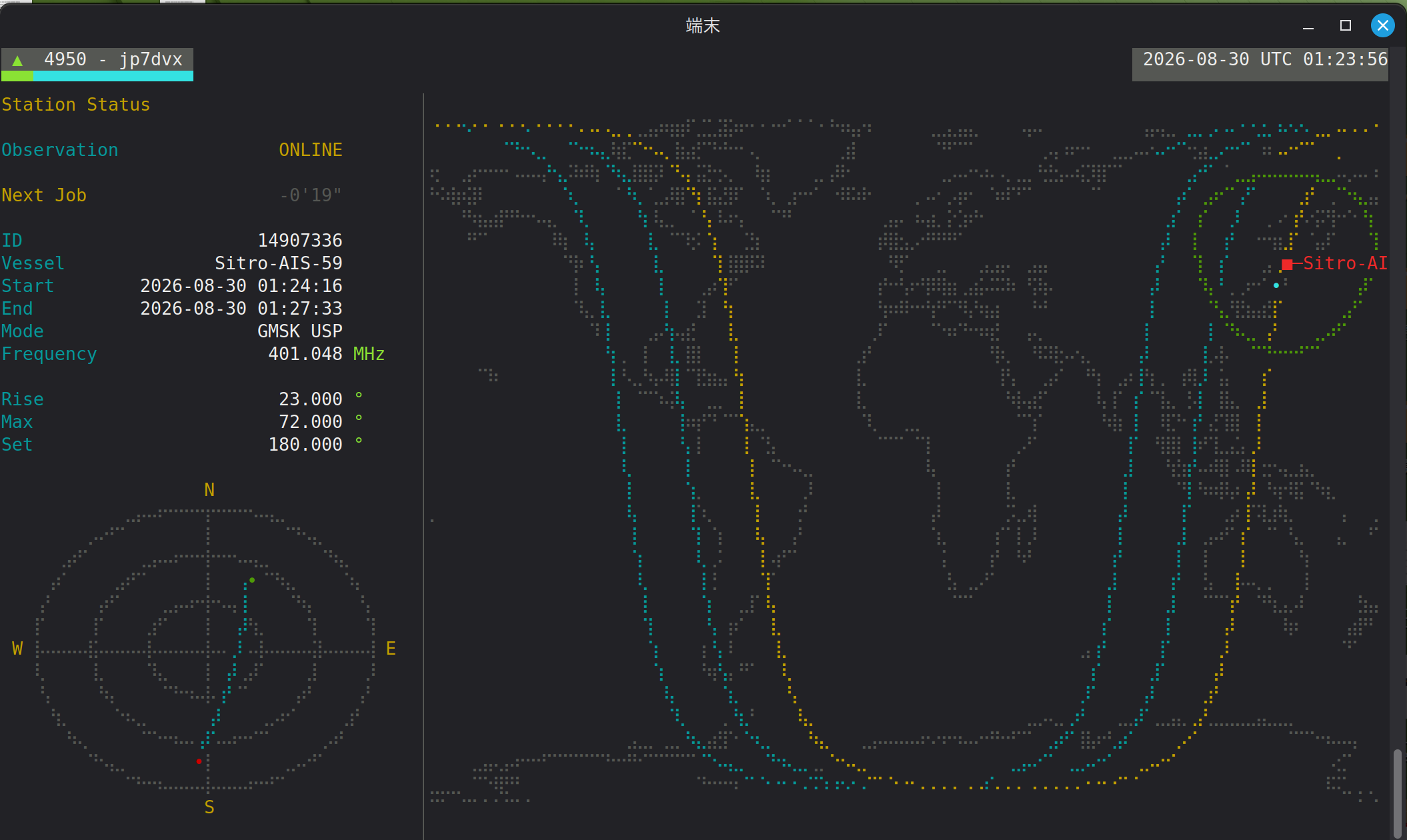
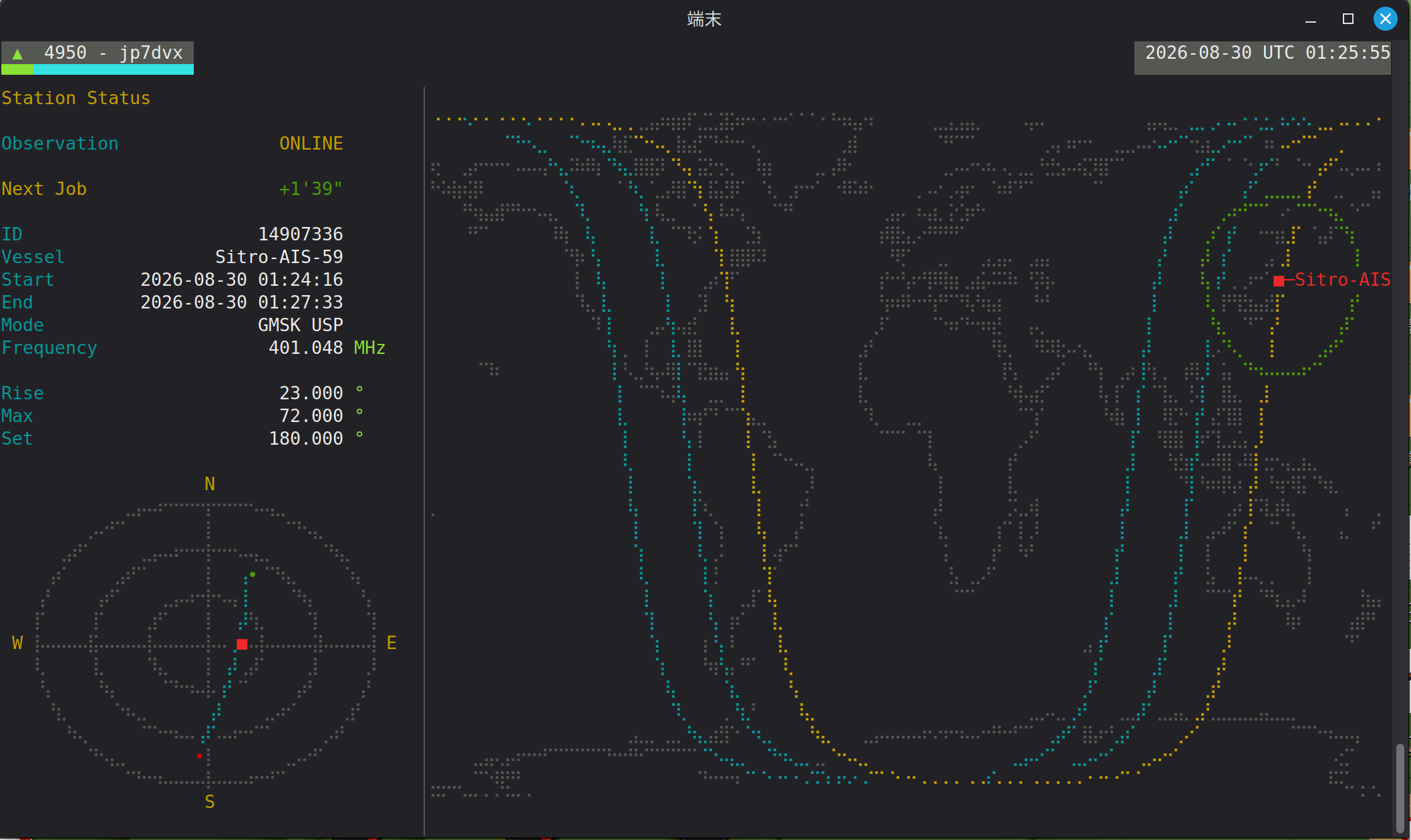
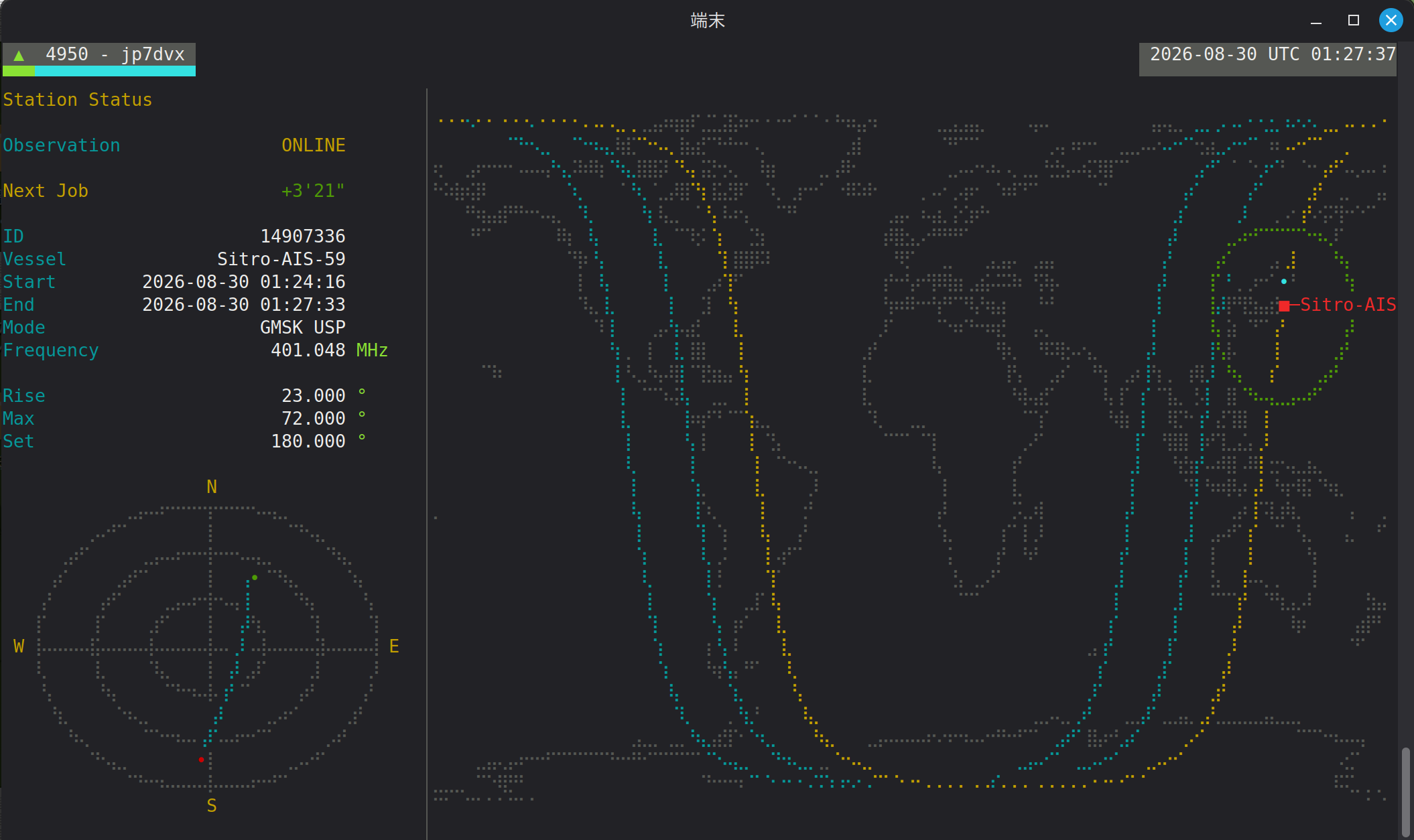
As you can see in the attached screenshot, my station is successfully running online and tracking upcoming passes via Podman. However, I am still trying to figure out how to properly pipe/map the local waterfall and data stream to the monitor under the Podman environment.
If anyone is running satnogs-monitor with Podman, could you kindly share any tips or specific volume/path configurations that worked for you?
73, Yukio (4950 - jp7dvx)
Update:
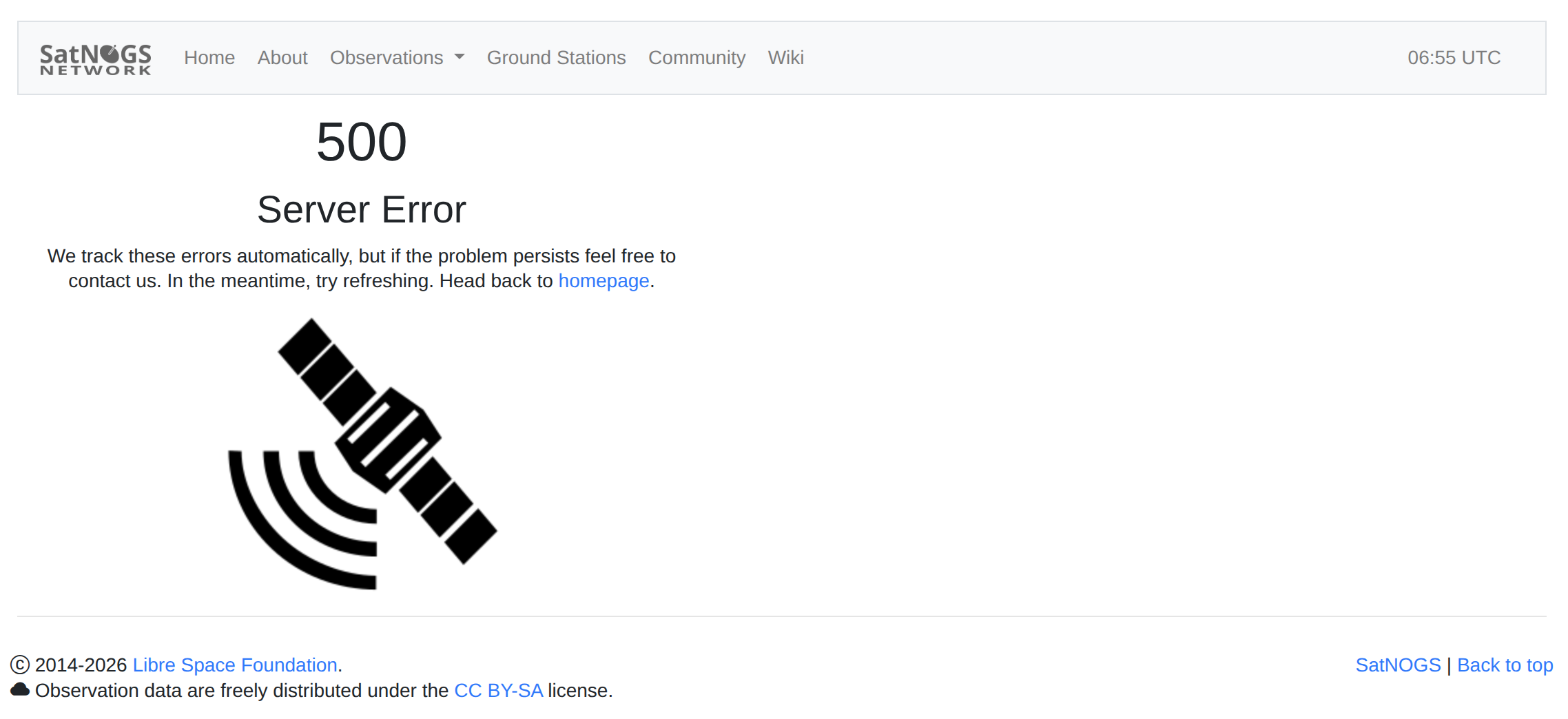
After getting everything running, my station keeps dropping offline shortly after startup (and I’ve also noticed some 500 server errors on the network recently).
Could this sudden disconnect issue be related to the server side, or is there still something I need to adjust in my client/Podman setup? Any thoughts would be greatly appreciated!
Server-side: SatNOGS DB Release : 1.76 - #5 by bali
Satnogs-monitor co-maintainer here.
I don’t have a specific docker configuration, as I mostly run satnogs-monitor natively on the system. My groundstations are deployed with the manual install stack. That way, I can develop and patch on them far more easily. I feel docker would be an unnecessary burden there.
For satnogs-monitor to work, it must have access to the /tmp/.satnogs/ directory, where the satnogs-client will stream the observation data from the SDR.
If you found a configuration already and are willing to share it, we can also include that in the documentation.
Feel warmly invited to contribute patches anytime (but no AI-generated code, please), if can fix a bug or something.
Thank you for your direct and helpful advice, mhuebner!
Actually… I have to confess: I’ve been working through all of this with the help of Gemini. Seeing your note “(but no AI-generated code, please)” made me chuckle! 
Jokes aside, I completely respect your policy. But honestly, I can’t do this without Gemini by my side, so we will keep moving forward together! Since I now know that satnogs-monitor needs access to the /tmp/.satnogs/ directory under Podman, we (me and AI) will figure out the correct volume mapping and permissions.
If we run into any more head-scratchers, I might drop back by. Thanks again for your support!
73, Yukio (4950 - jp7dvx)
Congrats. You have one of the best SatNOGS station(s) that I have seen.
Thank you. Receiving recognition from a 2021 member motivates me to keep learning.
I truly appreciate it. 
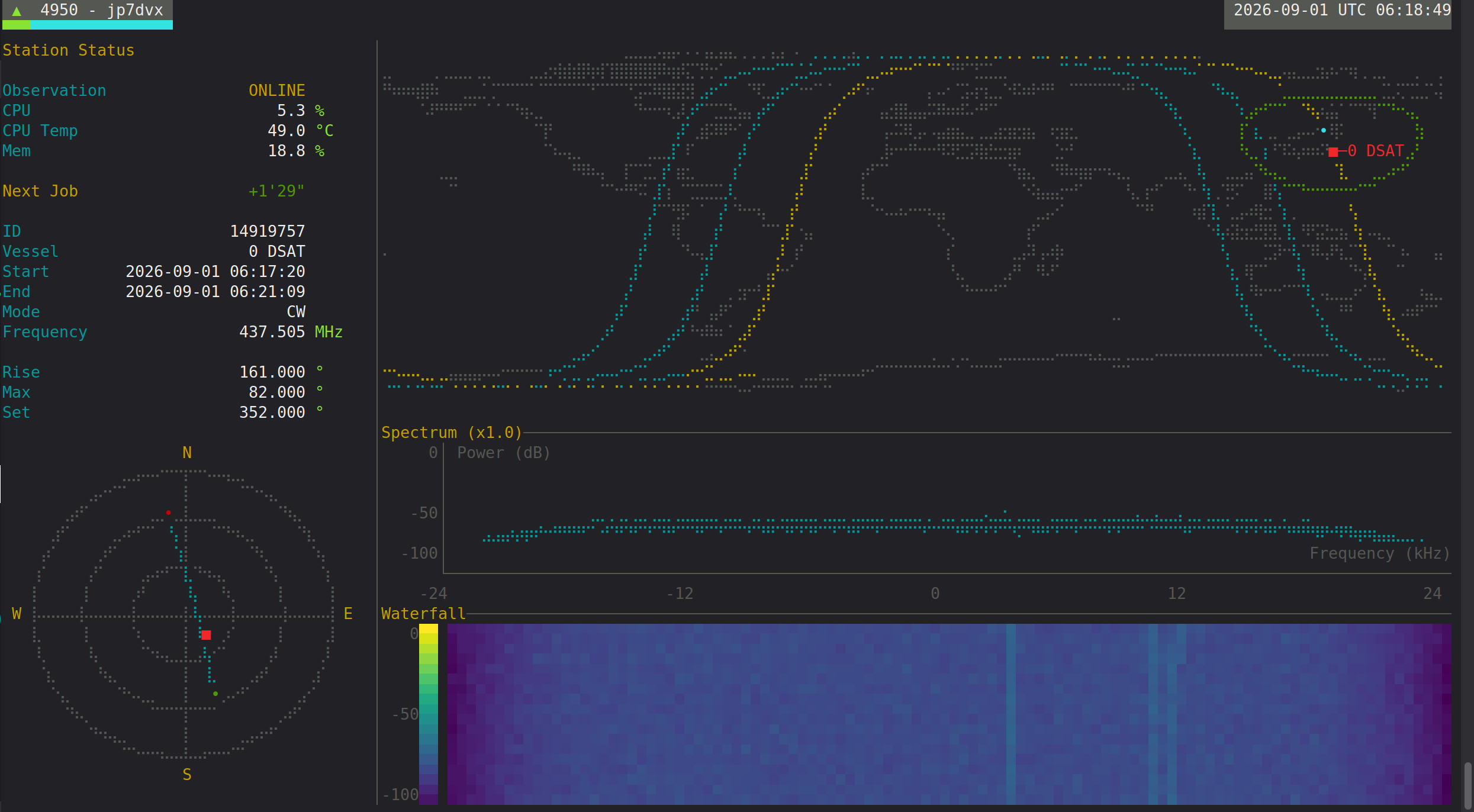
Update! After sorting out the terminal dimensions and sizing everything correctly via SSH, satnogs-monitor is finally up and running smoothly!
Here is what it looks like in action:
Everything is online and looking gorgeous. Thanks again to everyone for the guidance!
73, Yukio (4950 - jp7dvx)