here mine:
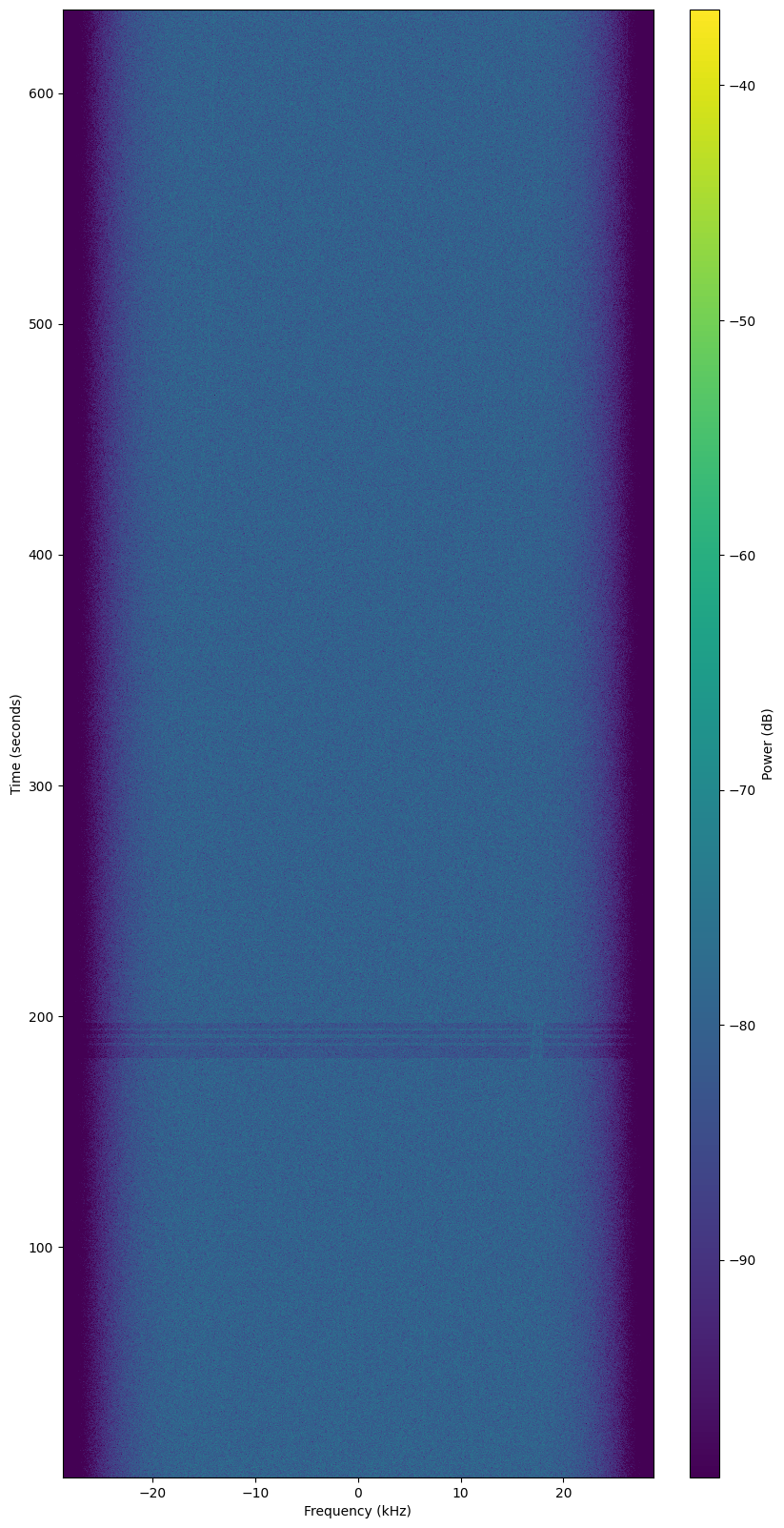
- download the waterfall png image and open with gimp
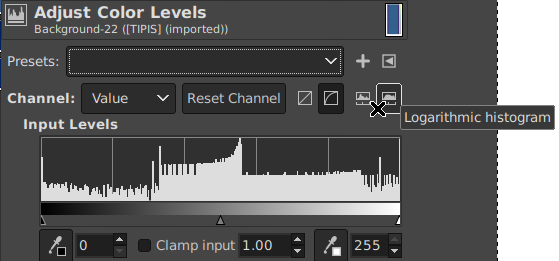
- click colors - levels…
- choose Logarithmic histogram
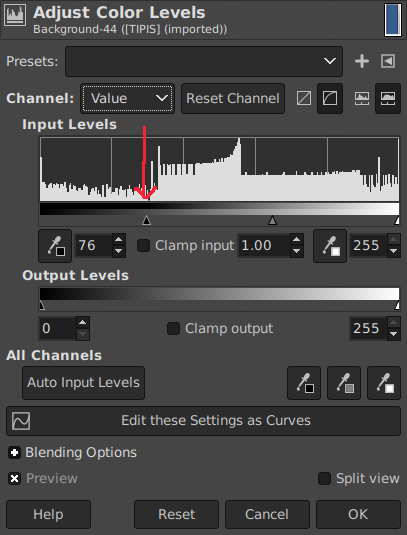
- move the left slider (input levels) until near the first higher bar
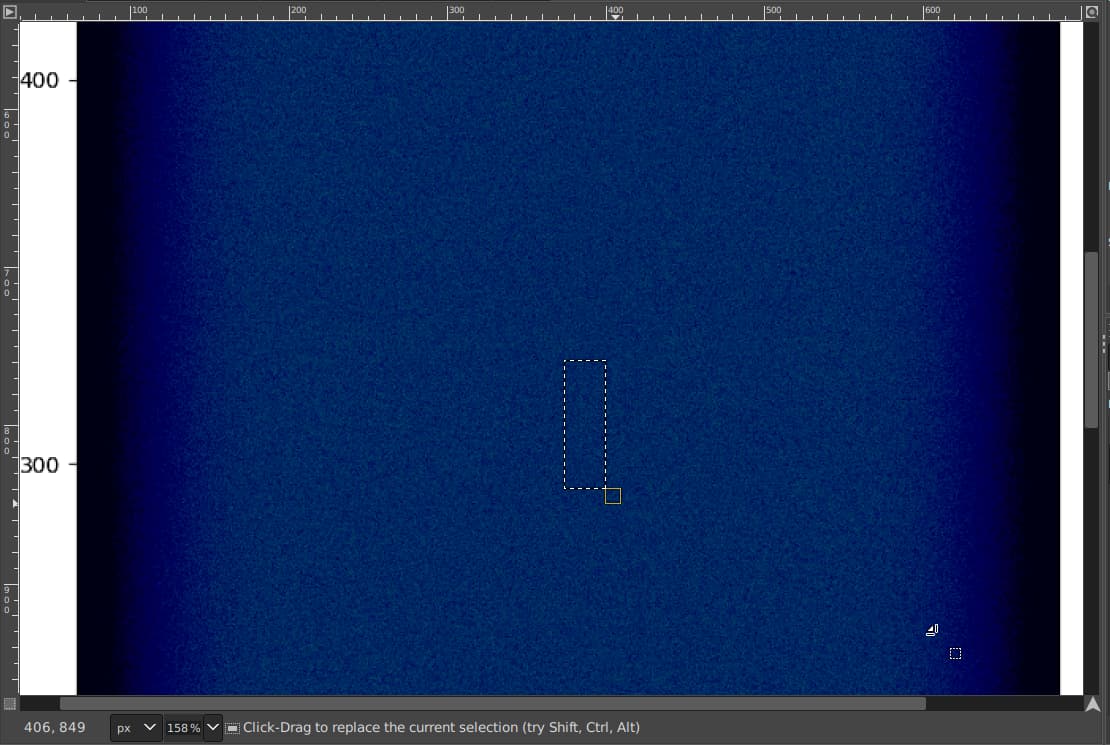
- back to the waterfall, it should more clear.
- look start from 300s (the picture here is not clear, because the image quality reduced when i upload here)
everybody should try. lol 