During my tests yesterday, at some point I removed the 10 meters of TV cable I had between my LNA (powered via biasT), and my RTL SDR. The LNA was then directly conected to the RTL. I had some crazy waterfalls (see example observation) and thought I broke something.
I put the TV cable back and it came back normal.
Why is the waterfall so weird? Is putting the LNA directly on the RTL SDR is a bad practice?
What I have found out, it seems an USB problem and can happen at random.
(Tried adding or removing USB devices to the system, unable to recreate the problem)
It is possible that multiple, days, weeks even months the problem will not happen and then maybe days after another.
yeah, that is no signals at all, just crap data from the sdr, it will not matter if you have antenna connected or not when it is that state.
I’m not sure, but I think it is either temperature related or usb.
if it starts after touching or moving the sdr it might point to usb glitching out.
running it at lower sample rates reduces temperature. 1024e3 or 2048e3 being two very common rates, 2400e3 usually needs cooling.
Sorry for the revive but I am on the same problem right now. My station worked fine for 1 month and half, but the USB connection glitched twice in a week (example: SatNOGS Network - Observation 12910047 )
Are you suggesting it’s the temperature that causes the issue?
Would putting 1024e6 (I think yoou meant e6 not e3?) solve the issue? Or just reduce the time it happens?
I saw we can programmatically reset the USB connection, do you think that works as well as unpluging, pluging again? (For context, I don’t live wher my station is, so if I can auto reset from time to time just doing this it would be nice.
Apart from lowering the sample rate to 1.024e6 I tried every option and always needed to remove and reconnect the RTL-SDR to get it back in a running state.
Only a power down of the RTL-SDR seems to fix this problem so maybe lowering the sample rate will stop the SDR from getting in this fault.
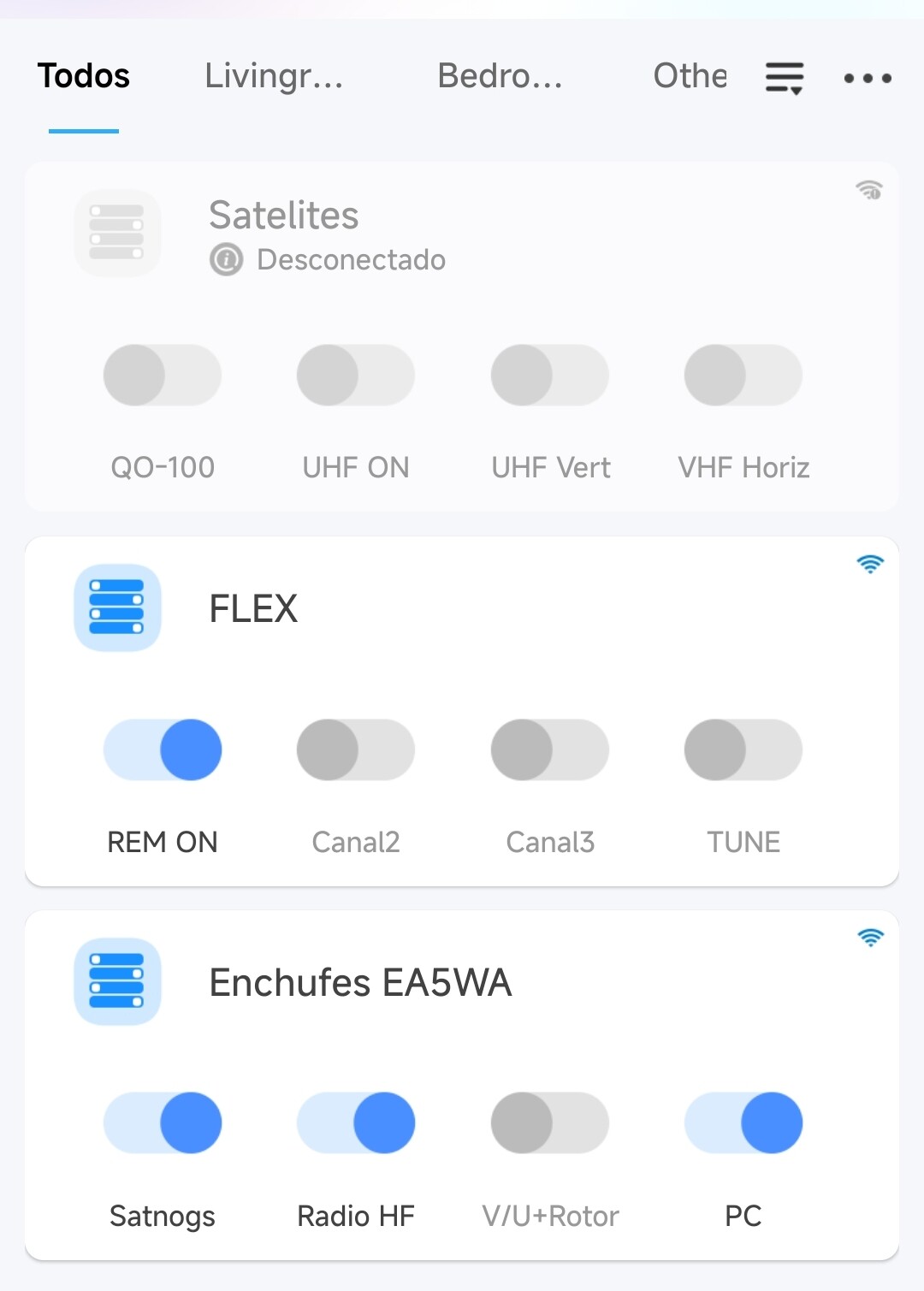
I haven’t found a way to power cycle the RTL-SDR remotely, you could try to find a remotely managed Pi power supply I know @ea5wa seems to have one.
Lowering the sample rate will reduce the decimation value and therefor lowers the reception quality.
At the end I replaced all my SDR devices with other models and haven’t experienced any problems after that.
Have a look at the meta data of all my stations to see what SDR is used.