Not sure where this really belongs but figured I would ask it here. I have been having consistent issues trying to interface different applications over udp. Sometimes packets will go through and other times nothing. And sometimes certain applications will be able to see the packets and other times not.
For example, I have been trying this combination just for test purposes:
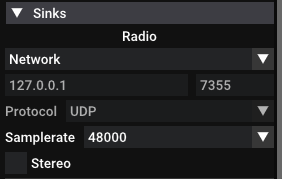
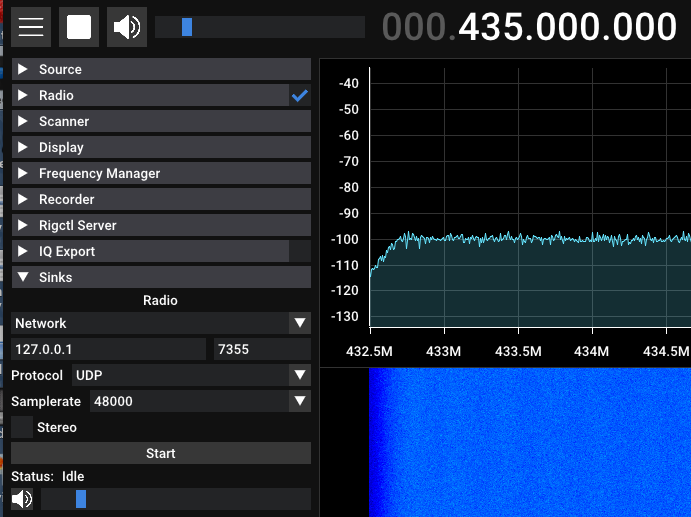
Sdrpp → udp dump 7355 at 48khz at 127.0.0.1 → gr_satellites and I don’t see any packets come through.
Sdrpp → udp dump 7355 at 48khz at 127.0.0.1 → nc -l -u 127.0.0.1 7355 and I don’t see any packets come through.
Sdrpp → udp dump 7355 at 48khz at 127.0.0.1 → generic python socket application. I see packets come through.
Not sure what is the problem and I have tried other applications such as sdrangel and encounter similar issues.
So the whole goal is to be able to stream the udp sink of a sdr software to gr_satellites so that I can decode packets when doing manual tests. Eventually I would also like to do this same process with SDRangel since with this ground station I am trying transmit to digipeater and need the transmit functionality of SDRangel and would be nice to have proper receive decoding at the same time.
Right now I am trying to utilize the radio sink in sdrpp and as mentioned before and I can only see the udp packets come through with python sockets.
I also tried doing something as simple as GNUradio UDP source and plot to a qt frequency and I still don’t see any packets. So it seems like something is fundamentally not working with the GNUradio UDP source given both the gr_satellites and plain gnuradio don’t see any udp packets. I tried two different computers and both show the same problem (minus the previously mentioned ncat issue - that seems to be isolated to some bad install of ncat).
A remark, this will not work when you replay an recorded IQ file because sdr++ isn’t adding a throttle block when replaying and using the Radio network sink.
Maybe consider audio routing towards gr_satellites or use an IQ file as input.
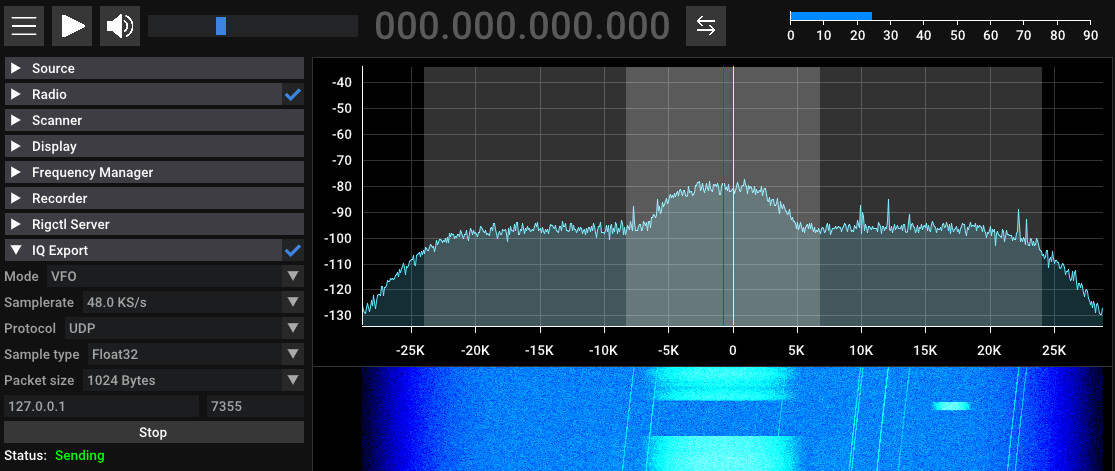
Okay I think it must have been a udp packet format issue (wasn’t using the float32 export with the iq export from sdrpp). Ultimately, I ended up using an internal audio loopback as that proved to be more reliable. Thanks for the help.