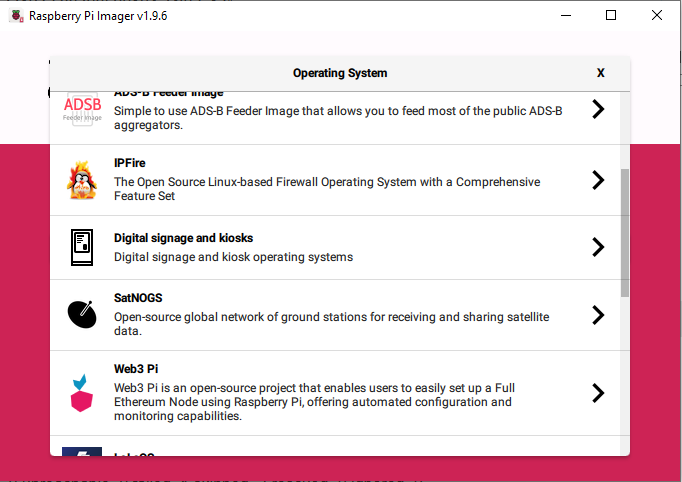
I have this issue in the installation of SatNogs. Could you please help me Thank you in advance.
This is the code in the installation proces. In the end give me error.
ignasisalvat@RBPiSatNOGS:~ $ curl -sfL https://satno.gs/install | sh -s –
Configuring SatNOGS Ansible…
Provisioning SatNOGS station…
9.13.0: Pulling from librespace/ansible
Digest: sha256:78abb3a34e3d4aadd7a2f25e835be37a9445670c70ee4b50ea9b3ba70da0c591
Status: Image is up to date for librespace/ansible:9.13.0
Starting Ansible Pull at 2025-12-01 22:07:51
/usr/local/bin/ansible-pull -i /etc/ansible -U https://gitlab.com/librespacefoundation/satnogs/satnogs-ansible.git -C stable
ansible | SUCCESS => {
“after”: “6e1b4ff5be64177127d7f3798596194cf4f6dc17”,
“ansible_facts”: {
“discovered_interpreter_python”: “/usr/bin/python3”
},
“before”: “6e1b4ff5be64177127d7f3798596194cf4f6dc17”,
“changed”: false,
“remote_url_changed”: false
}
[DEPRECATION WARNING]: community.docker.docker_compose has been deprecated.
This module uses docker-compose v1, which is End of Life since July 2022.
Please migrate to community.docker.docker_compose_v2. This feature will be
removed from community.docker in version 4.0.0. Deprecation warnings can be
disabled by setting deprecation_warnings=False in ansible.cfg.
PLAY [satnogses] ***************************************************************
TASK [common : Check distribution] *********************************************
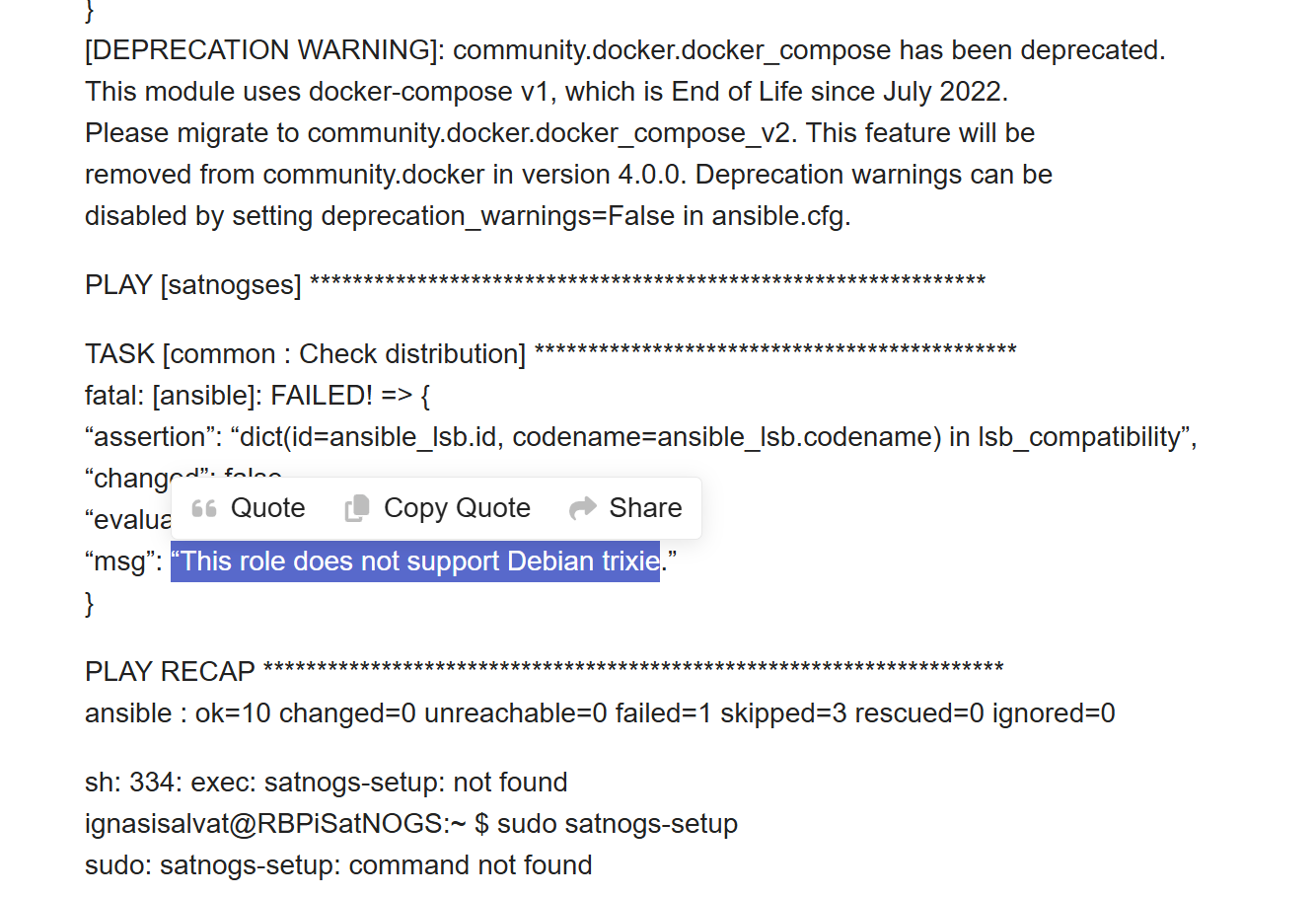
fatal: [ansible]: FAILED! => {
“assertion”: “dict(id=ansible_lsb.id, codename=ansible_lsb.codename) in lsb_compatibility”,
“changed”: false,
“evaluated_to”: false,
“msg”: “This role does not support Debian trixie.”
}
PLAY RECAP *********************************************************************
ansible : ok=10 changed=0 unreachable=0 failed=1 skipped=3 rescued=0 ignored=0
sh: 334: exec: satnogs-setup: not found
ignasisalvat@RBPiSatNOGS:~ $ sudo satnogs-setup
sudo: satnogs-setup: command not found