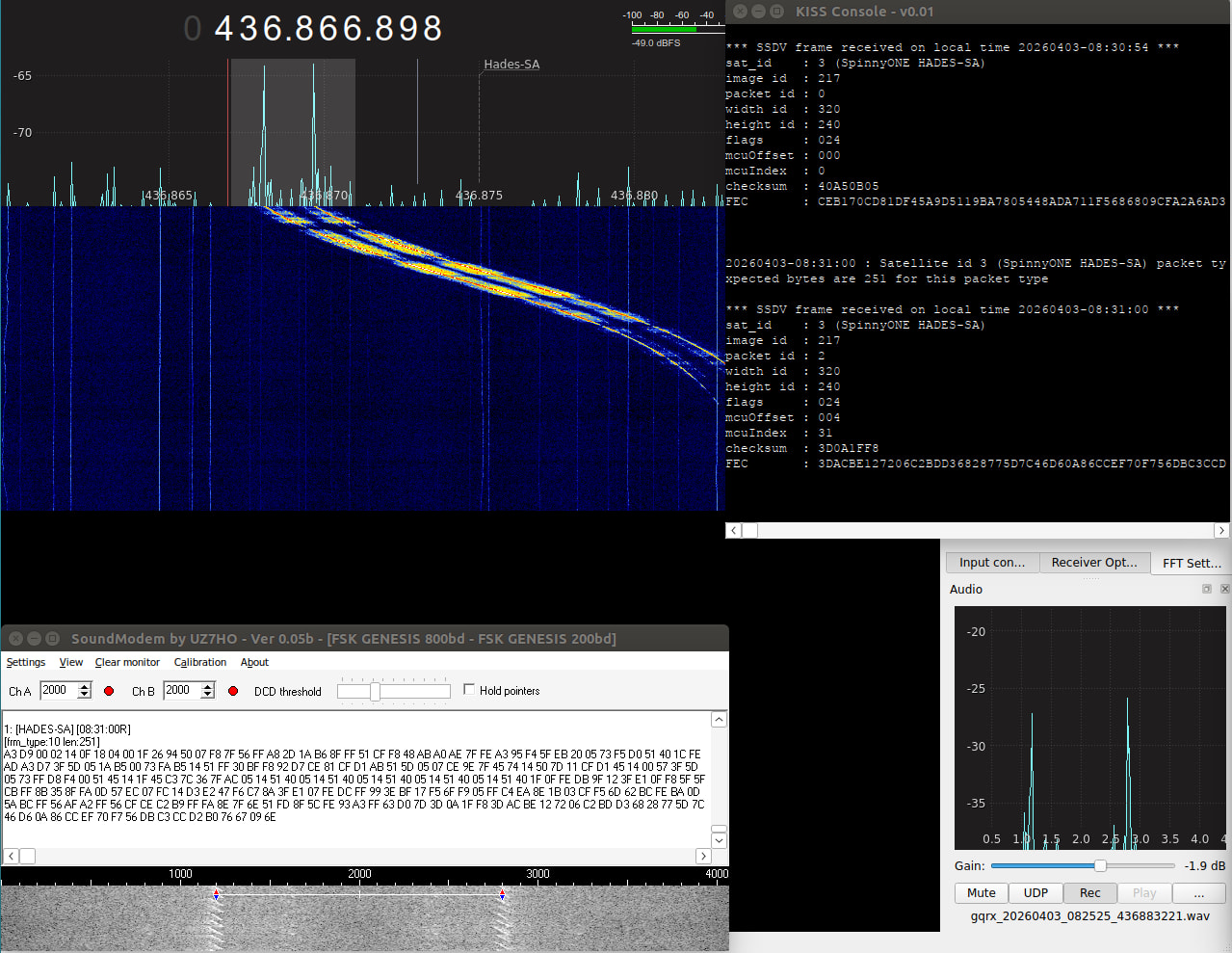
using recording obs from @K4KDR and @pu4elt (thank you for both of you!) , i try ssdv decoding using ssdv2sat and soundmodem uz7ho. and it work flawless.
the ssdv2sat can decode ssdv from lapan-a2, silversat, hades-sa and standard or non standard ssdv. latest version also can decode more data telemetry from silversat.
There should be a mode for SSDV observations, not only fsk200 and fsk800 - something like USB 3khz bandwidth. I have some observations with strong signal but they were cropped by internal filters.
Suggest you use a tool like Audacity to visually inspect the recording that YOU create, and compare it to a recording of the downlink that DOES decode properly.
I would guess you’ll see a difference in level or some other characteristic.
For example, a recording make from mic and speaker will probably have cut off high & low sections of the audio freq. Not good for data!
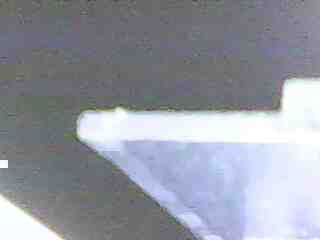
Another nice Hades-SA pass w/ partial image #'s 215, 216, & 217. SO much easier to decode live w/ doppler tracking as opposed to tuning manually on a replay! (fine-tuning required w/ these early TLEs, of course)
If you get run-detectors: unable to find an interpreter for ./ssdv-merge-windows-x86.exe under Linux’s WINE, just use the cat command and the Linux version of ssdv.
Run from the directory with the .bin files of only one image ID: cat *.bin > all.bin
and then: ./ssdv -d all.bin ssdv.jpg
Hello ALL,
i have success with ssdv decoding from hades-sa , ok the software works fine to decode a image even partial.
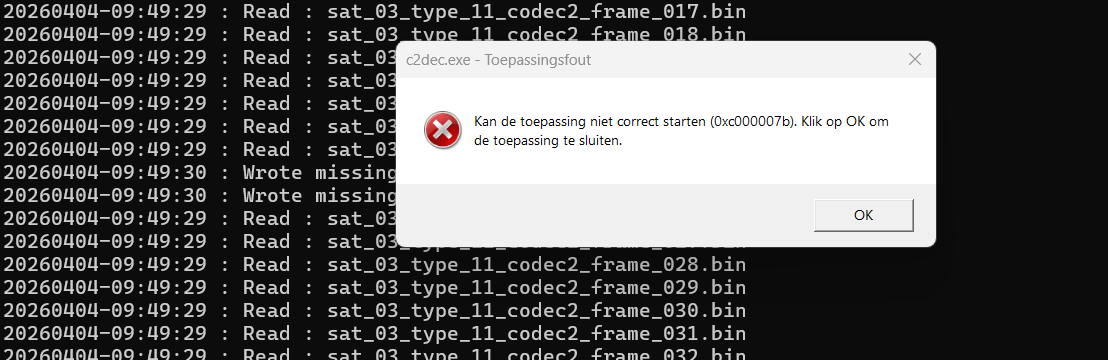
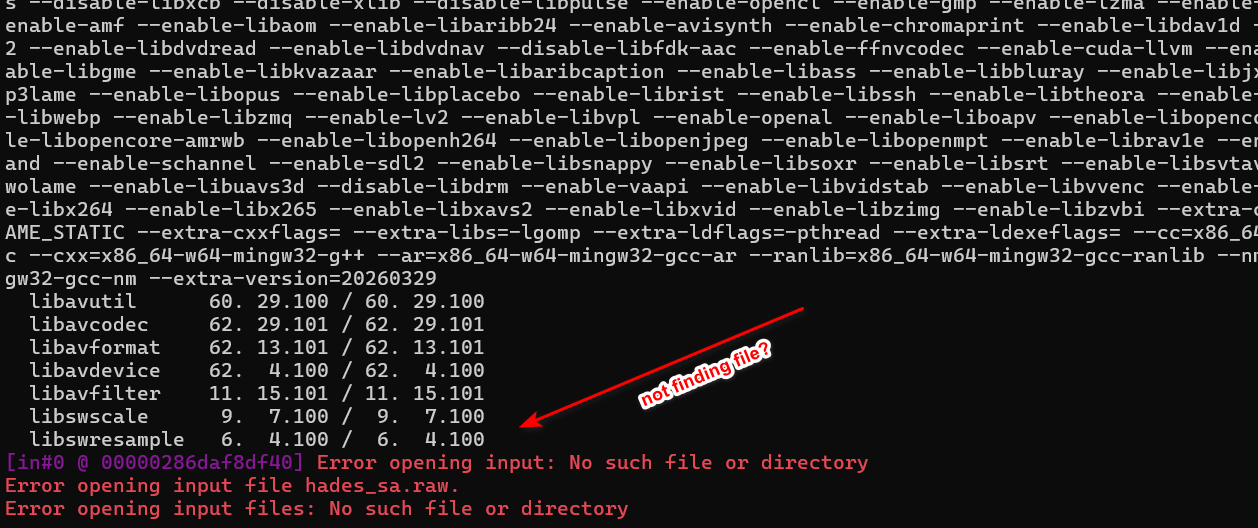
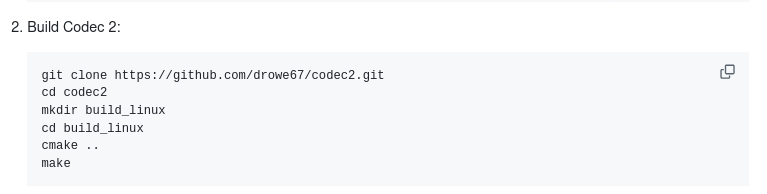
i am have try to decode the codec2 audio file with the run_codec2.bat file , but i am stuck with errors , missing libraries and finaly giving a 0x000007b error .
can someone tell me why i have a error with c2dec .
this seems to be a system errror ?
in attachment some decoded audio frames .bin
after click ok with no libraries i get this screen.
can someone compile the c2dec.exe for windows 11 64 bit?
[sat_03_type_11_codec2_frame_014.zip|attachment]
(upload://w7J5xhzZs9ckx4u86acmzIulcvR.zip) (5.4 KB)
good luck with it
on7ndr
Same problem here. Raw audio file could not be created on Windows 10.
I managed to create the .raw file by running the batch file on Windows 7. But still no conversion into .wav.
By moving the raw audio file to the windows 10 PC and running again the batch file, the wav file was finally there!